Humanize Text vs Word Spinner
Dive into the comparison of Humanize Text vs Word Spinner and discover which AI Paraphraser tool stands out. We examine alternatives, upvotes, features, reviews, pricing, and beyond.
When comparing Humanize Text and Word Spinner, which one rises above the other?
When we compare Humanize Text and Word Spinner, two exceptional paraphraser tools powered by artificial intelligence, and place them side by side, several key similarities and differences come to light. The users have made their preference clear, Humanize Text leads in upvotes. Humanize Text has garnered 8 upvotes, and Word Spinner has garnered 6 upvotes.
Don't agree with the result? Cast your vote and be a part of the decision-making process!
Humanize Text
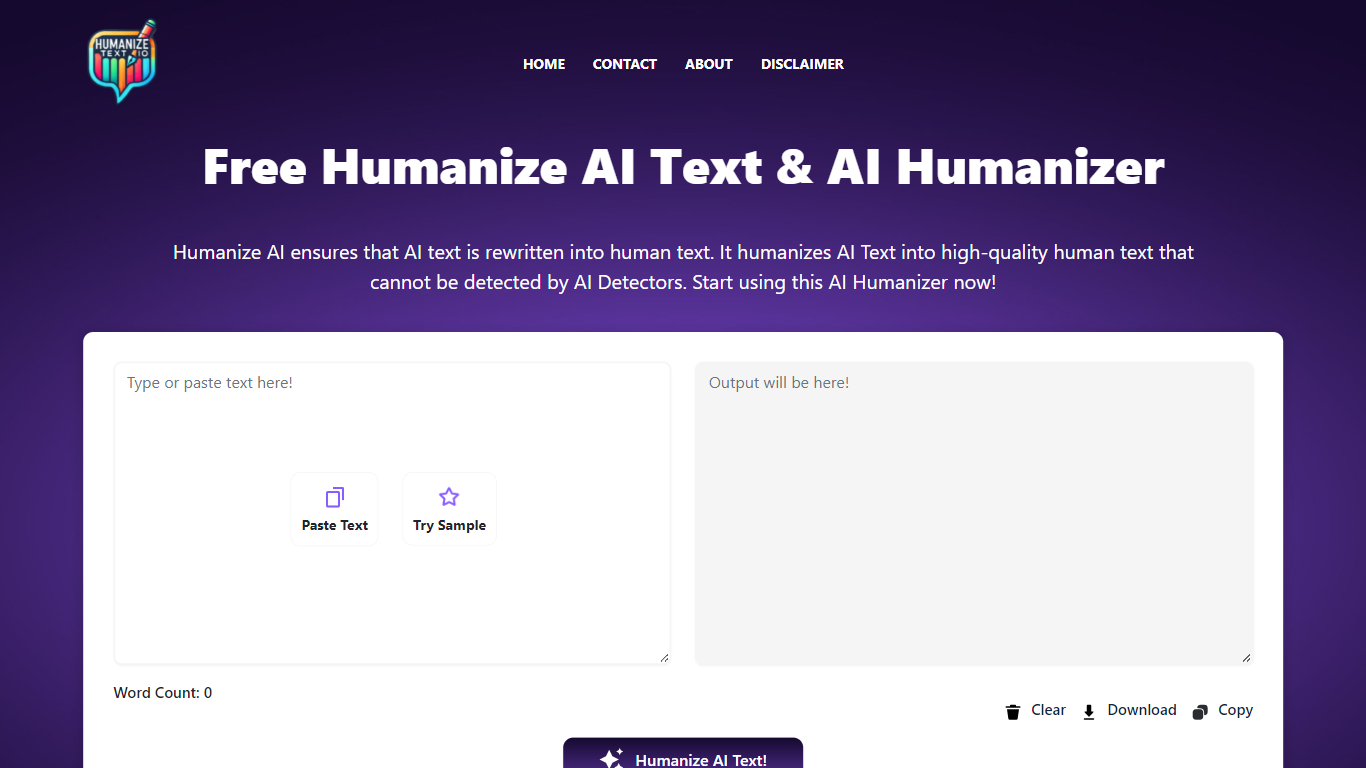

What is Humanize Text?
Humanize Text rewrites AI-generated copy so it reads like a person wrote it. Paste up to 5,000 words into the editor, pick Basic (General) or Enhanced (Academic/Pro), and the model returns a version tuned to pass detectors like Turnitin, ZeroGPT, and Copyleaks. English, Spanish, and French are supported, and the tool runs free in the browser with no account required.
Paraphrasers usually spin synonyms. Humanize Text targets the predictable patterns LLMs leave behind: it highlights word-level changes, offers click-to-replace sentence alternatives, and preserves headings and paragraphs when you paste results into Word or Google Docs. That editing layer matters when you need to spot-check a draft before submitting it.
Students use it to polish essay drafts flagged by Turnitin. SEO writers and marketers run blog posts through it to avoid robotic tone. Professionals rewrite emails and reports so customer-facing copy sounds personal rather than machine-made.
Word Spinner
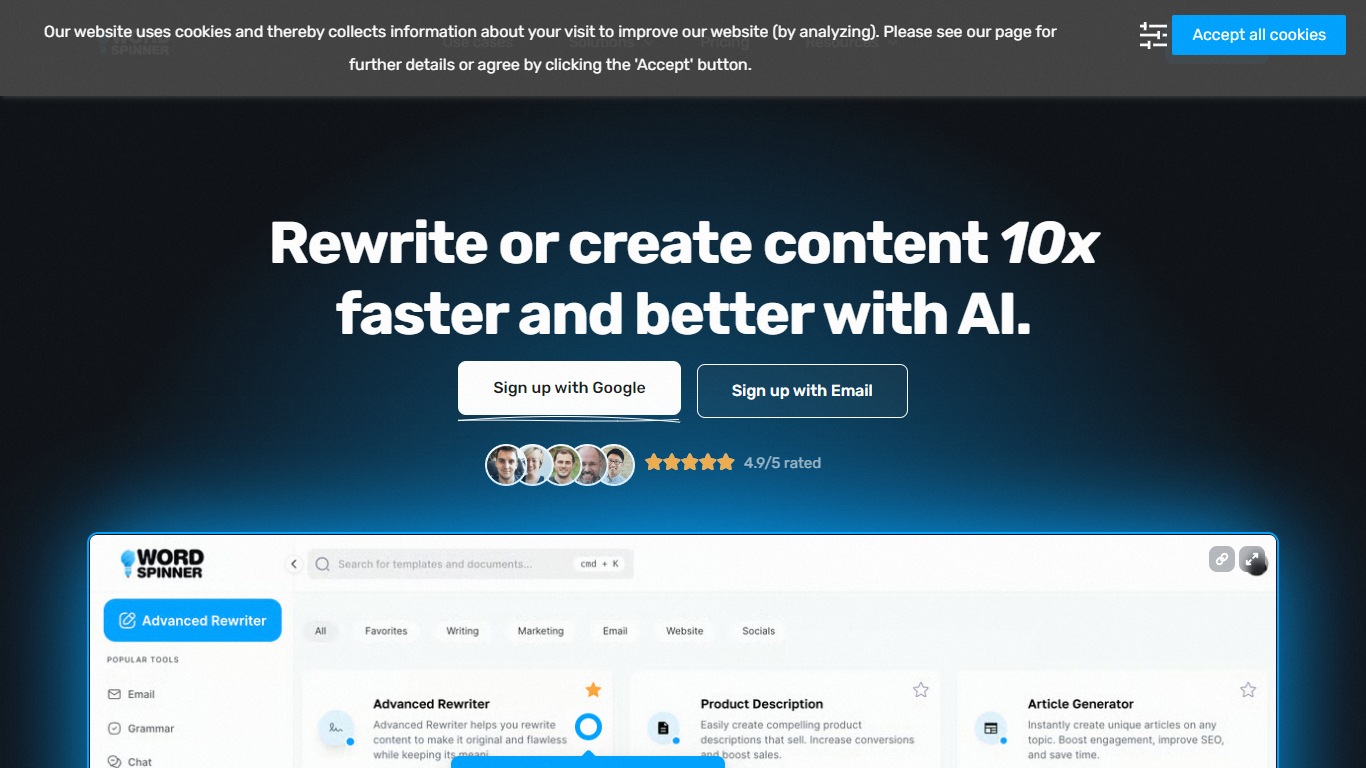
What is Word Spinner?
Word Spinner rewrites AI-generated or stiff drafts so they read like a person wrote them. Paste your text, run the humanizer or advanced rewriter, and get smoother sentence flow with a conversational tone. Built-in AI detection, plagiarism checking, and an AI remover sit in the same editor so you can polish and verify before publishing.
Most paraphrasers only swap synonyms. Word Spinner pairs rewriting with an AI humanizer, detector, and plagiarism checker in one workflow, which matters when you need content that passes both readability and originality checks. The Starter plan caps you at 15,000 words per month, so heavy bloggers will need the Unlimited tier at $49.
Content writers, marketers, and small teams use it for blog posts, emails, and ad copy. Over 100,000 users rely on Word Spinner according to the site, with a browser extension for rewriting directly on the web.
Humanize Text Upvotes
Word Spinner Upvotes
Humanize Text Top Features
Paste up to 5,000 words and humanize them in one click
Basic (General) and Enhanced (Academic/Pro) rewriting modes
Output tuned to pass Turnitin, ZeroGPT, and Copyleaks checks
Word-level change highlighting shows exactly what was rewritten
Click any sentence to generate an alternative phrasing
Preserves headings and paragraph structure for Word or Google Docs paste
Supports English, Spanish, and French input
Word Spinner Top Features
AI Humanizer rewrites text to sound natural with improved sentence flow and tone
Starter plan ($29/month) includes 15,000 words plus rewriter, detector, and plagiarism checker
Unlimited plan ($49/month) removes word caps and supports 5 simultaneous user seats
Built-in AI Detector flags likely AI writing signals before you publish
Writing templates cover blogs, emails, grammar fixes, and ad copy without prompting
5-day free trial on all paid plans with cancel-anytime billing
Browser extension rewrites content directly on webpages
Humanize Text Category
- Paraphraser
Word Spinner Category
- Paraphraser
Humanize Text Pricing Type
- Free
Word Spinner Pricing Type
- Freemium