
Last updated 08-15-2026
Category:
Reviews:
Join thousands of AI enthusiasts in the World of AI!
Humanize Text
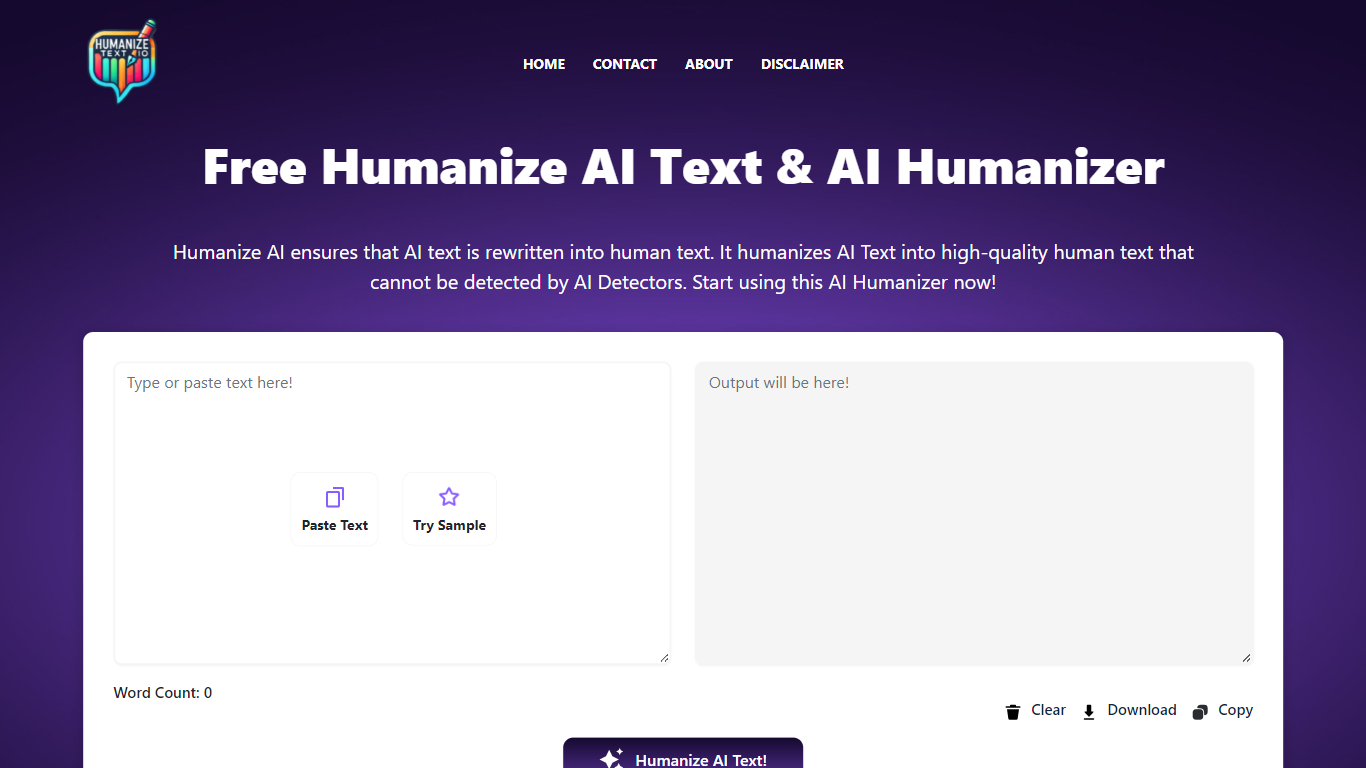
Humanize Text rewrites AI-generated copy so it reads like a person wrote it. Paste up to 5,000 words into the editor, pick Basic (General) or Enhanced (Academic/Pro), and the model returns a version tuned to pass detectors like Turnitin, ZeroGPT, and Copyleaks. English, Spanish, and French are supported, and the tool runs free in the browser with no account required.
Paraphrasers usually spin synonyms. Humanize Text targets the predictable patterns LLMs leave behind: it highlights word-level changes, offers click-to-replace sentence alternatives, and preserves headings and paragraphs when you paste results into Word or Google Docs. That editing layer matters when you need to spot-check a draft before submitting it.
Students use it to polish essay drafts flagged by Turnitin. SEO writers and marketers run blog posts through it to avoid robotic tone. Professionals rewrite emails and reports so customer-facing copy sounds personal rather than machine-made.
Paste up to 5,000 words and humanize them in one click
Basic (General) and Enhanced (Academic/Pro) rewriting modes
Output tuned to pass Turnitin, ZeroGPT, and Copyleaks checks
Word-level change highlighting shows exactly what was rewritten
Click any sentence to generate an alternative phrasing
Preserves headings and paragraph structure for Word or Google Docs paste
Supports English, Spanish, and French input
Free with a 5,000-word limit and no sign-up
Two modes cover general and academic tone needs
Sentence-level alternatives let you fine-tune output
Format preservation keeps headings when pasting into docs
Privacy policy states text is not stored or used for training
Cloudflare protection can block automated screenshot or bot access
Terms prohibit direct API use outside the web interface
Only three languages are listed on the homepage
Detector bypass claims depend on each platform's detection updates
Is Humanize Text free?
Yes. Humanize Text is a free online humanizer with no account required. Paste your text, choose a mode, and click Humanize Text to process it in the browser.
Does Humanize Text bypass Turnitin?
Humanize Text states its model is tested against Turnitin, ZeroGPT, Copyleaks, and other detectors so rewritten output passes as human-written. Results depend on your source text and the detector version.
What is the word limit on Humanize Text?
Humanize Text accepts up to 5,000 words per run in the input editor. The page shows a live word count as you paste content.
What modes does Humanize Text offer?
Humanize Text has two settings: Basic (General) for everyday copy and Enhanced (Academic/Pro) for stricter academic or professional tone. You select the mode before clicking Humanize Text.
Does Humanize Text store my text?
No. Humanize Text says it does not save input or output, does not log texts in databases, and does not use your content for machine learning. Processing happens in real time.
What languages does Humanize Text support?
Humanize Text supports English, Spanish, and French. Select the language before running the humanizer on your pasted text.