
Last updated 08-15-2026
Category:
Reviews:
Join thousands of AI enthusiasts in the World of AI!
Readefine
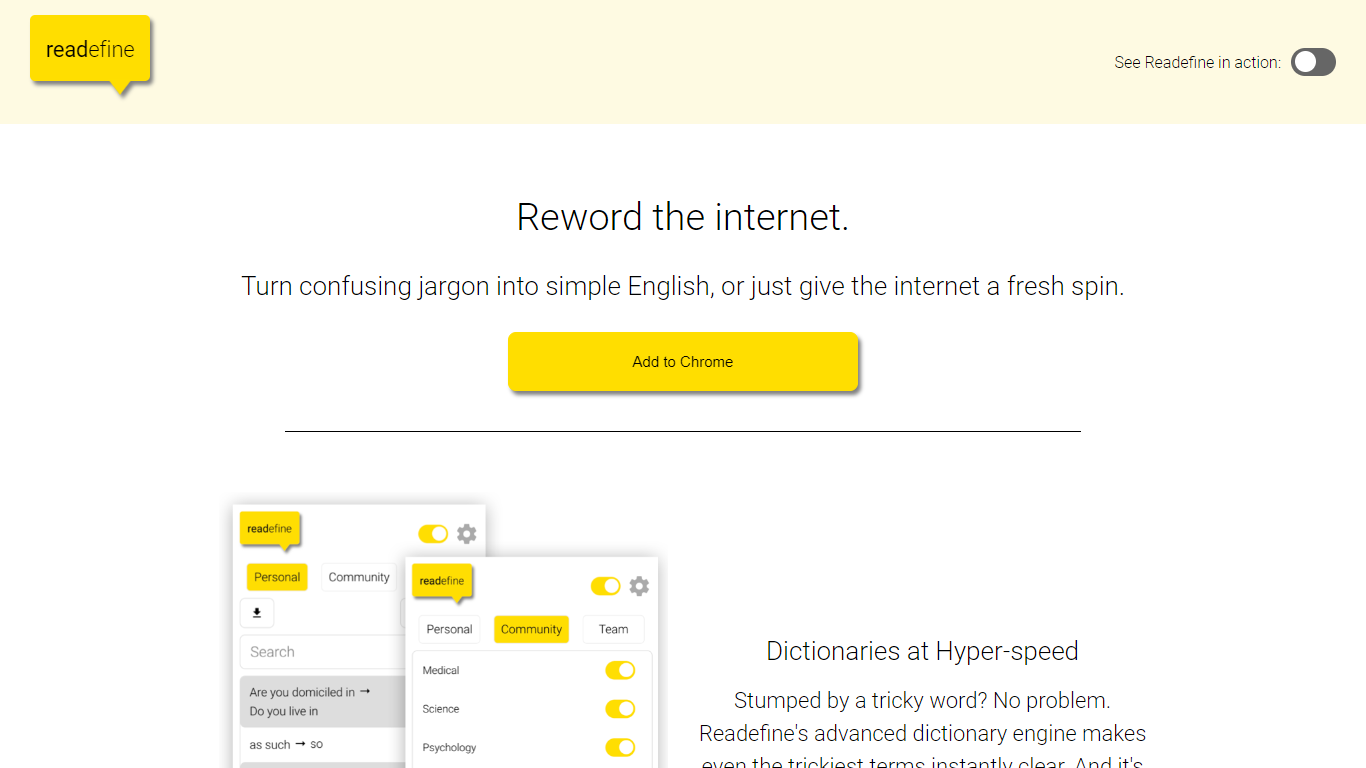
Readefine is a Chrome extension that rewords text on live webpages as you browse. It pairs a dictionary engine for instant word and phrase swaps with optional AI modes that simplify, summarize, translate, or restyle copy in place. You can load community-built dictionaries or write your own rules for jargon, units, and terminology.
Most paraphraser tools ask you to paste text into a separate editor. Readefine works directly on the page you are reading, which helps when you are scanning news, docs, or forums and want the site itself rewritten without copy-pasting. The trade-off is it is Chrome-only and depends on the extension staying active in your browser session.
ESL readers, students, and parents who want simpler language on everyday sites are the core audience. Researchers and professionals can use tone presets or custom AI prompts on a paid plan to reshape dense industry copy while they read.
Chrome extension v6.0.1 rewords live web pages in place without copy-pasting
Custom or community dictionary engine swaps thousands of words and phrases automatically
AI modes simplify text for Children, Average Adults, or ESL readers on any page
Built-in unit conversion for temperatures, distances, and currencies
Paid subscription unlocks custom AI prompts for personalized rewording styles
Extension size 3.82 MiB with a 4.5-star rating from 6 Chrome Web Store reviews
Rewords live webpages without copy-pasting text
Custom and community dictionary support
Multiple AI readability and tone presets
Free Basic tier with optional Pro upgrades
Chrome extension only with no listed Firefox or Safari support
Pro pricing is not published on the marketing site itself
Requires extension permissions to read website content
What is Readefine?
Readefine is a Chrome extension that rewords text on webpages as you browse. It combines dictionary-based replacements with AI modes for simplifying, summarizing, translating, and restyling page copy.
How does Readefine reword webpages?
Readefine runs a dictionary engine for instant word swaps and optional AI modes that rewrite visible page text. You can use built-in presets or custom dictionaries to control what changes on each site.
Is Readefine free to use?
Readefine offers a free Basic plan with core rewording features. The Pro plan adds advanced customization and priority support through in-app purchases listed in the Chrome Web Store.
What AI rewording modes does Readefine include?
Readefine AI can simplify text for Children, Average Adults, or ESL readers, summarize or complexify copy, change tone, translate into languages like Spanish and Greek, and apply fun styles such as pirate or Yoda voice.
Can I use custom dictionaries in Readefine?
Yes. Readefine lets you build your own dictionary or opt into community-created dictionaries. The engine applies those word and phrase rules across pages automatically.
Which browsers support Readefine?
Readefine is built as a Chrome extension available through the Chrome Web Store. It is optimized for Google Chrome and does not list support for other browsers.
Does Readefine work on all websites?
Readefine is designed to reword content on most websites you visit in Chrome. Results depend on how each page renders text and what permissions the extension has for that site.