Readefine vs Paraphrasing Tool
Dive into the comparison of Readefine vs Paraphrasing Tool and discover which AI Paraphraser tool stands out. We examine alternatives, upvotes, features, reviews, pricing, and beyond.
When comparing Readefine and Paraphrasing Tool, which one rises above the other?
When we compare Readefine and Paraphrasing Tool, two exceptional paraphraser tools powered by artificial intelligence, and place them side by side, several key similarities and differences come to light. The upvote count is neck and neck for both Readefine and Paraphrasing Tool. Since other aitools.fyi users could decide the winner, the ball is in your court now to cast your vote and help us determine the winner.
Feeling rebellious? Cast your vote and shake things up!
Readefine

What is Readefine?
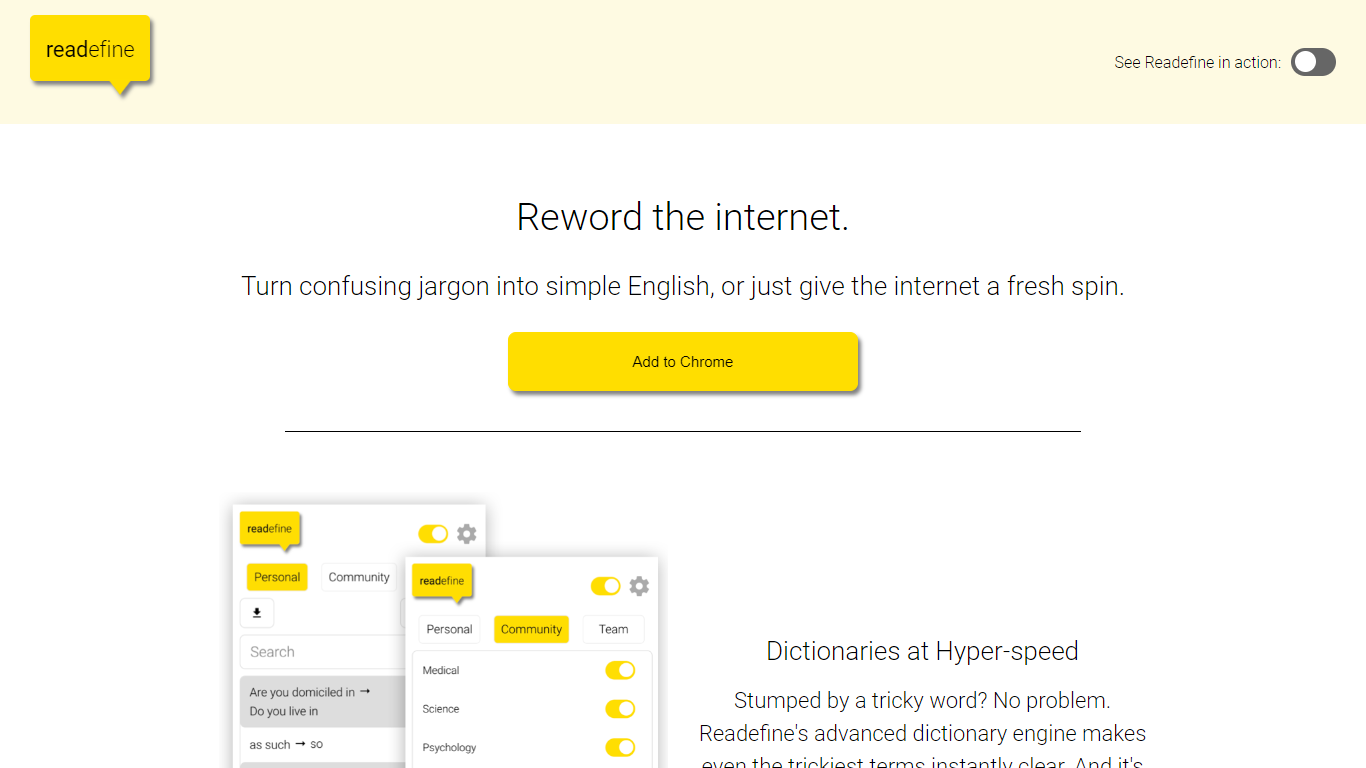
Readefine is a Chrome extension that rewords text on live webpages as you browse. It pairs a dictionary engine for instant word and phrase swaps with optional AI modes that simplify, summarize, translate, or restyle copy in place. You can load community-built dictionaries or write your own rules for jargon, units, and terminology.
Most paraphraser tools ask you to paste text into a separate editor. Readefine works directly on the page you are reading, which helps when you are scanning news, docs, or forums and want the site itself rewritten without copy-pasting. The trade-off is it is Chrome-only and depends on the extension staying active in your browser session.
ESL readers, students, and parents who want simpler language on everyday sites are the core audience. Researchers and professionals can use tone presets or custom AI prompts on a paid plan to reshape dense industry copy while they read.
Paraphrasing Tool
What is Paraphrasing Tool?
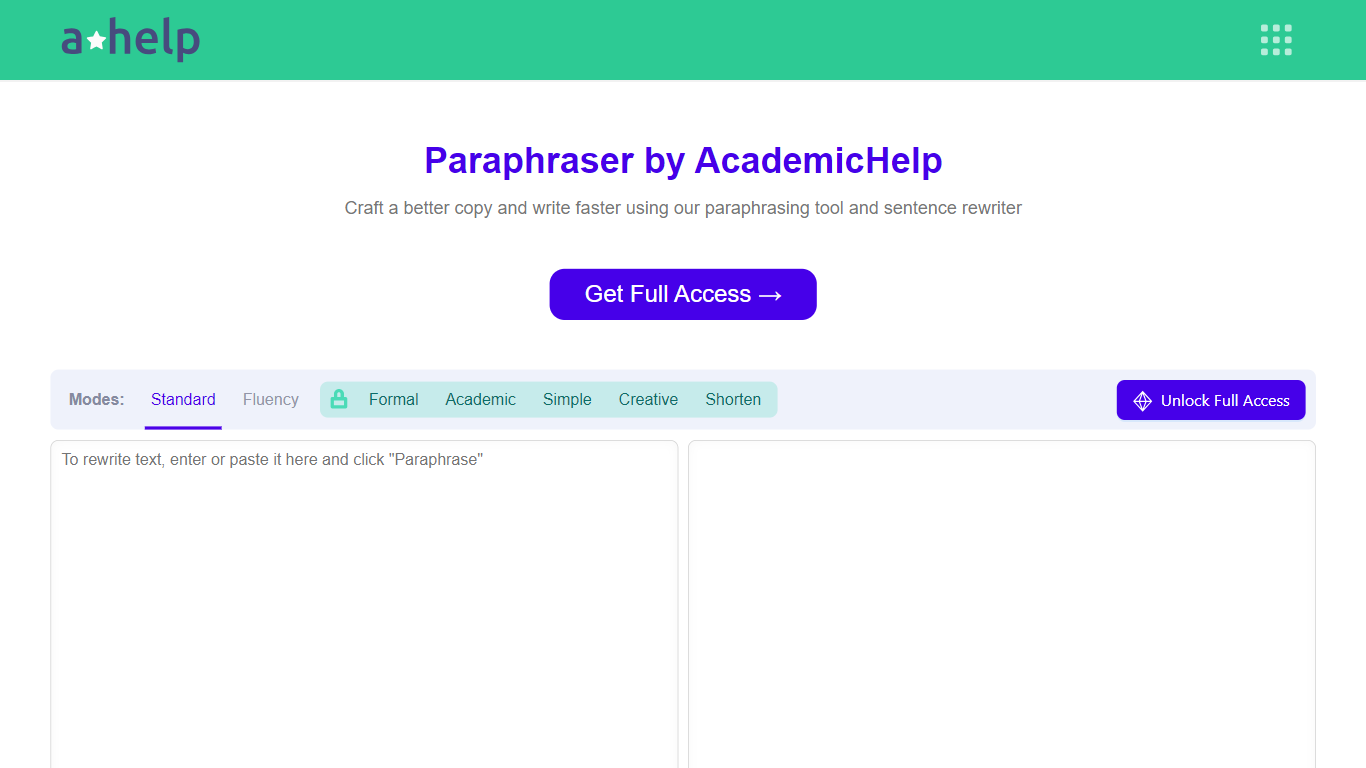
AHelp's Paraphrasing Tool rewrites pasted or uploaded text while keeping the original meaning, with context-aware sentence changes instead of simple synonym swaps. The free tier covers Standard and Fluency modes up to 200 words, and premium unlocks Formal, Academic, Simple, Creative, and Shorten modes with a 6,000-word cap per run.
Most paraphrasers stop at one generic rewrite tone. This tool offers seven modes, nine languages, and file uploads for PDF, DOC, DOCX, RTF, ODT, and TXT, plus Chrome and Microsoft Edge extensions that carry the same rewriter into your browser workflow.
Students, educators, and professionals use it for essays, reports, and multilingual drafts when they need clearer wording without drifting from the source intent. Full access runs through AHelp Learning Hub subscriptions that also bundle plagiarism and AI detection credits.
Readefine Upvotes
Paraphrasing Tool Upvotes
Readefine Top Features
Chrome extension v6.0.1 rewords live web pages in place without copy-pasting
Custom or community dictionary engine swaps thousands of words and phrases automatically
AI modes simplify text for Children, Average Adults, or ESL readers on any page
Built-in unit conversion for temperatures, distances, and currencies
Paid subscription unlocks custom AI prompts for personalized rewording styles
Extension size 3.82 MiB with a 4.5-star rating from 6 Chrome Web Store reviews
Paraphrasing Tool Top Features
Seven paraphrasing modes from Standard and Fluency to Formal, Academic, Creative, and Shorten
Free tier handles 200 words per run; premium raises the limit to 6,000 words
Supports nine languages including English, Spanish, Portuguese, German, French, Italian, Dutch, Korean, and Japanese
Upload PDF, DOC, DOCX, RTF, ODT, and TXT files directly into the rewriter
Google Chrome and Microsoft Edge extensions for in-browser paraphrasing
Context-based rewriting that preserves meaning rather than swapping isolated words
Readefine Category
- Paraphraser
Paraphrasing Tool Category
- Paraphraser
Readefine Pricing Type
- Freemium
Paraphrasing Tool Pricing Type
- Freemium