
Last updated 08-15-2026
Category:
Reviews:
Join thousands of AI enthusiasts in the World of AI!
Paraphrasing Tool
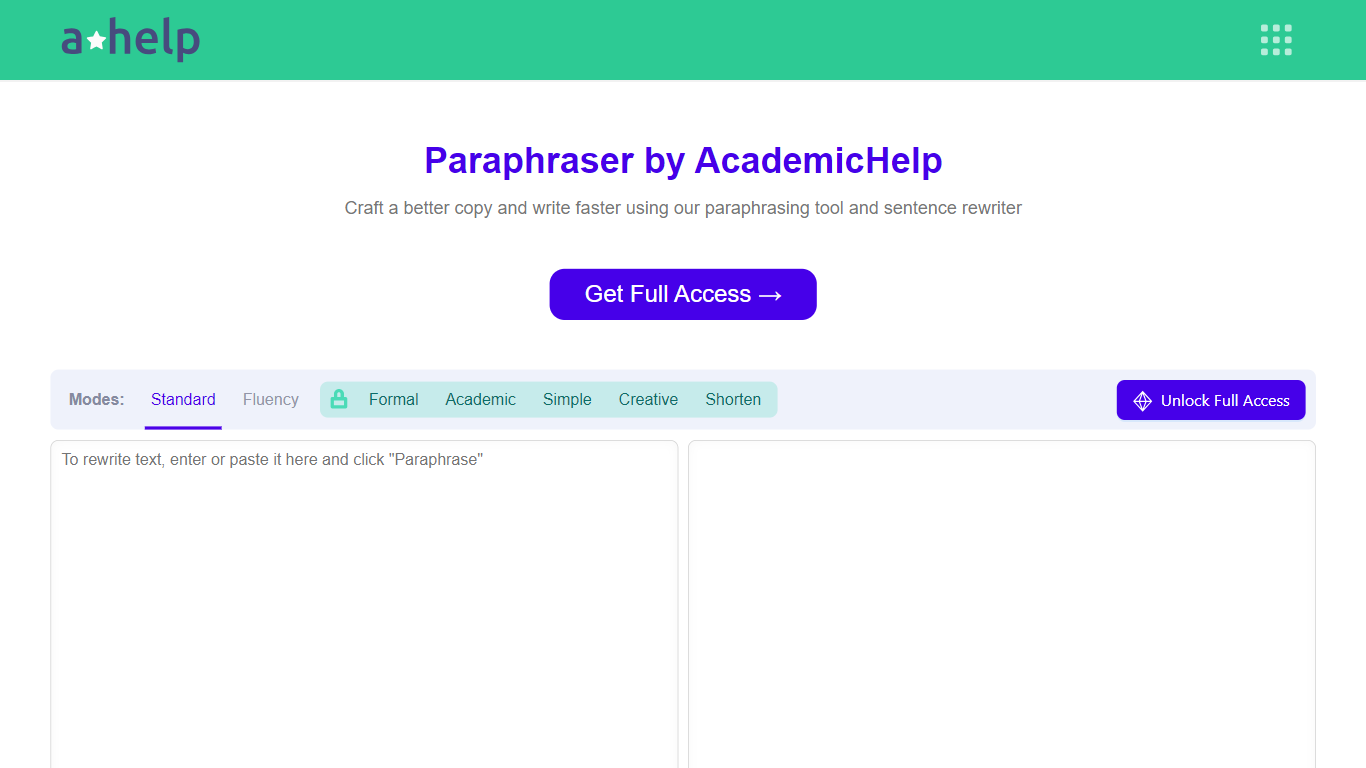
AHelp's Paraphrasing Tool rewrites pasted or uploaded text while keeping the original meaning, with context-aware sentence changes instead of simple synonym swaps. The free tier covers Standard and Fluency modes up to 200 words, and premium unlocks Formal, Academic, Simple, Creative, and Shorten modes with a 6,000-word cap per run.
Most paraphrasers stop at one generic rewrite tone. This tool offers seven modes, nine languages, and file uploads for PDF, DOC, DOCX, RTF, ODT, and TXT, plus Chrome and Microsoft Edge extensions that carry the same rewriter into your browser workflow.
Students, educators, and professionals use it for essays, reports, and multilingual drafts when they need clearer wording without drifting from the source intent. Full access runs through AHelp Learning Hub subscriptions that also bundle plagiarism and AI detection credits.
Seven paraphrasing modes from Standard and Fluency to Formal, Academic, Creative, and Shorten
Free tier handles 200 words per run; premium raises the limit to 6,000 words
Supports nine languages including English, Spanish, Portuguese, German, French, Italian, Dutch, Korean, and Japanese
Upload PDF, DOC, DOCX, RTF, ODT, and TXT files directly into the rewriter
Google Chrome and Microsoft Edge extensions for in-browser paraphrasing
Context-based rewriting that preserves meaning rather than swapping isolated words
Seven rewrite modes with clear free versus premium boundaries.
Nine-language support with document uploads for common academic formats.
Chrome and Edge extensions extend paraphrasing beyond the main site.
Free tier limits runs to 200 words and two modes.
Stored academichelp.net URL redirects to ahelp.com, which can confuse bookmarks.
Premium pricing is bundled with broader AHelp credits, not paraphrasing alone.
Is the AHelp Paraphrasing Tool free?
Yes. AHelp offers free Standard and Fluency paraphrasing up to 200 words per run. Premium unlocks five additional modes and raises the limit to 6,000 words through AHelp Learning Hub plans.
What paraphrasing modes does AHelp include?
The Paraphrasing Tool includes Standard, Fluency, Formal, Academic, Simple, Creative, and Shorten modes. Standard and Fluency are available on the free tier, while the other five require premium access.
Which languages does the Paraphrasing Tool support?
The AHelp Paraphrasing Tool works in nine languages: English, Spanish, Portuguese, German, French, Italian, Dutch, Korean, and Japanese.
Can I upload documents to paraphrase?
Yes. AHelp accepts PDF, DOC, DOCX, RTF, ODT, and TXT uploads in the paraphrasing interface, so you can rewrite full documents instead of pasting line by line.
Does AHelp offer browser extensions?
Yes. AHelp publishes paraphrasing extensions for Google Chrome and Microsoft Edge, so you can access the rewriter outside the main web editor.
How much does AHelp premium cost?
AHelp Learning Hub Essential is $9.95 per month or $49.95 billed annually, and Productive is $19.95 per month or $99.95 billed annually. Those plans unlock premium paraphrasing modes and higher daily credit limits.