re:write vs Paraphrasing Tool
Compare re:write vs Paraphrasing Tool and see which AI Paraphraser tool is better when we compare features, reviews, pricing, alternatives, upvotes, etc.
Which one is better? re:write or Paraphrasing Tool?
When we compare re:write with Paraphrasing Tool, which are both AI-powered paraphraser tools, Both tools have received the same number of upvotes from aitools.fyi users. Join the aitools.fyi users in deciding the winner by casting your vote.
Does the result make you go "hmm"? Cast your vote and turn that frown upside down!
re:write

What is re:write?
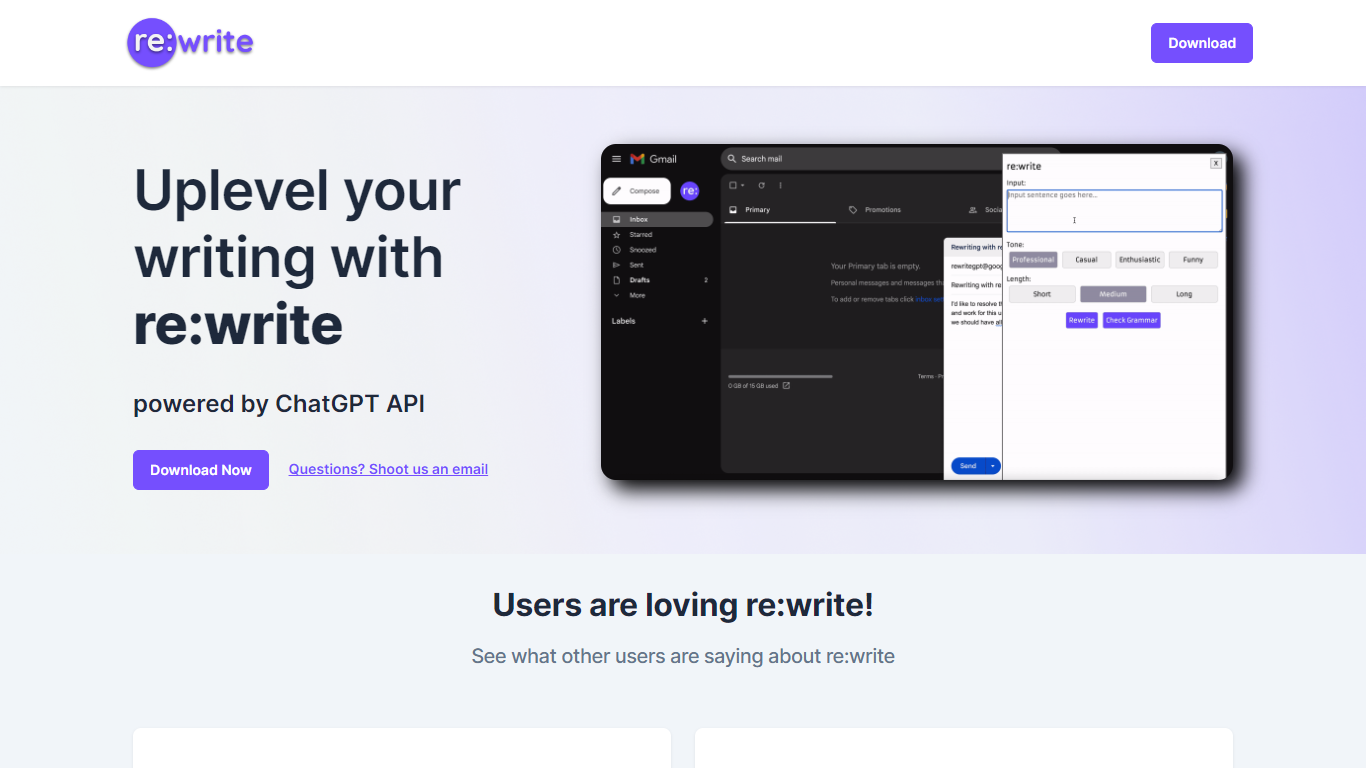
re:write is a free Chrome extension that rewrites whatever text you select using the ChatGPT API. Install it from the Chrome Web Store, highlight text in any webpage or email compose window, and get a polished rewrite with one click. The extension runs locally in your browser and sends the selected passage to ChatGPT for rewriting.
Unlike full writing suites that open a separate editor, re:write stays inside the page you are already working in. Grammarly and Wordtune offer similar inline rewriting, but re:write keeps the scope narrow: it rewrites selected text and nothing else. There is no dashboard, no document upload, and no subscription gate on the homepage.
Developers and office workers who write emails, Slack messages, or documentation in the browser are the core audience. The site lists software engineers among its testimonials and points to a Chrome Web Store listing titled 'Rewrite: Your Writing Companion.'
Paraphrasing Tool
What is Paraphrasing Tool?
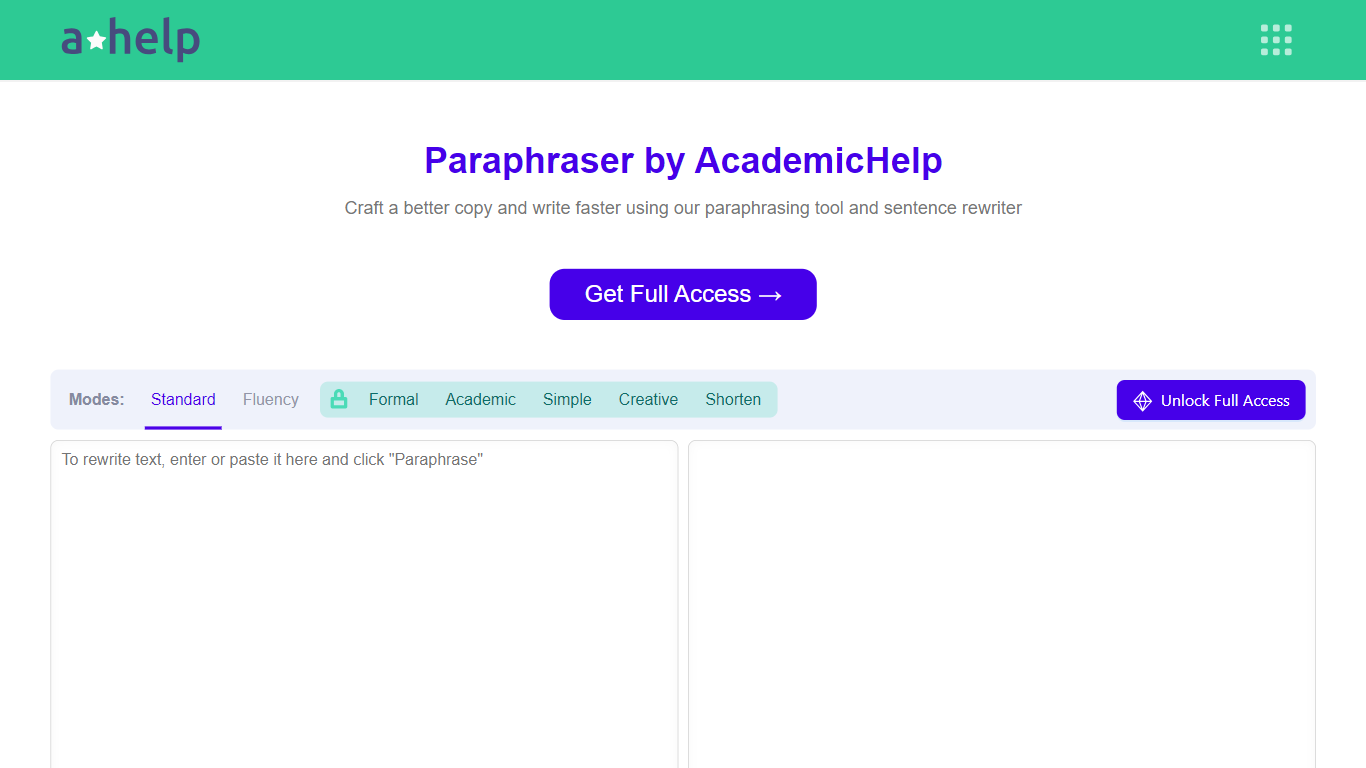
AHelp's Paraphrasing Tool rewrites pasted or uploaded text while keeping the original meaning, with context-aware sentence changes instead of simple synonym swaps. The free tier covers Standard and Fluency modes up to 200 words, and premium unlocks Formal, Academic, Simple, Creative, and Shorten modes with a 6,000-word cap per run.
Most paraphrasers stop at one generic rewrite tone. This tool offers seven modes, nine languages, and file uploads for PDF, DOC, DOCX, RTF, ODT, and TXT, plus Chrome and Microsoft Edge extensions that carry the same rewriter into your browser workflow.
Students, educators, and professionals use it for essays, reports, and multilingual drafts when they need clearer wording without drifting from the source intent. Full access runs through AHelp Learning Hub subscriptions that also bundle plagiarism and AI detection credits.
re:write Upvotes
Paraphrasing Tool Upvotes
re:write Top Features
One-click rewrite of any selected text inside Chrome without leaving the page
Powered by the ChatGPT API for grammar and clarity improvements
Free Chrome Web Store extension with no paid tier listed on the homepage
Works in email compose windows and any text field in the browser
Install from Chrome Web Store listing pjifjiphadppnphhcmkiempbimcbhjoo
Paraphrasing Tool Top Features
Seven paraphrasing modes from Standard and Fluency to Formal, Academic, Creative, and Shorten
Free tier handles 200 words per run; premium raises the limit to 6,000 words
Supports nine languages including English, Spanish, Portuguese, German, French, Italian, Dutch, Korean, and Japanese
Upload PDF, DOC, DOCX, RTF, ODT, and TXT files directly into the rewriter
Google Chrome and Microsoft Edge extensions for in-browser paraphrasing
Context-based rewriting that preserves meaning rather than swapping isolated words
re:write Category
- Paraphraser
Paraphrasing Tool Category
- Paraphraser
re:write Pricing Type
- Free
Paraphrasing Tool Pricing Type
- Freemium