Humanizer AI vs Writer's brew
In the contest of Humanizer AI vs Writer's brew, which AI Writing Assistant tool is the champion? We evaluate pricing, alternatives, upvotes, features, reviews, and more.
If you had to choose between Humanizer AI and Writer's brew, which one would you go for?
When we examine Humanizer AI and Writer's brew, both of which are AI-enabled writing assistant tools, what unique characteristics do we discover? With more upvotes, Humanizer AI is the preferred choice. The number of upvotes for Humanizer AI stands at 6, and for Writer's brew it's 4.
Disagree with the result? Upvote your favorite tool and help it win!
Humanizer AI

What is Humanizer AI?
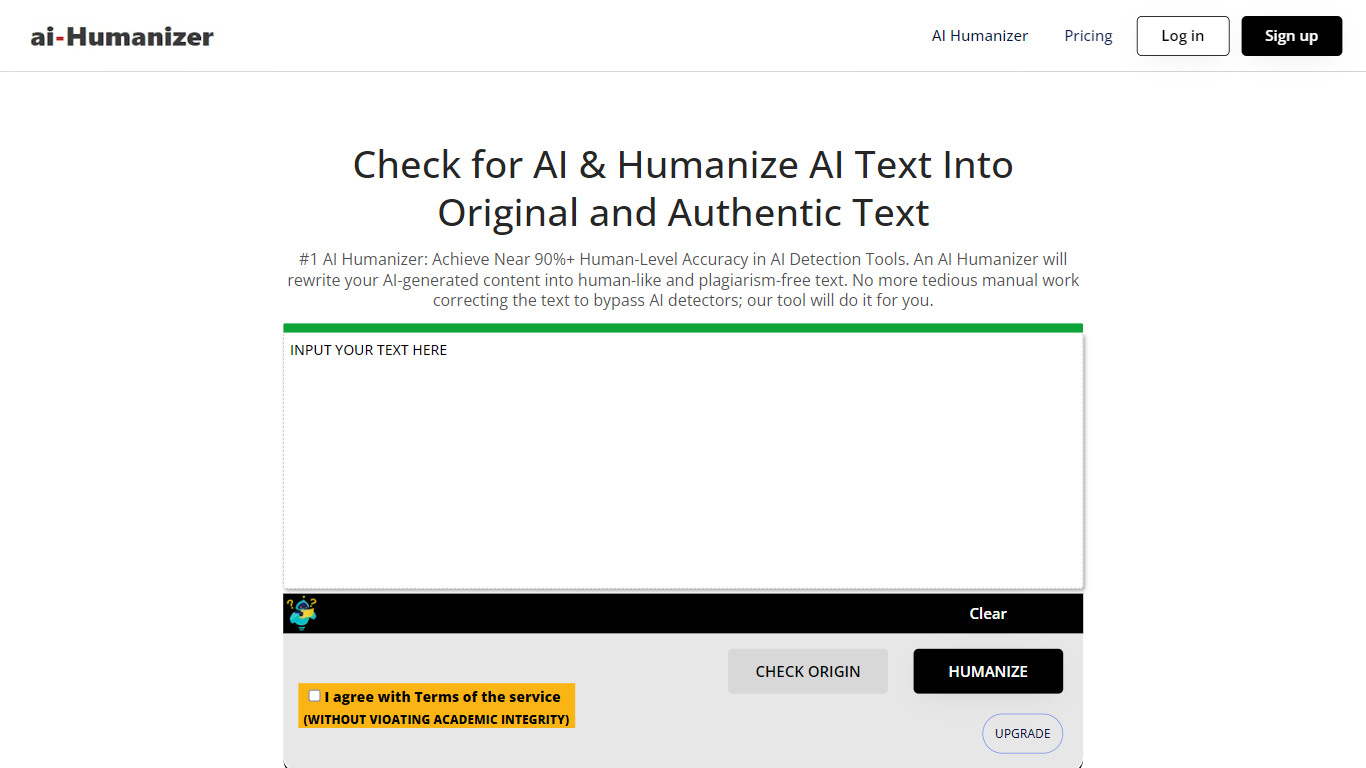
Humanizer AI rewrites text from ChatGPT, Gemini, Jasper, and other writers so it reads more like a person wrote it. Paste your draft, pick an algorithm, and the tool restructures the wording while keeping the meaning intact. It also includes a built-in AI detector that checks your text against tools like GPTZero, Turnitin, CopyLeaks, and Originality.ai before and after humanizing.
The platform offers three rewriting modes: Enhanced for general use, Lite 1.0 for free English processing, and More Human for multilingual output. The team built its own large-scale NLP algorithm rather than inserting odd words or awkward phrasing to fool detectors.
Writers, bloggers, marketers, and content creators use it when they want AI-assisted drafts to pass detector checks and sound less mechanical. The site positions the tool for anyone who needs privacy when using AI writers or wants to avoid false positives from detection systems.
Writer's brew
What is Writer's brew?
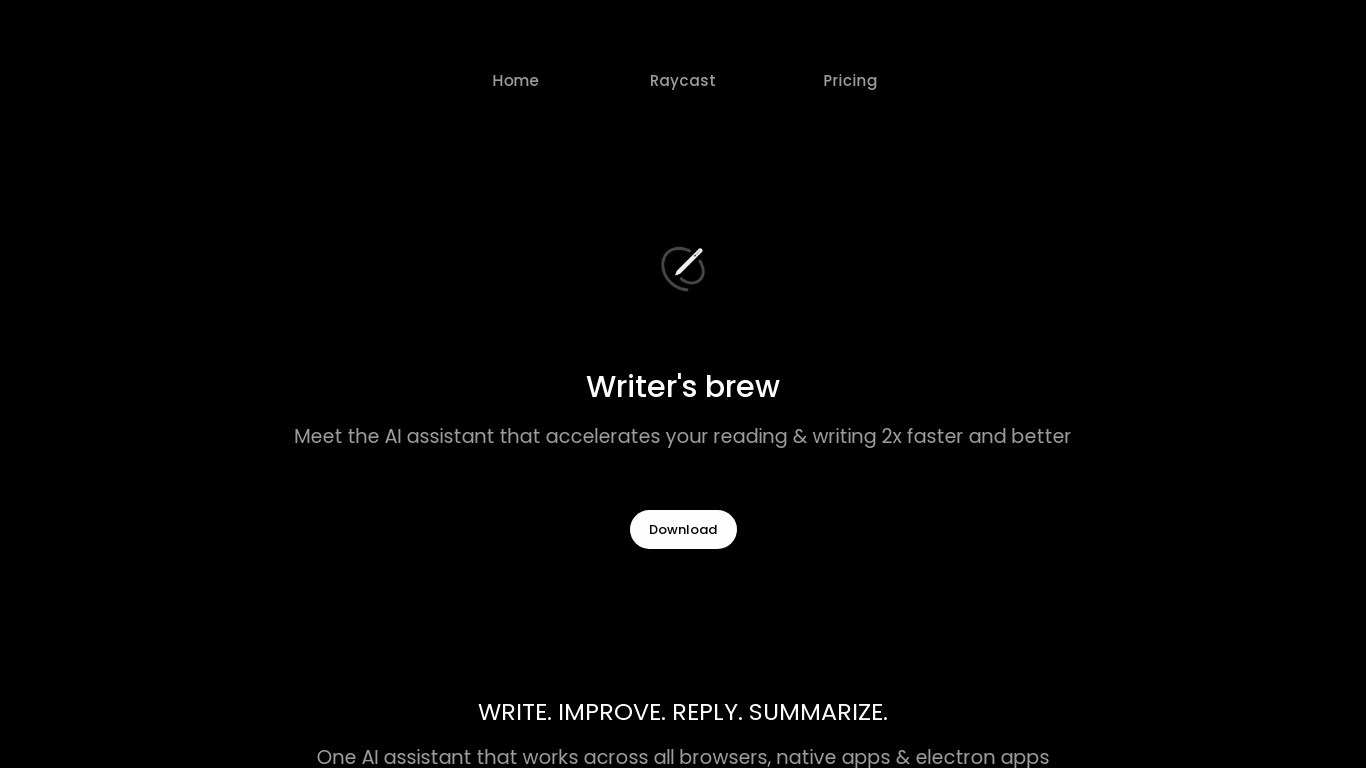
Writer's brew is a macOS writing assistant that rewrites, summarizes, translates, and replies to text you highlight in any app. It runs from the menu bar, a Spotlight-style popup, or keyboard shortcuts, and includes snippets, 15+ text utilities, and OCR that pulls words from images before sending them to AI. You bring your own OpenAI API key, so usage costs go to OpenAI rather than a monthly SaaS bill.
Most writing assistants live inside one browser tab or web editor. Writer's brew works system-wide on macOS 15.0 or later, which suits people who jump between Notes, email, Slack, and docs all day. The trade-off is it is Mac-only, requires your own OpenAI key, and skips the managed cloud workflow that all-in-one web tools provide.
Product managers, founders, and students who draft in multiple native Mac apps are the core audience. Power users pair it with Raycast or PopClip extensions for one-click rewrites, while snippet forms with placeholders like {date} and {clipboard} handle repetitive replies.
Humanizer AI Upvotes
Writer's brew Upvotes
Humanizer AI Top Features
Paste AI text and humanize it with one click using Enhanced, Lite, or More Human modes
Built-in detector checks your text against GPTZero, Turnitin, CopyLeaks, and Originality.ai
Claims near 90% human-level scores on major AI detection tools
Rewrites output as plagiarism-free text without adding typos or awkward phrasing
Check origin button lets you test AI detection before you humanize
Writer's brew Top Features
30+ AI writing tools plus 50+ community presets for rewrite, summarize, translate, and reply tasks
Works across any macOS app via menu bar, Spotlight-style popup, or custom keyboard shortcuts
Snippet engine with smart placeholders like {date}, {clipboard}, and custom form fields
OCR extracts text from images anywhere on macOS before running AI transforms
Raycast and PopClip integrations add one-click presets from selected text
Pro license covers 2 devices for $29 with lifetime use and requires your own OpenAI API key
Translates highlighted text across 15+ languages from the same popup interface
Humanizer AI Category
- Writing Assistant
Writer's brew Category
- Writing Assistant
Humanizer AI Pricing Type
- Freemium
Writer's brew Pricing Type
- Paid