Hurd AI vs MeetGeek
Dive into the comparison of Hurd AI vs MeetGeek and discover which AI Meeting Assistant tool stands out. We examine alternatives, upvotes, features, reviews, pricing, and beyond.
When comparing Hurd AI and MeetGeek, which one rises above the other?
When we compare Hurd AI and MeetGeek, two exceptional meeting assistant tools powered by artificial intelligence, and place them side by side, several key similarities and differences come to light. In the race for upvotes, MeetGeek takes the trophy. The number of upvotes for MeetGeek stands at 17, and for Hurd AI it's 6.
Feeling rebellious? Cast your vote and shake things up!
Hurd AI


What is Hurd AI?
Hurd AI is a desktop note-taking app that records lectures, meetings, and conversations, then turns them into searchable transcripts on your own machine. You stay focused on the discussion while it handles transcription, tagging, titling, and summaries in the background.
The app imports audio and video files in formats like MP3, MP4, WAV, AVI, and M4A, and supports more than 90 languages including English, Spanish, French, German, Chinese, Japanese, Korean, and Arabic. You can highlight, filter, and group transcript text, replay audio at any point with a click, and edit inline before exporting to Apple Notes or CSV.
Unlike cloud transcription services, Hurd AI keeps your recordings and transcripts on your local device. The macOS beta is open now for macOS Big Sur and later, with a Windows version listed as coming soon.
MeetGeek
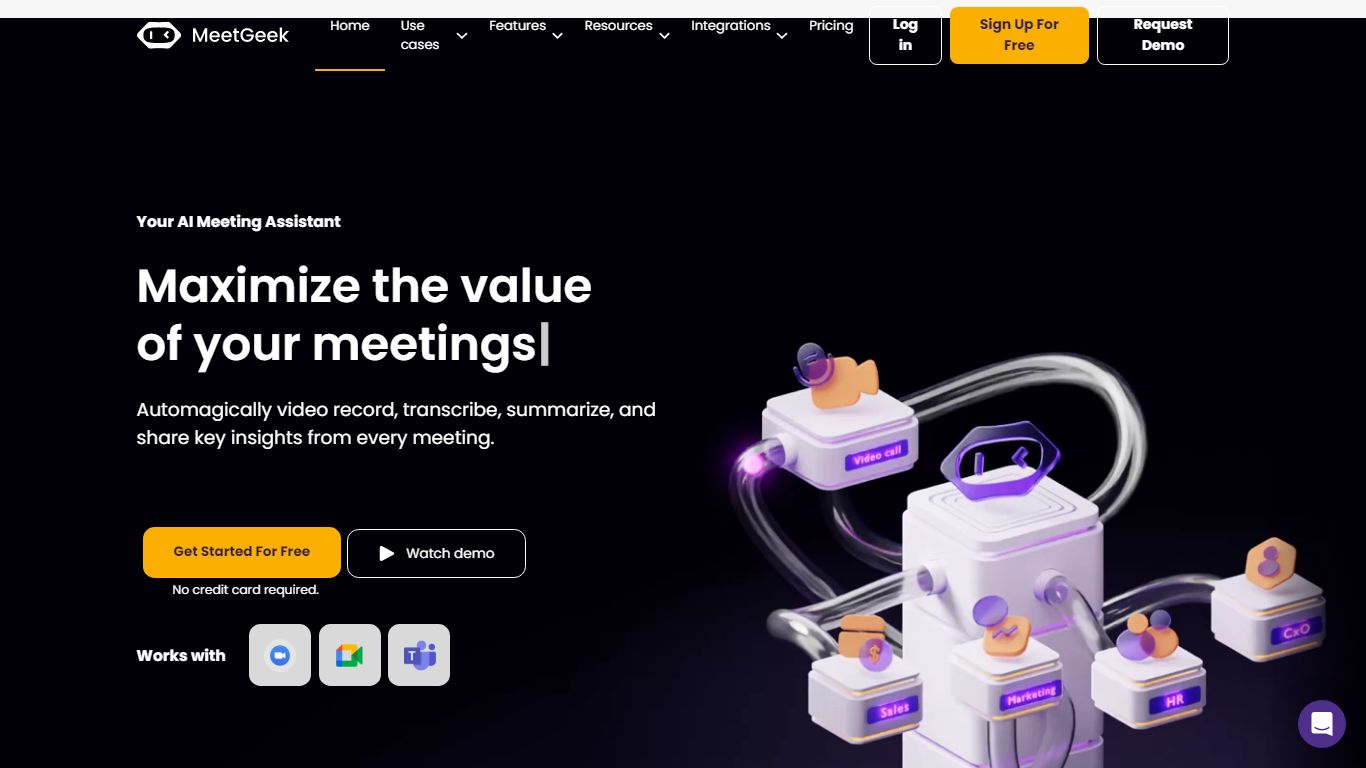
What is MeetGeek?
MeetGeek is a meeting assistant that records, transcribes, and summarizes calls across Zoom, Google Meet, Microsoft Teams, and other conferencing tools. It stores searchable transcripts, AI chat over past meetings, and workflow automations so teams can share notes without rewatching every recording.
Unlike lightweight note bots that only dump a summary, MeetGeek layers meeting templates, CRM integrations, and no-bot browser recording on top of transcription. That stack targets teams that need governance, analytics, and Zapier-style automation rather than a single post-call email.
Sales, customer success, and product teams use MeetGeek for customer calls, interviews, and internal standups. Educators and agencies also adopt it for online classes and client meetings where shared folders and role-based access matter.
Hurd AI Upvotes
MeetGeek Upvotes
Hurd AI Top Features
Records and transcribes meetings, lectures, and conversations while you stay present in the moment
Auto-titles, tags, and summarizes transcripts so you can search and organize without manual cleanup
Imports MP3, MP4, WAV, AVI, and M4A files and supports 90+ languages for transcription
Keeps audio files and transcripts on your local machine instead of uploading them to the cloud
Exports transcripts to Apple Notes or CSV and syncs imports across devices via iCloud on iPhone
MeetGeek Top Features
Auto-detects 100+ languages with speaker identification
Records Zoom, Google Meet, Microsoft Teams, and Webex calls
30+ meeting summary templates with meeting type auto-detection
No-bot recording via browser extension and desktop app
CRM sync to HubSpot, Salesforce, Pipedrive, and Zoho
API and MCP access for custom meeting workflows
Hurd AI Category
- Meeting Assistant
MeetGeek Category
- Meeting Assistant
Hurd AI Pricing Type
- Free
MeetGeek Pricing Type
- Freemium