Hyper Notepad vs Agenda Hero
In the battle of Hyper Notepad vs Agenda Hero, which AI Productivity tool comes out on top? We compare reviews, pricing, alternatives, upvotes, features, and more.
Between Hyper Notepad and Agenda Hero, which one is superior?
Upon comparing Hyper Notepad with Agenda Hero, which are both AI-powered productivity tools, In the race for upvotes, Agenda Hero takes the trophy. Agenda Hero has garnered 7 upvotes, and Hyper Notepad has garnered 6 upvotes.
Don't agree with the result? Cast your vote and be a part of the decision-making process!
Hyper Notepad


What is Hyper Notepad?
Hyper Notepad is a browser-based productivity notepad for writing, saving, and sharing notes without installing software. You open the page, start typing, and get a unique link to share the note with anyone. Notes are encrypted at rest, autosave as you type, and work on desktop or mobile browsers.
Unlike Google Docs or Notion, Hyper Notepad stays intentionally lightweight. There are no workspaces, databases, or collaboration threads. You trade team features for zero-friction sharing, optional password locks, and auto-expiring notes that delete themselves after a set time.
It suits students, freelancers, and teams who need a quick scratchpad or a shareable doc without accounts. Writers who want rich text, code blocks, and optional Premium extras like tables, image embeds, and custom themes can upgrade when the free tier is not enough.
Agenda Hero
What is Agenda Hero?
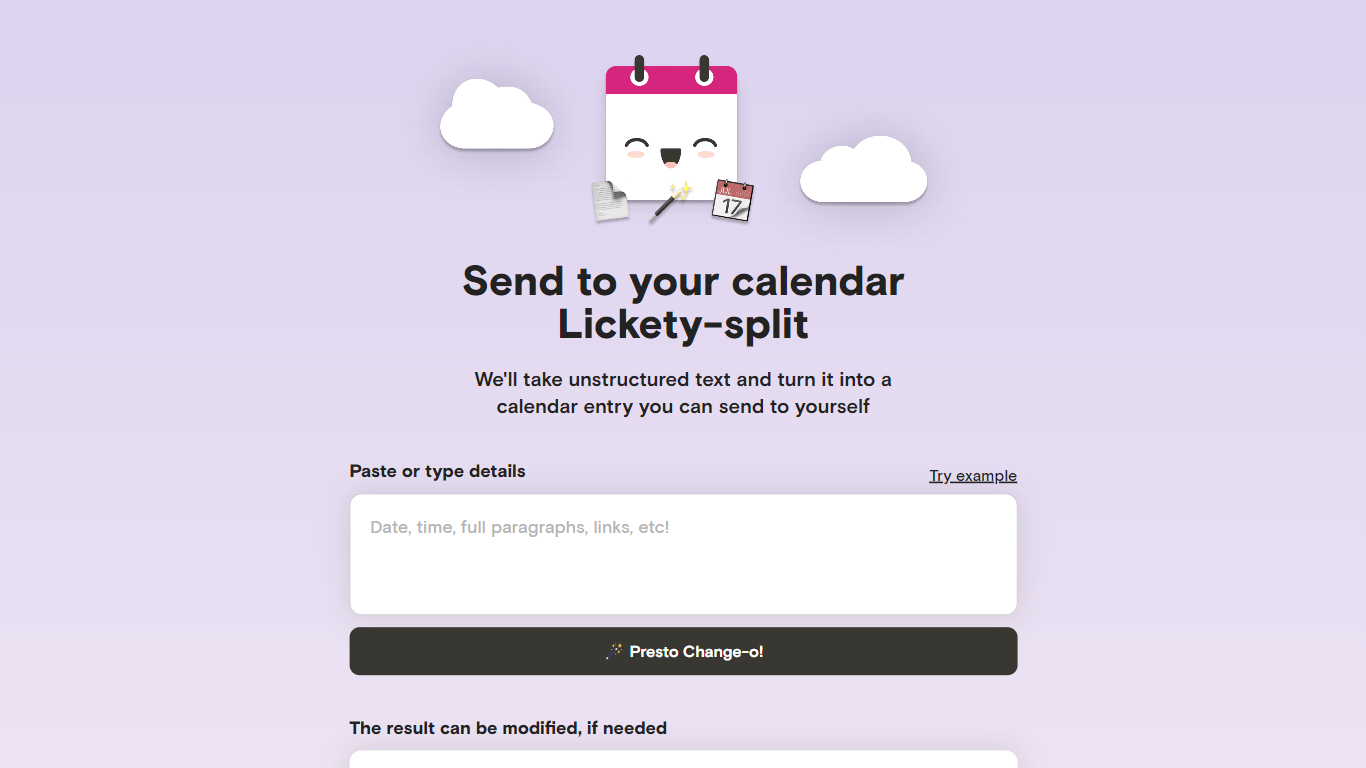
Agenda Hero Magic turns pasted text, photos, and PDFs into calendar events you can add to Google Calendar or email to yourself. Drop a school calendar PDF, a newsletter paragraph, or a screenshot of a flyer, and the web app returns structured dates, times, locations, and descriptions. It runs at agendahero.com/magic and also ships as iOS, Android, and Chrome apps.
Most calendar apps make you type every field by hand. Agenda Hero starts from messy source material instead. Its school calendar directory lists 831+ districts and 29,526+ schools, so families can pull a full academic year without transcribing PDF tables. You can also generate multiple events from one prompt, which fits weekly newsletters better than single-event forms.
Parents, students, and teachers use it as a productivity shortcut to import school schedules, spirit days, and back-to-school nights without retyping dates. Office workers paste meeting blocks from email, and travelers convert itineraries from images. After generation, you can edit titles, times, locations, and emoji before sending events to Google Calendar, Apple Calendar, Outlook, or Office 365.
The FAQ notes daily, weekly, biweekly, monthly, and annual recurrences, though some calendar apps only copy the first occurrence until you adjust them locally. Agenda Hero shares Magic prompts with OpenAI GPT-3.5 and GPT-4 per its privacy policy, so reviewing results before saving is worth the extra click.
Hyper Notepad Upvotes
Agenda Hero Upvotes
Hyper Notepad Top Features
Create and share unlimited notes with unique links, no account required
Notes encrypt at rest with optional password protection and auto-expiry timers
Premium adds image uploads, tables, live inline math, and custom themes from $3.99 per month
Rich text editor with code blocks, autosave, and download or print support
Light and dark mode with cross-device access when you sign in
Agenda Hero Top Features
Converts text, images, and PDF uploads into calendar-ready events from agendahero.com/magic
School calendar directory covers 831+ districts and 29,526+ schools
Exports events to Google Calendar, Apple Calendar, Outlook, and Office 365
Chrome extension highlights web text and adds an Add to Calendar button
iOS App Store, Google Play, and Chrome Web Store apps listed on the Magic page
Supports daily, weekly, biweekly, monthly, and annual recurring events from one prompt
Hyper Notepad Category
- Productivity
Agenda Hero Category
- Productivity
Hyper Notepad Pricing Type
- Freemium
Agenda Hero Pricing Type
- Free