
Last updated 08-13-2026
Category:
Overall Rating:
5.0 🏆
Reviews:
Join thousands of AI enthusiasts in the World of AI!
Agenda Hero
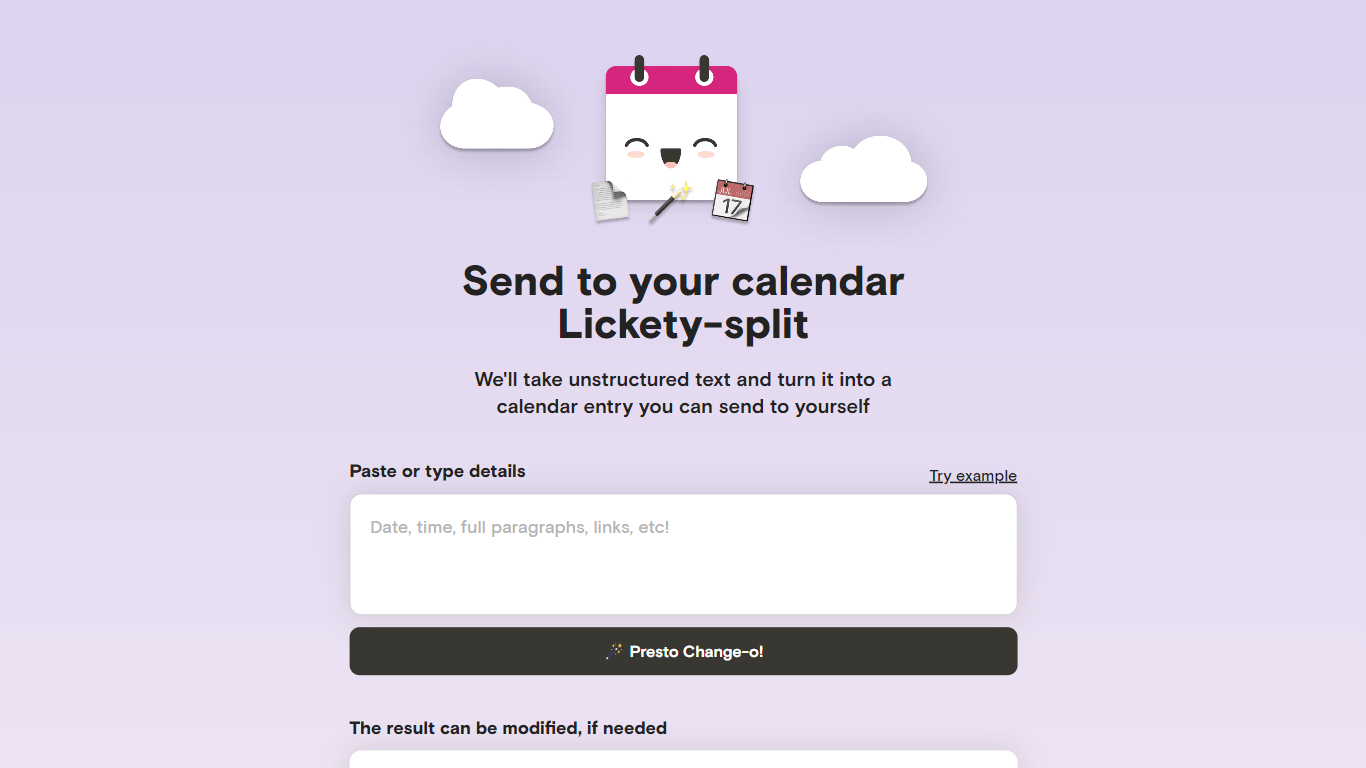
Agenda Hero Magic turns pasted text, photos, and PDFs into calendar events you can add to Google Calendar or email to yourself. Drop a school calendar PDF, a newsletter paragraph, or a screenshot of a flyer, and the web app returns structured dates, times, locations, and descriptions. It runs at agendahero.com/magic and also ships as iOS, Android, and Chrome apps.
Most calendar apps make you type every field by hand. Agenda Hero starts from messy source material instead. Its school calendar directory lists 831+ districts and 29,526+ schools, so families can pull a full academic year without transcribing PDF tables. You can also generate multiple events from one prompt, which fits weekly newsletters better than single-event forms.
Parents, students, and teachers use it as a productivity shortcut to import school schedules, spirit days, and back-to-school nights without retyping dates. Office workers paste meeting blocks from email, and travelers convert itineraries from images. After generation, you can edit titles, times, locations, and emoji before sending events to Google Calendar, Apple Calendar, Outlook, or Office 365.
The FAQ notes daily, weekly, biweekly, monthly, and annual recurrences, though some calendar apps only copy the first occurrence until you adjust them locally. Agenda Hero shares Magic prompts with OpenAI GPT-3.5 and GPT-4 per its privacy policy, so reviewing results before saving is worth the extra click.
Converts text, images, and PDF uploads into calendar-ready events from agendahero.com/magic
School calendar directory covers 831+ districts and 29,526+ schools
Exports events to Google Calendar, Apple Calendar, Outlook, and Office 365
Chrome extension highlights web text and adds an Add to Calendar button
iOS App Store, Google Play, and Chrome Web Store apps listed on the Magic page
Supports daily, weekly, biweekly, monthly, and annual recurring events from one prompt
Converts pasted text, screenshots, and PDFs without manual retyping.
Ships iOS, Android, and Chrome extension access for capture on any device.
School calendar library spans 831+ districts and 29,526+ schools.
No published pricing page or paid plan details on the site.
Some calendar platforms only copy the first date of a recurring series.
Magic prompts are processed via OpenAI, so accuracy still needs a human review.
Is Agenda Hero Magic free to use?
Yes, Agenda Hero Magic is free on agendahero.com/magic with no pricing page or paid tier listed on the site. You can convert text, images, and PDFs into calendar events without choosing a subscription plan.
What calendars does Agenda Hero support?
Agenda Hero adds events to Google Calendar, Apple Calendar, Outlook, and Office 365. You can also email yourself an invite copy instead of connecting a calendar account directly from the Magic page.
Can Agenda Hero create events from images or PDFs?
Yes. Agenda Hero accepts image uploads and PDF files in the Image or PDF area on agendahero.com/magic, then converts them into calendar-ready events when you click Create.
Does Agenda Hero have a Chrome extension?
Yes. Agenda Hero for Chrome highlights selected web text, shows an Add to Calendar button, and supports image uploads from the side panel after you pin the extension icon.
Can Agenda Hero handle recurring events?
Agenda Hero supports daily, weekly, every-other-week, monthly, and annual recurring events from a single text or image prompt. Some calendar platforms only import the first recurrence date until you edit the series locally.
Does Agenda Hero have mobile apps?
Yes. Agenda Hero lists iOS and Android apps on agendahero.com/magic, with App Store and Google Play download buttons next to the Chrome Web Store link.
What types of events can Agenda Hero create?
Agenda Hero creates work meetings, doctor appointments, school back-to-school nights, spirit days, date nights, travel blocks, and other everyday calendar entries from natural language prompts.