Hyper Notepad vs Alice
In the contest of Hyper Notepad vs Alice, which AI Productivity tool is the champion? We evaluate pricing, alternatives, upvotes, features, reviews, and more.
If you had to choose between Hyper Notepad and Alice, which one would you go for?
When we examine Hyper Notepad and Alice, both of which are AI-enabled productivity tools, what unique characteristics do we discover? With more upvotes, Alice is the preferred choice. The upvote count for Alice is 8, and for Hyper Notepad it's 6.
Disagree with the result? Upvote your favorite tool and help it win!
Hyper Notepad


What is Hyper Notepad?
Hyper Notepad is a browser-based productivity notepad for writing, saving, and sharing notes without installing software. You open the page, start typing, and get a unique link to share the note with anyone. Notes are encrypted at rest, autosave as you type, and work on desktop or mobile browsers.
Unlike Google Docs or Notion, Hyper Notepad stays intentionally lightweight. There are no workspaces, databases, or collaboration threads. You trade team features for zero-friction sharing, optional password locks, and auto-expiring notes that delete themselves after a set time.
It suits students, freelancers, and teams who need a quick scratchpad or a shareable doc without accounts. Writers who want rich text, code blocks, and optional Premium extras like tables, image embeds, and custom themes can upgrade when the free tier is not enough.
Alice
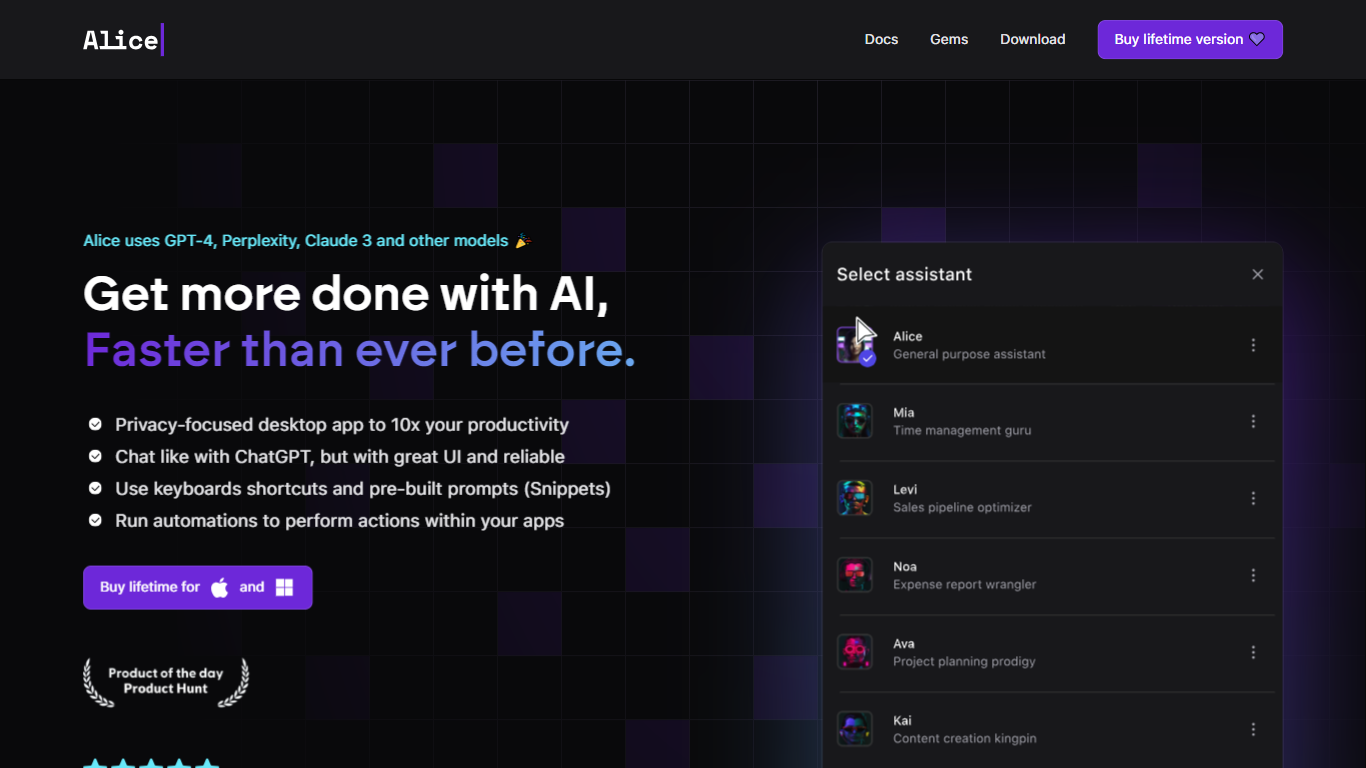
What is Alice?
Summon a desktop productivity assistant from any app with a hotkey, without opening ChatGPT in a browser tab. Alice runs natively on macOS, Windows, and Linux, wrapping chat, custom assistants, document memory, and workflow triggers into one OS-level panel.
Where browser chat tools stop at answers, Alice is built around reusable assistants and one-click skills. The Assistant Store ships 50+ personas with 200+ installable skills, and version 5.0 added inline and threaded multi-agent modes plus ACP linking to Claude Code. MCP servers and MCP Apps let an assistant query your CRM or calendar in plain language, while Zapier, Make, n8n, and webhooks handle the follow-up actions.
You can bring your own API keys from OpenAI, Anthropic, Groq, xAI, and other providers, or subscribe to Alice plans that bundle tokens for GPT-5, Sonnet 4.5, Gemini 2.5 Pro, and Grok 4. Saved prompts become keyboard shortcuts, and the app supports voice input, text-to-speech, web search, vision, and local Ollama models.
Greg Rog and Adam Gospodarczyk at Techsistence in Warsaw built Alice after years of running their own automations. The product targets founders, creators, and small teams who want desktop-speed AI that can act on their software stack, not just draft text.
Hyper Notepad Upvotes
Alice Upvotes
Hyper Notepad Top Features
Create and share unlimited notes with unique links, no account required
Notes encrypt at rest with optional password protection and auto-expiry timers
Premium adds image uploads, tables, live inline math, and custom themes from $3.99 per month
Rich text editor with code blocks, autosave, and download or print support
Light and dark mode with cross-device access when you sign in
Alice Top Features
Version 5.0 adds inline and threaded multi-agent modes plus ACP connection to Claude Code
Assistant Store lists 50+ assistants with 200+ installable skills for sales, coding, and research
Hotkey summon on macOS, Windows beta, and Linux beta without loading a browser tab
MCP servers and MCP Apps let assistants query CRM, calendar, and other connected software
Runs GPT-5.2, Claude 4 Sonnet, Grok 4, Groq Llama 3.3 70b, and native Ollama local models
Save prompts as keyboard shortcuts such as Cmd+T translate or Cmd+G grammar fix
Connects to Zapier, Make, n8n, and webhooks to trigger workflows from a single command
Hyper Notepad Category
- Productivity
Alice Category
- Productivity
Hyper Notepad Pricing Type
- Freemium
Alice Pricing Type
- Paid