Hyper Notepad vs ChatBA
When comparing Hyper Notepad vs ChatBA, which AI Productivity tool shines brighter? We look at pricing, alternatives, upvotes, features, reviews, and more.
In a comparison between Hyper Notepad and ChatBA, which one comes out on top?
When we put Hyper Notepad and ChatBA side by side, both being AI-powered productivity tools, The upvote count is neck and neck for both Hyper Notepad and ChatBA. Be a part of the decision-making process. Your vote could determine the winner.
Does the result make you go "hmm"? Cast your vote and turn that frown upside down!
Hyper Notepad


What is Hyper Notepad?
Hyper Notepad is a browser-based productivity notepad for writing, saving, and sharing notes without installing software. You open the page, start typing, and get a unique link to share the note with anyone. Notes are encrypted at rest, autosave as you type, and work on desktop or mobile browsers.
Unlike Google Docs or Notion, Hyper Notepad stays intentionally lightweight. There are no workspaces, databases, or collaboration threads. You trade team features for zero-friction sharing, optional password locks, and auto-expiring notes that delete themselves after a set time.
It suits students, freelancers, and teams who need a quick scratchpad or a shareable doc without accounts. Writers who want rich text, code blocks, and optional Premium extras like tables, image embeds, and custom themes can upgrade when the free tier is not enough.
ChatBA
What is ChatBA?
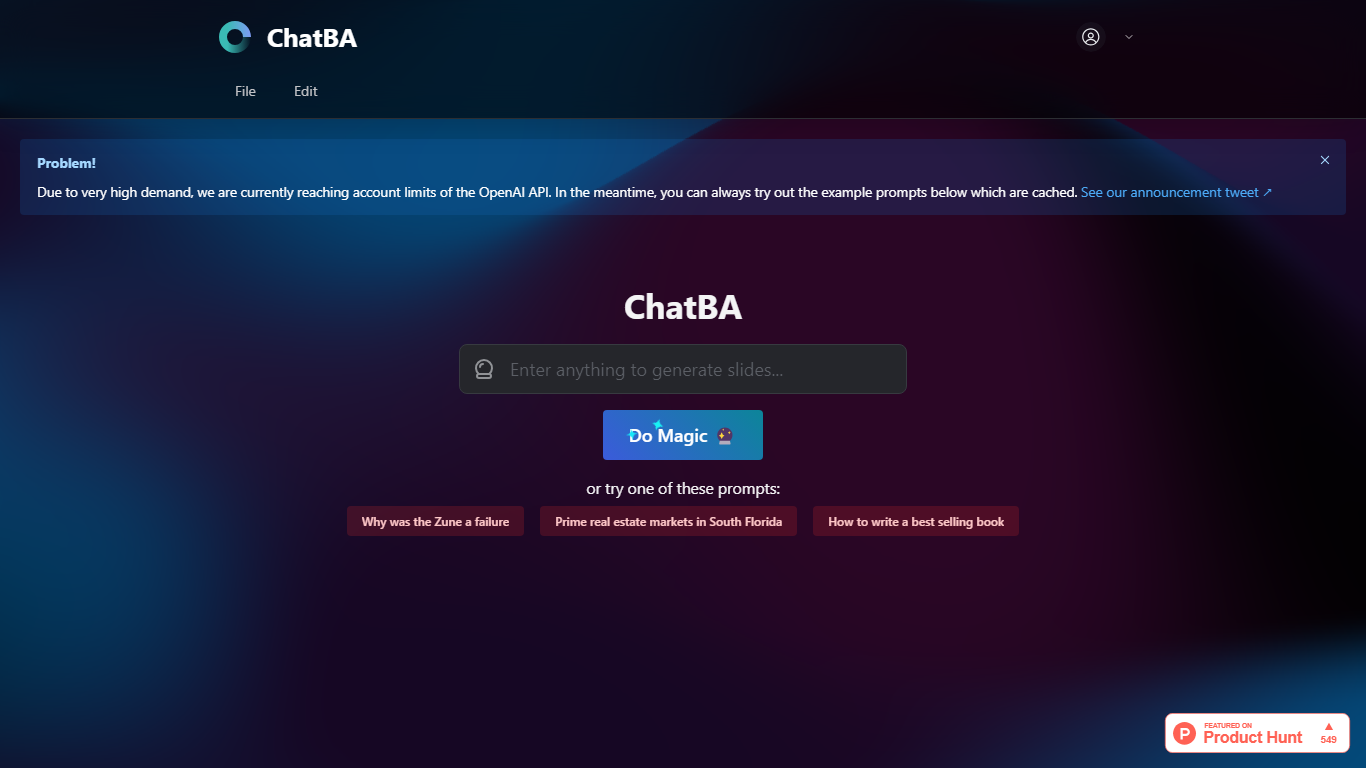
ChatBA turns a short text prompt into a full slide deck with one click. Type a topic or question, hit Do Magic, and you get a presentation instead of a chat reply. It fits anyone who needs slides fast without opening a traditional deck editor first.
Most slide tools start with blank layouts and bullet placeholders. ChatBA skips that setup and generates the full deck from natural language, similar to how ChatBCG markets generative slides on Product Hunt. The trade-off is reliance on OpenAI API capacity, and the site warns when account limits block live runs.
Students, startup founders, and consultants who prototype talks or client decks get the most value. When API limits hit, cached example prompts still load so you can preview the output style before trying your own topic.
Hyper Notepad Upvotes
ChatBA Upvotes
Hyper Notepad Top Features
Create and share unlimited notes with unique links, no account required
Notes encrypt at rest with optional password protection and auto-expiry timers
Premium adds image uploads, tables, live inline math, and custom themes from $3.99 per month
Rich text editor with code blocks, autosave, and download or print support
Light and dark mode with cross-device access when you sign in
ChatBA Top Features
Creates slide decks from a single text prompt via the Do Magic button
Example prompts load from cache when live API capacity is limited
Built as generative AI for slides rather than a chat-only interface
Links to ChatBCG, a related generative slide product on Product Hunt
Minimal interface with no account setup visible on the homepage
Hyper Notepad Category
- Productivity
ChatBA Category
- Productivity
Hyper Notepad Pricing Type
- Freemium
ChatBA Pricing Type
- Free