Hyper Notepad vs Ideamap
Dive into the comparison of Hyper Notepad vs Ideamap and discover which AI Productivity tool stands out. We examine alternatives, upvotes, features, reviews, pricing, and beyond.
When comparing Hyper Notepad and Ideamap, which one rises above the other?
When we compare Hyper Notepad and Ideamap, two exceptional productivity tools powered by artificial intelligence, and place them side by side, several key similarities and differences come to light. The upvote count is neck and neck for both Hyper Notepad and Ideamap. The power is in your hands! Cast your vote and have a say in deciding the winner.
Disagree with the result? Upvote your favorite tool and help it win!
Hyper Notepad


What is Hyper Notepad?
Hyper Notepad is a browser-based productivity notepad for writing, saving, and sharing notes without installing software. You open the page, start typing, and get a unique link to share the note with anyone. Notes are encrypted at rest, autosave as you type, and work on desktop or mobile browsers.
Unlike Google Docs or Notion, Hyper Notepad stays intentionally lightweight. There are no workspaces, databases, or collaboration threads. You trade team features for zero-friction sharing, optional password locks, and auto-expiring notes that delete themselves after a set time.
It suits students, freelancers, and teams who need a quick scratchpad or a shareable doc without accounts. Writers who want rich text, code blocks, and optional Premium extras like tables, image embeds, and custom themes can upgrade when the free tier is not enough.
Ideamap
What is Ideamap?
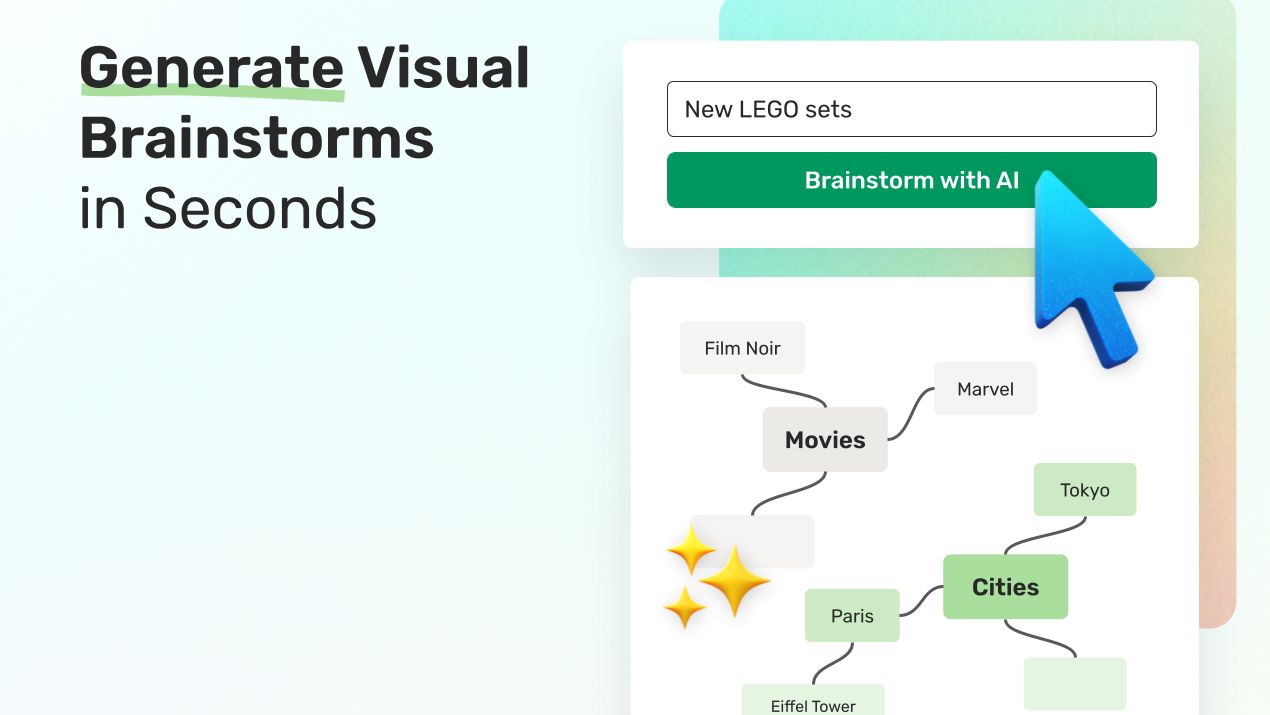
Ideamap enables teams to generate, organize, and visualize ideas on an infinite digital canvas. It supports real-time collaboration, allowing users to brainstorm together from any location. Users can import PDFs, images, audio files, and websites, converting them into mindmaps to enrich the brainstorming process.
What distinguishes Ideamap is its integration of AI copilots that provide feedback, suggest ideas, and help analyze and refine concepts. This AI assistance accelerates creativity beyond traditional brainstorming tools. Additionally, Ideamap offers built-in features like voting systems, timers, and framework templates to structure sessions and facilitate decision-making.
Sharing brainstorms is flexible with options including links, posters, and QR codes, enabling easy involvement of external stakeholders as free guests. Ideamap is tailored for marketing, product, R&D, innovation, and HR teams seeking to enhance creativity and streamline brainstorming both remotely and in person.
Hyper Notepad Upvotes
Ideamap Upvotes
Hyper Notepad Top Features
Create and share unlimited notes with unique links, no account required
Notes encrypt at rest with optional password protection and auto-expiry timers
Premium adds image uploads, tables, live inline math, and custom themes from $3.99 per month
Rich text editor with code blocks, autosave, and download or print support
Light and dark mode with cross-device access when you sign in
Ideamap Top Features
AI Idea Generation 🤖: Receive smart suggestions and feedback to spark new ideas quickly.
Infinite Canvas Collaboration 🌐: Brainstorm together in real time on a limitless visual workspace.
Import & Export Flexibility 📂: Convert PDFs, images, audio, and websites into mindmaps effortlessly.
Custom Workspaces 🔒: Create secure team spaces to organize and revisit brainstorming sessions anytime.
Powerful Sharing Options 📤: Share brainstorms via links, posters, or QR codes to involve anyone easily.
Unlimited Free Guests 👥: Invite unlimited external guests to participate in brainstorming sessions at no extra cost.
Microsoft Teams Integration 🔗: Enhance collaboration by integrating Ideamap with Microsoft Teams.
Hyper Notepad Category
- Productivity
Ideamap Category
- Productivity
Hyper Notepad Pricing Type
- Freemium
Ideamap Pricing Type
- Freemium