
Last updated 07-29-2026
Category:
Reviews:
Join thousands of AI enthusiasts in the World of AI!
Ideamap
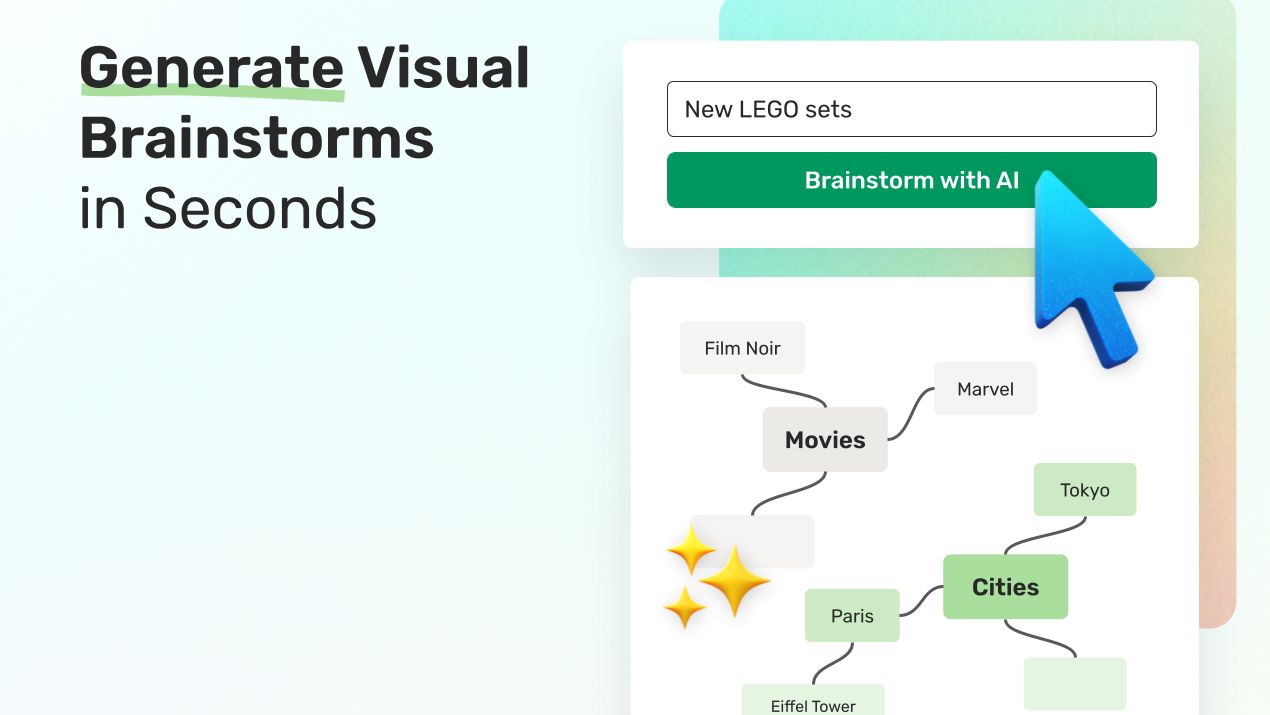
Ideamap enables teams to generate, organize, and visualize ideas on an infinite digital canvas. It supports real-time collaboration, allowing users to brainstorm together from any location. Users can import PDFs, images, audio files, and websites, converting them into mindmaps to enrich the brainstorming process.
What distinguishes Ideamap is its integration of AI copilots that provide feedback, suggest ideas, and help analyze and refine concepts. This AI assistance accelerates creativity beyond traditional brainstorming tools. Additionally, Ideamap offers built-in features like voting systems, timers, and framework templates to structure sessions and facilitate decision-making.
Sharing brainstorms is flexible with options including links, posters, and QR codes, enabling easy involvement of external stakeholders as free guests. Ideamap is tailored for marketing, product, R&D, innovation, and HR teams seeking to enhance creativity and streamline brainstorming both remotely and in person.
AI Idea Generation 🤖: Receive smart suggestions and feedback to spark new ideas quickly.
Infinite Canvas Collaboration 🌐: Brainstorm together in real time on a limitless visual workspace.
Import & Export Flexibility 📂: Convert PDFs, images, audio, and websites into mindmaps effortlessly.
Custom Workspaces 🔒: Create secure team spaces to organize and revisit brainstorming sessions anytime.
Powerful Sharing Options 📤: Share brainstorms via links, posters, or QR codes to involve anyone easily.
Unlimited Free Guests 👥: Invite unlimited external guests to participate in brainstorming sessions at no extra cost.
Microsoft Teams Integration 🔗: Enhance collaboration by integrating Ideamap with Microsoft Teams.
Combines AI assistance with visual brainstorming for faster idea generation
Supports importing diverse file types to enrich brainstorming sessions
Enables real-time collaboration on an infinite canvas for remote teams
Offers flexible sharing options including QR codes and posters
Allows unlimited guest participation without extra cost
Anonymous idea submission is not supported
Enterprise pricing requires contacting sales, no public pricing available
How do I create a new workspace?
In Ideamap, click “Create new workspace” from the workspace selector, then choose between a Team or Personal workspace.
How do I leave a workspace?
In Ideamap, go to “Settings & members” or “My account” in the sidebar, open the Workspace settings, scroll to the Danger zone, and click “Leave workspace.”
Can I add longer ideas with detailed descriptions?
In Ideamap, you can edit your idea and add two new lines; text after that is hidden on the card but supports markdown and can be viewed by hovering over the description icon.
Are idea authors anonymous when submitting ideas?
Ideamap does not support anonymous idea submissions, but you can enable anonymous voting when starting a voting session.
What file types can I import into Ideamap?
Ideamap supports importing PDFs, photos, audio files, and websites to turn them into mindmaps for brainstorming.
Can I invite external stakeholders to brainstorm sessions?
Ideamap allows you to invite unlimited guests for free to participate in your brainstorming rooms.
Does Ideamap support integration with other tools?
Yes, Ideamap integrates with Microsoft Teams to enhance collaboration within your existing workflows.