Hyper Notepad vs Secondz
Dive into the comparison of Hyper Notepad vs Secondz and discover which AI Productivity tool stands out. We examine alternatives, upvotes, features, reviews, pricing, and beyond.
When comparing Hyper Notepad and Secondz, which one rises above the other?
When we compare Hyper Notepad and Secondz, two exceptional productivity tools powered by artificial intelligence, and place them side by side, several key similarities and differences come to light. Both tools are equally favored, as indicated by the identical upvote count. Your vote matters! Help us decide the winner among aitools.fyi users by casting your vote.
Disagree with the result? Upvote your favorite tool and help it win!
Hyper Notepad


What is Hyper Notepad?
Hyper Notepad is a browser-based productivity notepad for writing, saving, and sharing notes without installing software. You open the page, start typing, and get a unique link to share the note with anyone. Notes are encrypted at rest, autosave as you type, and work on desktop or mobile browsers.
Unlike Google Docs or Notion, Hyper Notepad stays intentionally lightweight. There are no workspaces, databases, or collaboration threads. You trade team features for zero-friction sharing, optional password locks, and auto-expiring notes that delete themselves after a set time.
It suits students, freelancers, and teams who need a quick scratchpad or a shareable doc without accounts. Writers who want rich text, code blocks, and optional Premium extras like tables, image embeds, and custom themes can upgrade when the free tier is not enough.
Secondz
What is Secondz?
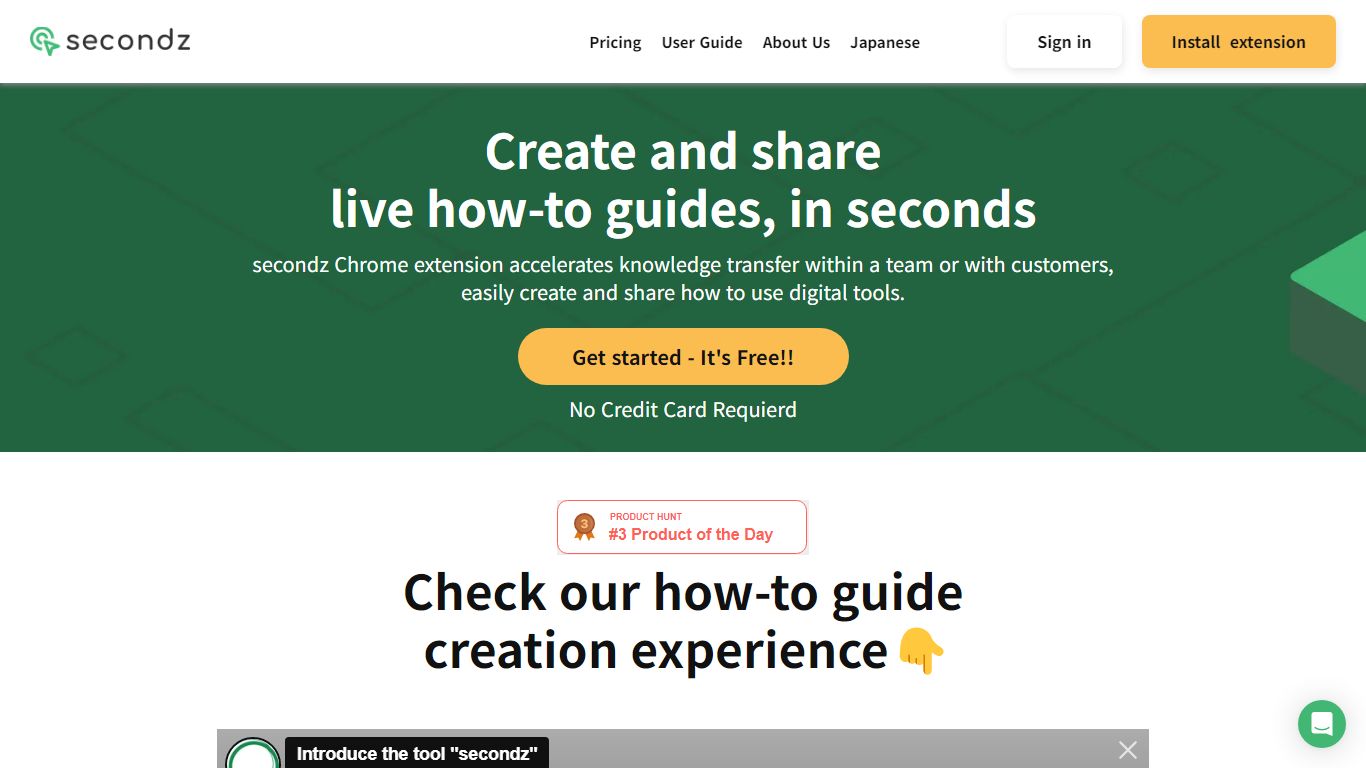
Secondz guide helps productivity teams turn browser workflows into interactive manuals you can share as live demos instead of static screenshots. The active app lives at secondz.io with Google or email sign-in, while the old lp.secondz.io landing now returns a 404 page.
Screenshot-based SOPs go stale the moment a button moves, and screen recordings are painful to edit when a step changes. Secondz focuses on clickable guides linked from its marketing site, which describes demos you can operate in the browser, plus multilingual sign-in for English, Japanese, and Portuguese users.
Customer success, operations, and enablement teams adopt Secondz when they need onboarding walkthroughs that viewers can follow interactively. Accounts are created at secondz.io/signup, and the public pricing page on the legacy host is offline, so plan details must be confirmed inside the product after login.
Hyper Notepad Upvotes
Secondz Upvotes
Hyper Notepad Top Features
Create and share unlimited notes with unique links, no account required
Notes encrypt at rest with optional password protection and auto-expiry timers
Premium adds image uploads, tables, live inline math, and custom themes from $3.99 per month
Rich text editor with code blocks, autosave, and download or print support
Light and dark mode with cross-device access when you sign in
Secondz Top Features
Sign in with Google or email at secondz.io for guide authoring access
Interface supports English, Japanese, and Portuguese on the login screen
Marketing site lp.secondz.guide promotes interactive manuals viewers can operate live
Sign-up flow lives at secondz.io/signup for new secondz guide accounts
Built on Nuxt.js with Firebase authentication per site tech signals
Legacy lp.secondz.io/en host now returns HTTP 404 while secondz.io remains online
Logo on secondz.io links to the lp.secondz.guide marketing domain for product overview
Hyper Notepad Category
- Productivity
Secondz Category
- Productivity
Hyper Notepad Pricing Type
- Freemium
Secondz Pricing Type
- Freemium