FlowSavvy vs Secondz
Dive into the comparison of FlowSavvy vs Secondz and discover which AI Productivity tool stands out. We examine alternatives, upvotes, features, reviews, pricing, and beyond.
In a comparison between FlowSavvy and Secondz, which one comes out on top?
When we compare FlowSavvy and Secondz, two exceptional productivity tools powered by artificial intelligence, and place them side by side, several key similarities and differences come to light. Both tools have received the same number of upvotes from aitools.fyi users. Every vote counts! Cast yours and contribute to the decision of the winner.
Disagree with the result? Upvote your favorite tool and help it win!
FlowSavvy

What is FlowSavvy ?
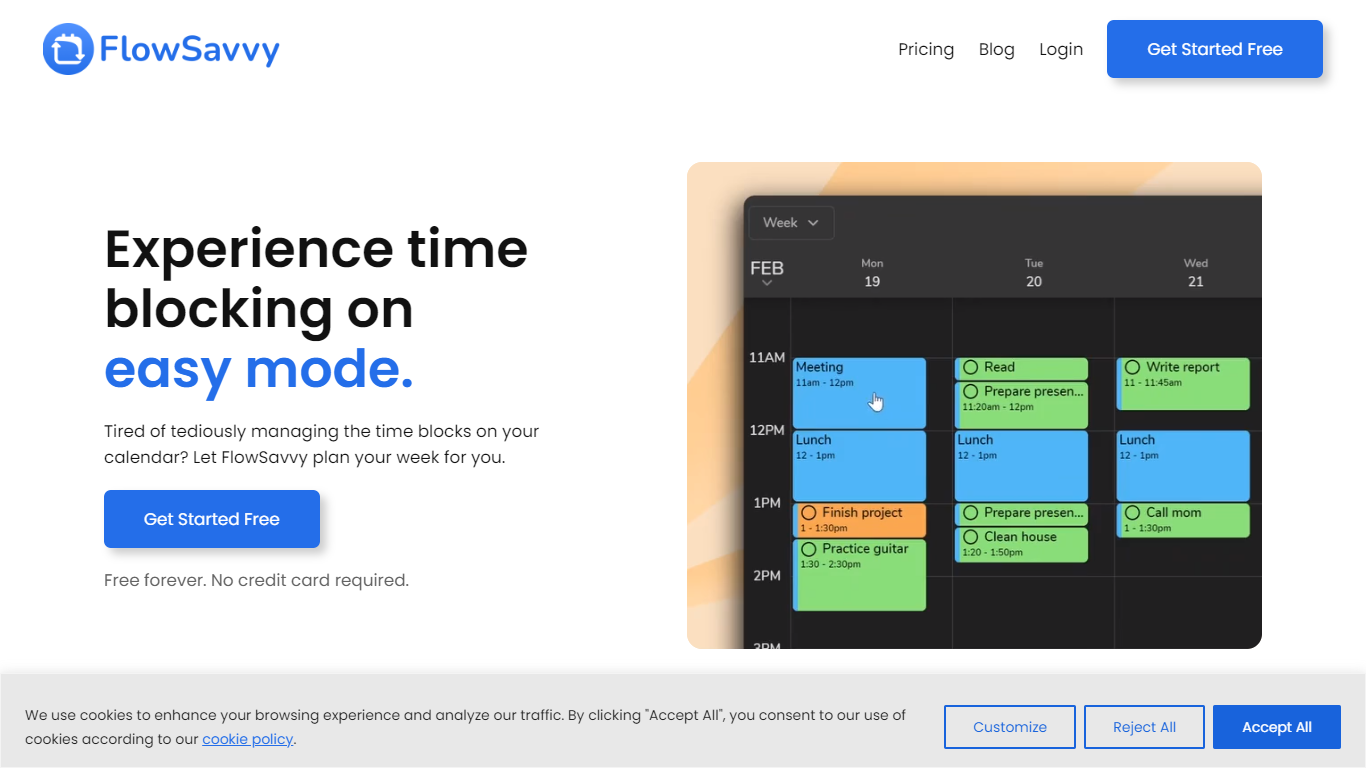
FlowSavvy offers a fresh take on time management by automating time blocking and task scheduling to reduce stress and manual effort. It acts like a digital assistant that creates weekly plans and adjusts them automatically when your schedule changes, so you don’t have to constantly rearrange tasks yourself. The platform supports habit building by letting you set recurring tasks that fit your lifestyle and work hours, helping you maintain a healthy work-life balance. It integrates smoothly with popular calendars like Google, iCloud, and Outlook, keeping all your appointments and tasks in one place. The interface is clean and easy to use, with color-coded tasks that give you a quick view of your workload. FlowSavvy is accessible on all devices and lets you start for free without needing a credit card. This makes it a practical tool for anyone looking to organize their time more effectively without the hassle of manual scheduling. Whether you’re a busy professional, a student, or managing a household, FlowSavvy adapts to your needs and helps you stay on track effortlessly.
Secondz
What is Secondz?
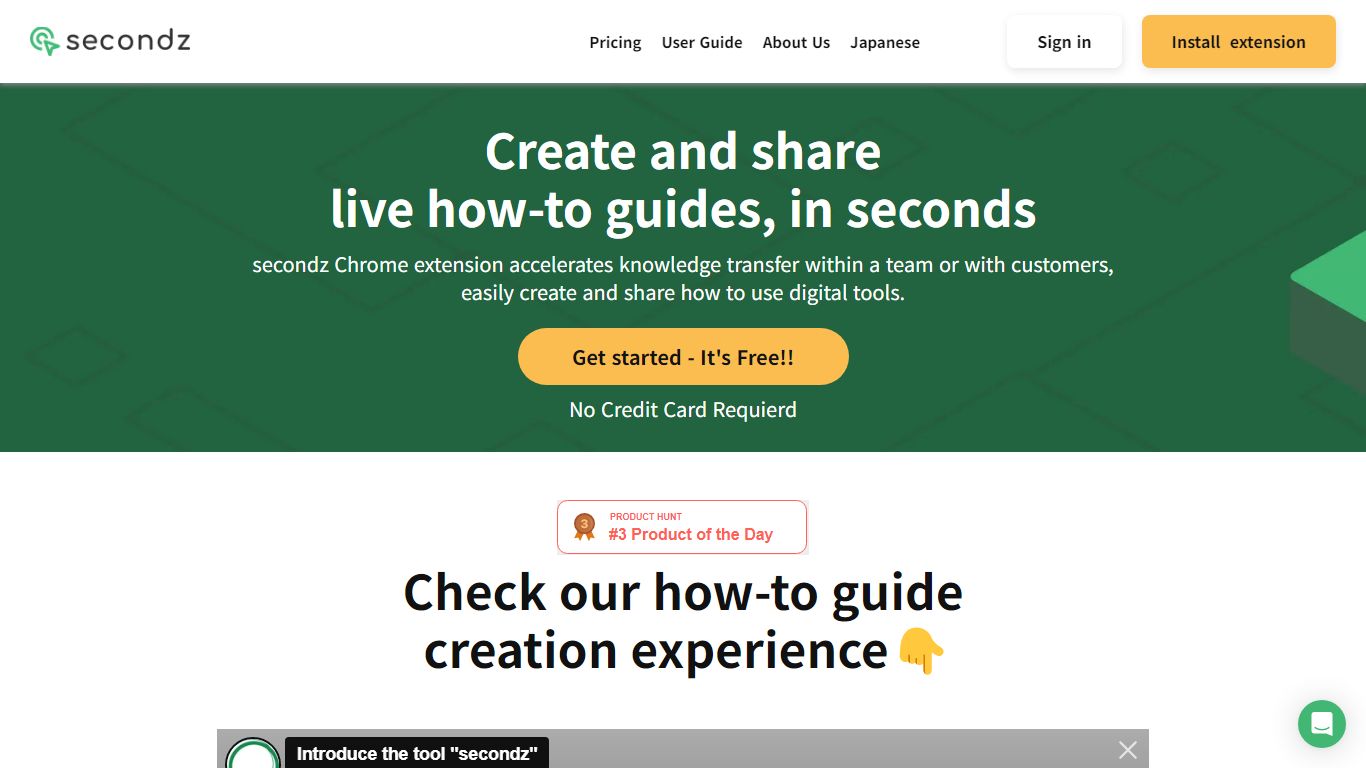
Secondz guide helps productivity teams turn browser workflows into interactive manuals you can share as live demos instead of static screenshots. The active app lives at secondz.io with Google or email sign-in, while the old lp.secondz.io landing now returns a 404 page.
Screenshot-based SOPs go stale the moment a button moves, and screen recordings are painful to edit when a step changes. Secondz focuses on clickable guides linked from its marketing site, which describes demos you can operate in the browser, plus multilingual sign-in for English, Japanese, and Portuguese users.
Customer success, operations, and enablement teams adopt Secondz when they need onboarding walkthroughs that viewers can follow interactively. Accounts are created at secondz.io/signup, and the public pricing page on the legacy host is offline, so plan details must be confirmed inside the product after login.
FlowSavvy Upvotes
Secondz Upvotes
FlowSavvy Top Features
🗓️ Automatic weekly planning that adjusts as your schedule changes
🔄 Smart recurring tasks to build and maintain good habits
📅 Syncs with Google, iCloud, and Outlook calendars for unified scheduling
🎨 Color-coded tasks for quick workload visualization
📱 Available on all devices with no credit card required to start
Secondz Top Features
Sign in with Google or email at secondz.io for guide authoring access
Interface supports English, Japanese, and Portuguese on the login screen
Marketing site lp.secondz.guide promotes interactive manuals viewers can operate live
Sign-up flow lives at secondz.io/signup for new secondz guide accounts
Built on Nuxt.js with Firebase authentication per site tech signals
Legacy lp.secondz.io/en host now returns HTTP 404 while secondz.io remains online
Logo on secondz.io links to the lp.secondz.guide marketing domain for product overview
FlowSavvy Category
- Productivity
Secondz Category
- Productivity
FlowSavvy Pricing Type
- Freemium
Secondz Pricing Type
- Freemium