Hyper Notepad vs Talknotes
When comparing Hyper Notepad vs Talknotes, which AI Productivity tool shines brighter? We look at pricing, alternatives, upvotes, features, reviews, and more.
In a comparison between Hyper Notepad and Talknotes, which one comes out on top?
When we put Hyper Notepad and Talknotes side by side, both being AI-powered productivity tools, The upvote count shows a clear preference for Talknotes. The number of upvotes for Talknotes stands at 9, and for Hyper Notepad it's 6.
Don't agree with the result? Cast your vote and be a part of the decision-making process!
Hyper Notepad


What is Hyper Notepad?
Hyper Notepad is a browser-based productivity notepad for writing, saving, and sharing notes without installing software. You open the page, start typing, and get a unique link to share the note with anyone. Notes are encrypted at rest, autosave as you type, and work on desktop or mobile browsers.
Unlike Google Docs or Notion, Hyper Notepad stays intentionally lightweight. There are no workspaces, databases, or collaboration threads. You trade team features for zero-friction sharing, optional password locks, and auto-expiring notes that delete themselves after a set time.
It suits students, freelancers, and teams who need a quick scratchpad or a shareable doc without accounts. Writers who want rich text, code blocks, and optional Premium extras like tables, image embeds, and custom themes can upgrade when the free tier is not enough.
Talknotes
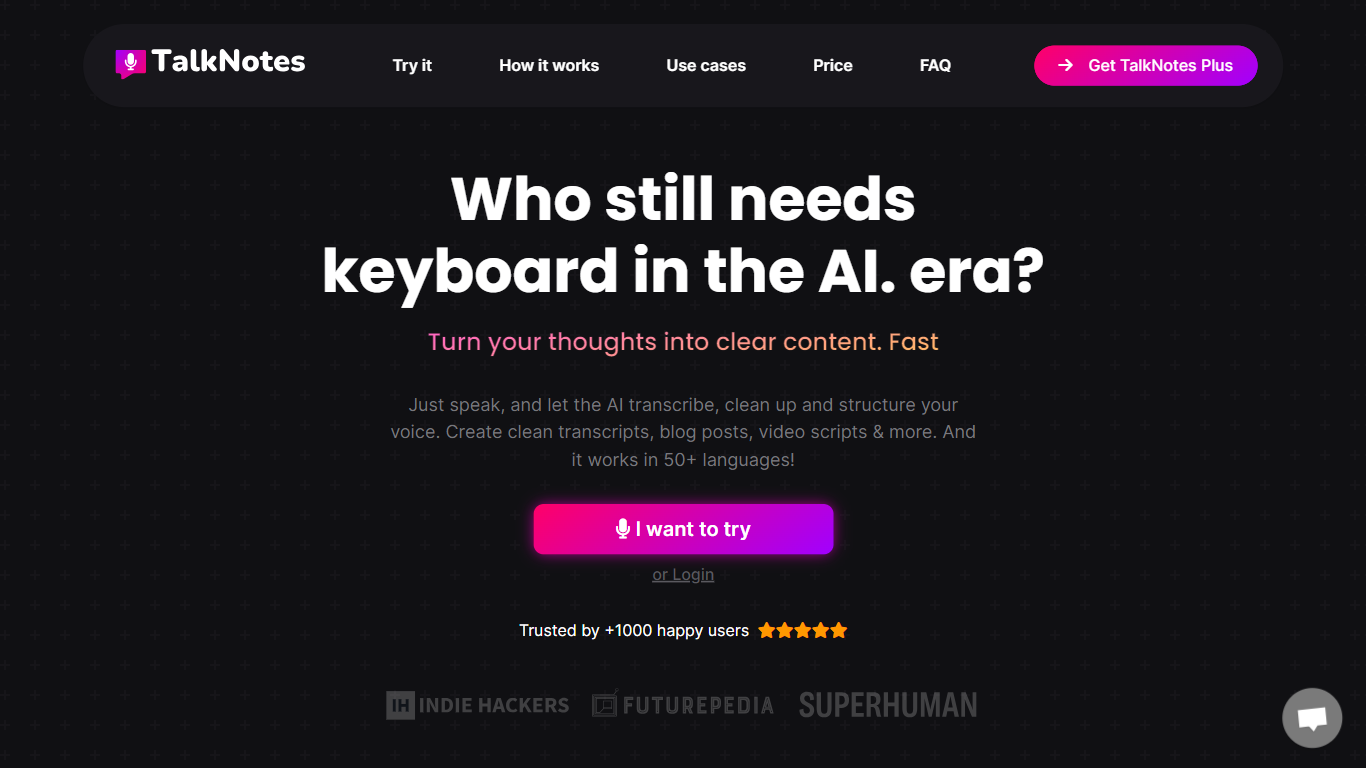
What is Talknotes?
Talknotes is a voice note and transcription app that records your speech and turns it into structured notes, transcripts, task lists, blog drafts, and more than 100 output styles. You tap record, pick a format like meeting notes or LinkedIn post, and the app transcribes with advertised 99% accuracy before you edit or share. It runs on web, iOS, and Android and supports 50+ languages from English and Spanish to Japanese and Welsh.
Dedicated transcription tools stop at raw text. Talknotes layers style templates on top, so the same ramble becomes a formal email, flashcard deck, or podcast script without re-prompting. The trade-off is cloud dependence: you need an internet connection, audio uploads cap at 20 minutes on standard plans (2 hours on Pro), and heavy users hit the 2-hour per-note recording limit on paid tiers.
Professionals use Talknotes to capture meetings, brainstorm content, and dictate blog posts on the go. Students convert lectures into flashcards, journalists transcribe interviews, and creators export PDF, Markdown, or public links. Zapier and webhook integrations push finished notes into other apps, and a WhatsApp bot transcribes voice messages in chat.
Hyper Notepad Upvotes
Talknotes Upvotes
Hyper Notepad Top Features
Create and share unlimited notes with unique links, no account required
Notes encrypt at rest with optional password protection and auto-expiry timers
Premium adds image uploads, tables, live inline math, and custom themes from $3.99 per month
Rich text editor with code blocks, autosave, and download or print support
Light and dark mode with cross-device access when you sign in
Talknotes Top Features
100+ output styles including meeting notes, blog posts, flashcards, and LinkedIn posts
7-day free trial on monthly ($19.97) and yearly ($197) TalkNotes Plus plans
2-hour recording limit per note on paid plans with unlimited note storage
50+ transcription languages with web, iOS, and Android apps
Export notes as PDF, Text, or Markdown and share via public URL
Zapier and webhook integrations plus a WhatsApp voice message transcriber bot
Hyper Notepad Category
- Productivity
Talknotes Category
- Productivity
Hyper Notepad Pricing Type
- Freemium
Talknotes Pricing Type
- Freemium