FlowSavvy vs Talknotes
Explore the showdown between FlowSavvy vs Talknotes and find out which AI Productivity tool wins. We analyze upvotes, features, reviews, pricing, alternatives, and more.
When comparing FlowSavvy and Talknotes, which one rises above the other?
When we contrast FlowSavvy with Talknotes, both of which are exceptional AI-operated productivity tools, and place them side by side, we can spot several crucial similarities and divergences. Talknotes stands out as the clear frontrunner in terms of upvotes. The upvote count for Talknotes is 9, and for FlowSavvy it's 6.
Not your cup of tea? Upvote your preferred tool and stir things up!
FlowSavvy
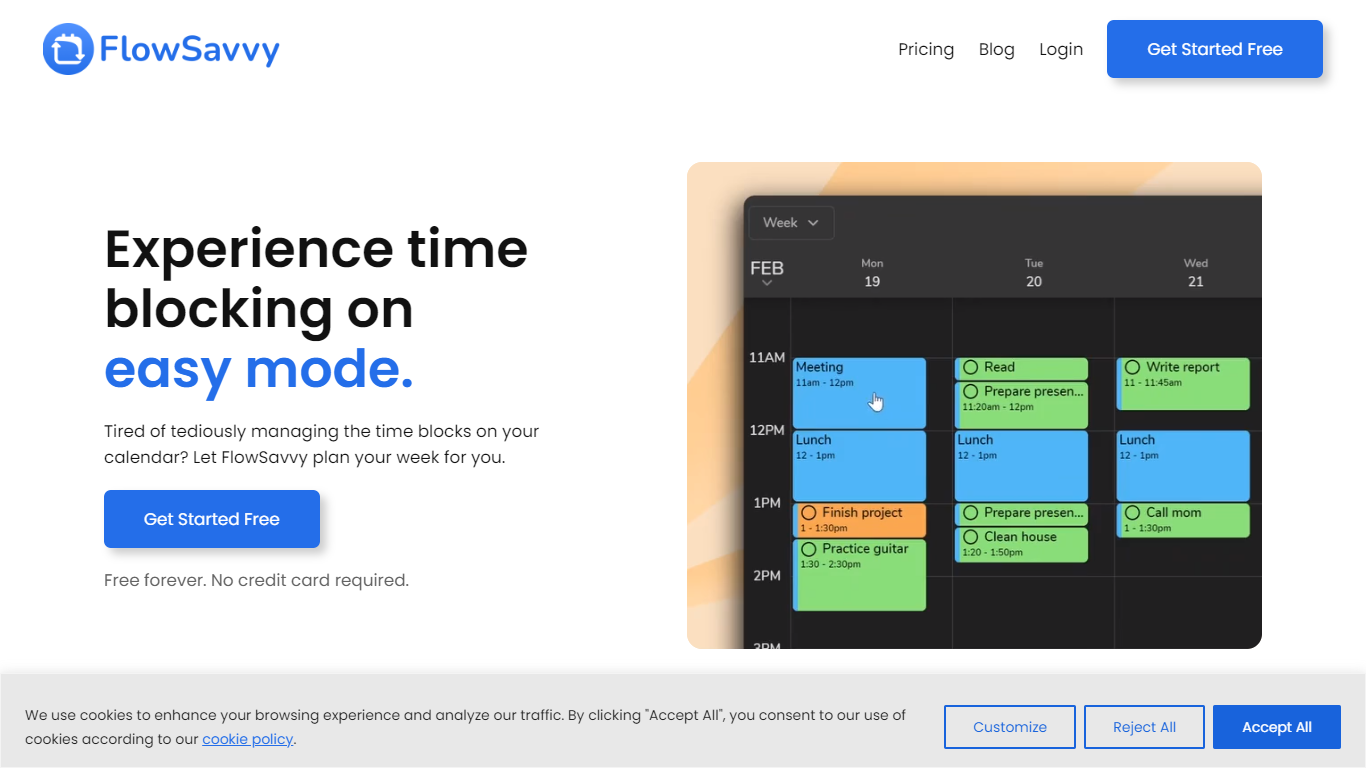

What is FlowSavvy ?
FlowSavvy offers a fresh take on time management by automating time blocking and task scheduling to reduce stress and manual effort. It acts like a digital assistant that creates weekly plans and adjusts them automatically when your schedule changes, so you don’t have to constantly rearrange tasks yourself. The platform supports habit building by letting you set recurring tasks that fit your lifestyle and work hours, helping you maintain a healthy work-life balance. It integrates smoothly with popular calendars like Google, iCloud, and Outlook, keeping all your appointments and tasks in one place. The interface is clean and easy to use, with color-coded tasks that give you a quick view of your workload. FlowSavvy is accessible on all devices and lets you start for free without needing a credit card. This makes it a practical tool for anyone looking to organize their time more effectively without the hassle of manual scheduling. Whether you’re a busy professional, a student, or managing a household, FlowSavvy adapts to your needs and helps you stay on track effortlessly.
Talknotes
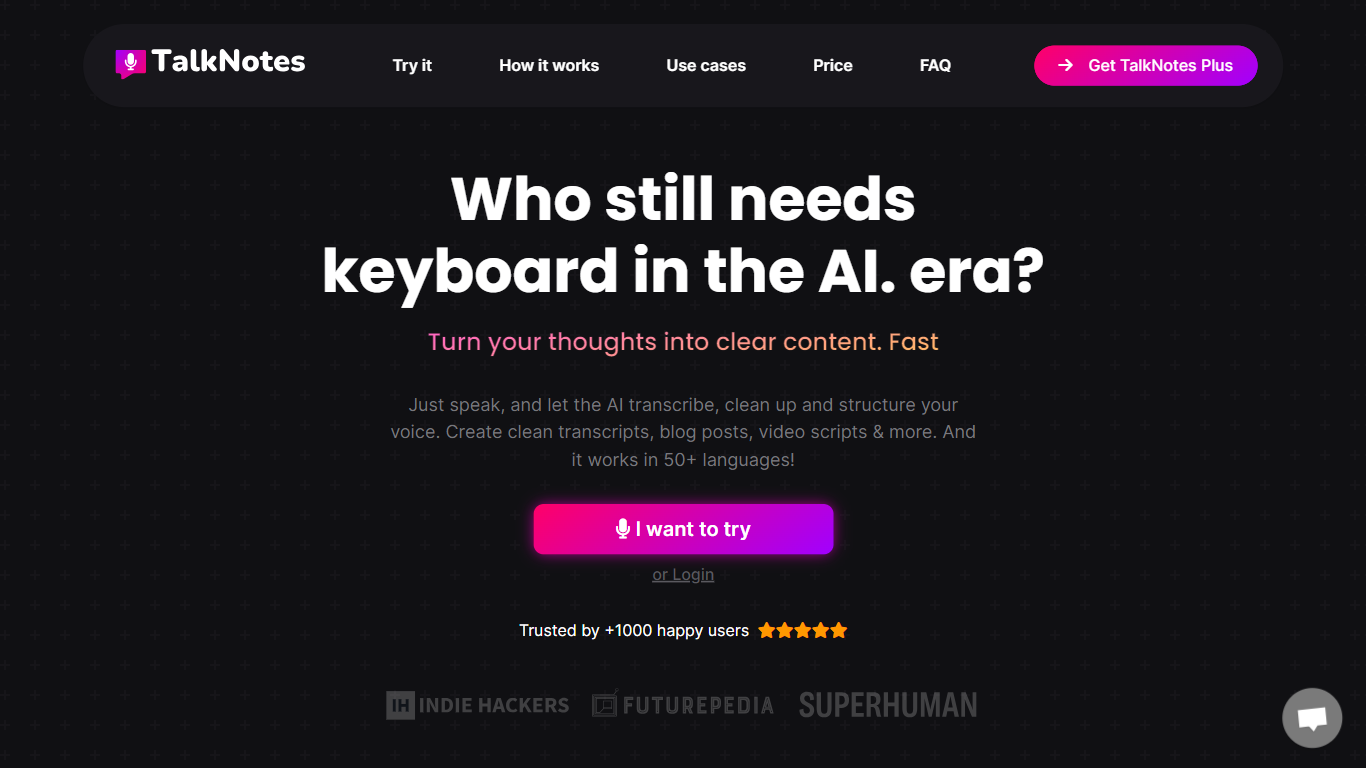
What is Talknotes?
Talknotes is a voice note and transcription app that records your speech and turns it into structured notes, transcripts, task lists, blog drafts, and more than 100 output styles. You tap record, pick a format like meeting notes or LinkedIn post, and the app transcribes with advertised 99% accuracy before you edit or share. It runs on web, iOS, and Android and supports 50+ languages from English and Spanish to Japanese and Welsh.
Dedicated transcription tools stop at raw text. Talknotes layers style templates on top, so the same ramble becomes a formal email, flashcard deck, or podcast script without re-prompting. The trade-off is cloud dependence: you need an internet connection, audio uploads cap at 20 minutes on standard plans (2 hours on Pro), and heavy users hit the 2-hour per-note recording limit on paid tiers.
Professionals use Talknotes to capture meetings, brainstorm content, and dictate blog posts on the go. Students convert lectures into flashcards, journalists transcribe interviews, and creators export PDF, Markdown, or public links. Zapier and webhook integrations push finished notes into other apps, and a WhatsApp bot transcribes voice messages in chat.
FlowSavvy Upvotes
Talknotes Upvotes
FlowSavvy Top Features
🗓️ Automatic weekly planning that adjusts as your schedule changes
🔄 Smart recurring tasks to build and maintain good habits
📅 Syncs with Google, iCloud, and Outlook calendars for unified scheduling
🎨 Color-coded tasks for quick workload visualization
📱 Available on all devices with no credit card required to start
Talknotes Top Features
100+ output styles including meeting notes, blog posts, flashcards, and LinkedIn posts
7-day free trial on monthly ($19.97) and yearly ($197) TalkNotes Plus plans
2-hour recording limit per note on paid plans with unlimited note storage
50+ transcription languages with web, iOS, and Android apps
Export notes as PDF, Text, or Markdown and share via public URL
Zapier and webhook integrations plus a WhatsApp voice message transcriber bot
FlowSavvy Category
- Productivity
Talknotes Category
- Productivity
FlowSavvy Pricing Type
- Freemium
Talknotes Pricing Type
- Freemium