Hyper Notepad vs Trickle 1.0
Compare Hyper Notepad vs Trickle 1.0 and see which AI Productivity tool is better when we compare features, reviews, pricing, alternatives, upvotes, etc.
Which one is better? Hyper Notepad or Trickle 1.0?
When we compare Hyper Notepad with Trickle 1.0, which are both AI-powered productivity tools, In the race for upvotes, Trickle 1.0 takes the trophy. Trickle 1.0 has attracted 11 upvotes from aitools.fyi users, and Hyper Notepad has attracted 6 upvotes.
You don't agree with the result? Cast your vote to help us decide!
Hyper Notepad


What is Hyper Notepad?
Hyper Notepad is a browser-based productivity notepad for writing, saving, and sharing notes without installing software. You open the page, start typing, and get a unique link to share the note with anyone. Notes are encrypted at rest, autosave as you type, and work on desktop or mobile browsers.
Unlike Google Docs or Notion, Hyper Notepad stays intentionally lightweight. There are no workspaces, databases, or collaboration threads. You trade team features for zero-friction sharing, optional password locks, and auto-expiring notes that delete themselves after a set time.
It suits students, freelancers, and teams who need a quick scratchpad or a shareable doc without accounts. Writers who want rich text, code blocks, and optional Premium extras like tables, image embeds, and custom themes can upgrade when the free tier is not enough.
Trickle 1.0
What is Trickle 1.0?
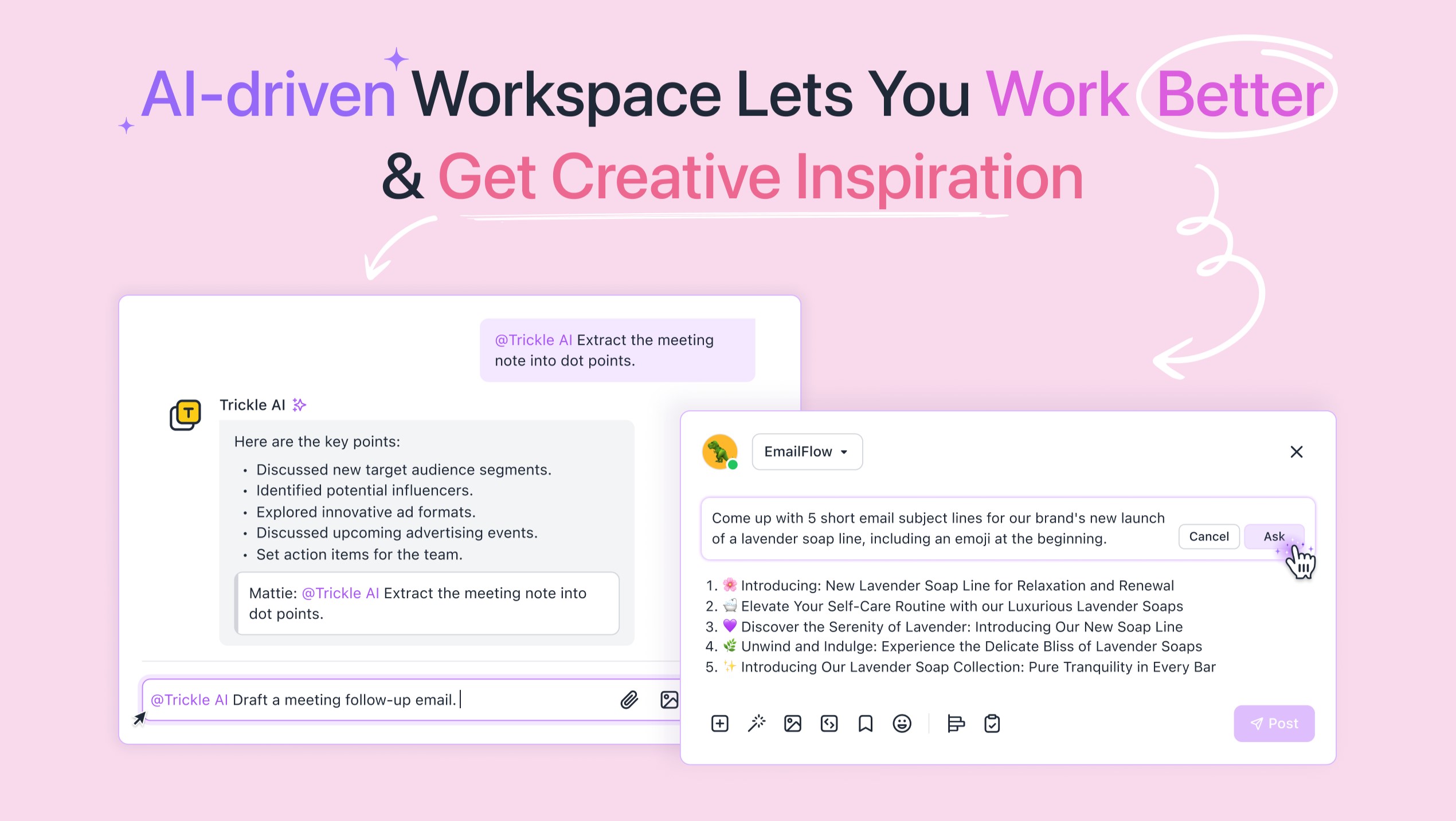
Trickle turns natural-language prompts into live websites, apps, and forms you can publish from a visual canvas. You describe what you want, co-create with the built-in AI, and deploy with hosting, a database, and custom domains on the same platform. It targets founders, designers, and marketers who need a shippable product in hours, not a Figma mockup.
Most no-code builders split design, database, and hosting across separate tools. Trickle bundles a visual editor, built-in database rows, trickle.host subdomains, and one-click publishing so a solo founder can launch a landing page or internal tool without wiring up Supabase and Vercel separately. Credit packs ($10 for 750 credits) let you scale usage without jumping tiers immediately.
The Free plan gives 70 daily credits (up to 350 per month), 100 database rows, and 3 projects with hosting included. Pro at $17 per month raises limits to 1,500 monthly credits, 1 custom domain, and unlimited projects. Premium at $42 per month adds 3,750 credits and 10,000 database rows for heavier apps.
Hyper Notepad Upvotes
Trickle 1.0 Upvotes
Hyper Notepad Top Features
Create and share unlimited notes with unique links, no account required
Notes encrypt at rest with optional password protection and auto-expiry timers
Premium adds image uploads, tables, live inline math, and custom themes from $3.99 per month
Rich text editor with code blocks, autosave, and download or print support
Light and dark mode with cross-device access when you sign in
Trickle 1.0 Top Features
Free plan includes 70 daily credits (up to 350 per month), 100 database rows, and 3 hosted projects
Pro plan at $17 per month adds 1,500 monthly credits, 1 custom domain, and unlimited projects
Premium plan at $42 per month includes 3,750 monthly credits and 10,000 database rows
Built-in database and website hosting ship with every tier, no external stack required
Template library covers landing pages, CRM dashboards, forms, and interactive web apps
Add-on credit packs sell 750 credits for $10 or 1,500 credits for $20 mid-cycle
Visual canvas editor lets you refine AI output before one-click publish
Hyper Notepad Category
- Productivity
Trickle 1.0 Category
- Productivity
Hyper Notepad Pricing Type
- Freemium
Trickle 1.0 Pricing Type
- Freemium