Hyper Notepad vs WebWise ChatGPT
Compare Hyper Notepad vs WebWise ChatGPT and see which AI Productivity tool is better when we compare features, reviews, pricing, alternatives, upvotes, etc.
Which one is better? Hyper Notepad or WebWise ChatGPT?
When we compare Hyper Notepad with WebWise ChatGPT, which are both AI-powered productivity tools, Interestingly, both tools have managed to secure the same number of upvotes. Every vote counts! Cast yours and contribute to the decision of the winner.
Does the result make you go "hmm"? Cast your vote and turn that frown upside down!
Hyper Notepad


What is Hyper Notepad?
Hyper Notepad is a browser-based productivity notepad for writing, saving, and sharing notes without installing software. You open the page, start typing, and get a unique link to share the note with anyone. Notes are encrypted at rest, autosave as you type, and work on desktop or mobile browsers.
Unlike Google Docs or Notion, Hyper Notepad stays intentionally lightweight. There are no workspaces, databases, or collaboration threads. You trade team features for zero-friction sharing, optional password locks, and auto-expiring notes that delete themselves after a set time.
It suits students, freelancers, and teams who need a quick scratchpad or a shareable doc without accounts. Writers who want rich text, code blocks, and optional Premium extras like tables, image embeds, and custom themes can upgrade when the free tier is not enough.
WebWise ChatGPT
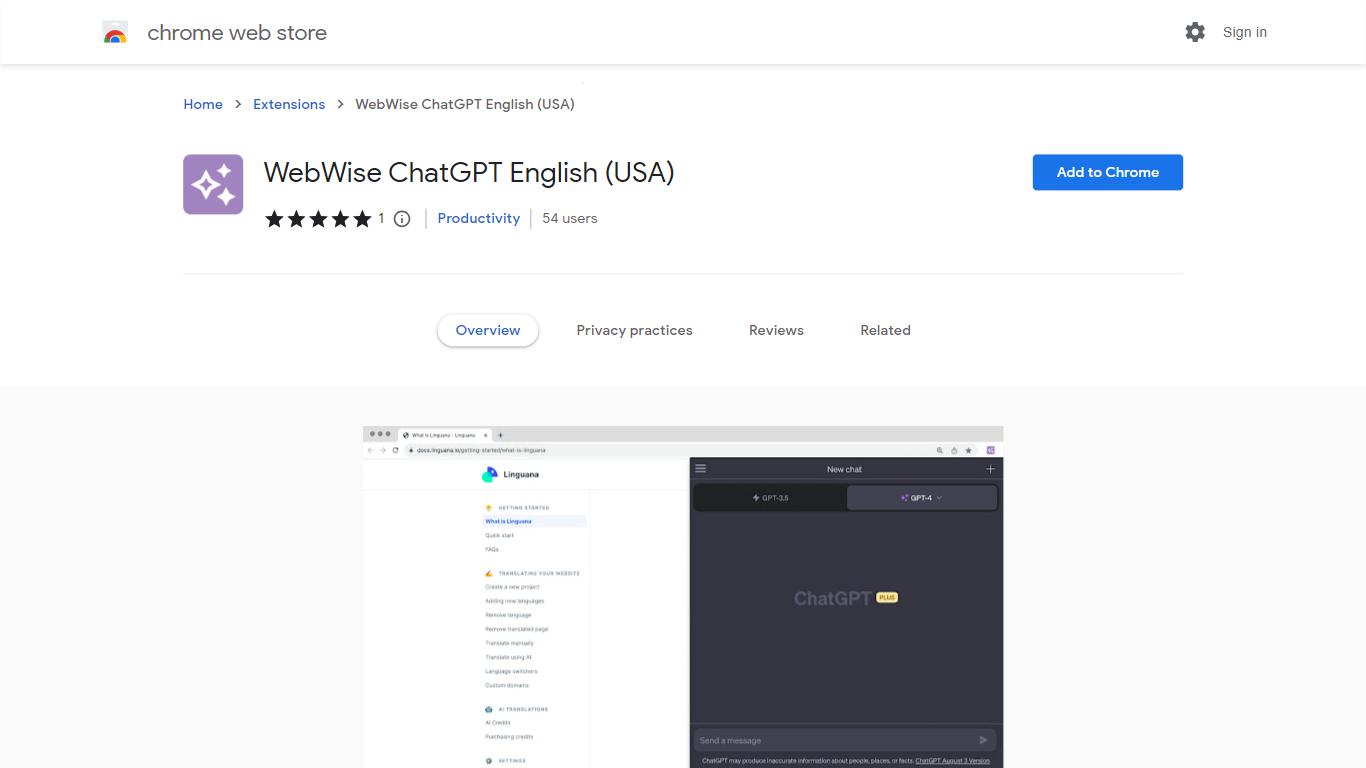
What is WebWise ChatGPT?
WebWise ChatGPT is a browser extension for Chrome that puts ChatGPT one click away in your toolbar, omnibox, context menu, and search result pages. It works with your existing ChatGPT Free or Plus login at chat.openai.com and does not require a separate API key.
Plenty of ChatGPT sidebar extensions add a floating panel, but WebWise focuses on fast entry points: open a popup from the toolbar, type gpt plus space in the address bar, or pull answers alongside Google, Bing, and Yahoo results. It also pings your ChatGPT session to keep it alive longer during long browsing stretches. The trade-off is that it depends entirely on OpenAI's web interface, so outages or login issues on chat.openai.com affect the extension too.
Researchers, students, and office workers who already pay for or use free ChatGPT install WebWise to avoid tab-switching. The extension lists 335 Chrome Web Store users, supports 54 languages, and last updated in August 2023 at version 1.0.1.
Hyper Notepad Upvotes
WebWise ChatGPT Upvotes
Hyper Notepad Top Features
Create and share unlimited notes with unique links, no account required
Notes encrypt at rest with optional password protection and auto-expiry timers
Premium adds image uploads, tables, live inline math, and custom themes from $3.99 per month
Rich text editor with code blocks, autosave, and download or print support
Light and dark mode with cross-device access when you sign in
WebWise ChatGPT Top Features
Opens ChatGPT in a toolbar popup with one click, no API key required
Omnibox shortcut: type gpt then space in the address bar to launch ChatGPT
Shows ChatGPT answers alongside Google, Bing, Yahoo, and other search results
Context menu access to run ChatGPT on selected page content
Keeps ChatGPT web sessions alive longer with periodic background pings
Supports 54 languages and works with both ChatGPT Free and Plus accounts
Hyper Notepad Category
- Productivity
WebWise ChatGPT Category
- Productivity
Hyper Notepad Pricing Type
- Freemium
WebWise ChatGPT Pricing Type
- Free