FlowSavvy vs WebWise ChatGPT
When comparing FlowSavvy vs WebWise ChatGPT, which AI Productivity tool shines brighter? We look at pricing, alternatives, upvotes, features, reviews, and more.
In a comparison between FlowSavvy and WebWise ChatGPT, which one comes out on top?
When we put FlowSavvy and WebWise ChatGPT side by side, both being AI-powered productivity tools, Interestingly, both tools have managed to secure the same number of upvotes. Be a part of the decision-making process. Your vote could determine the winner.
Want to flip the script? Upvote your favorite tool and change the game!
FlowSavvy
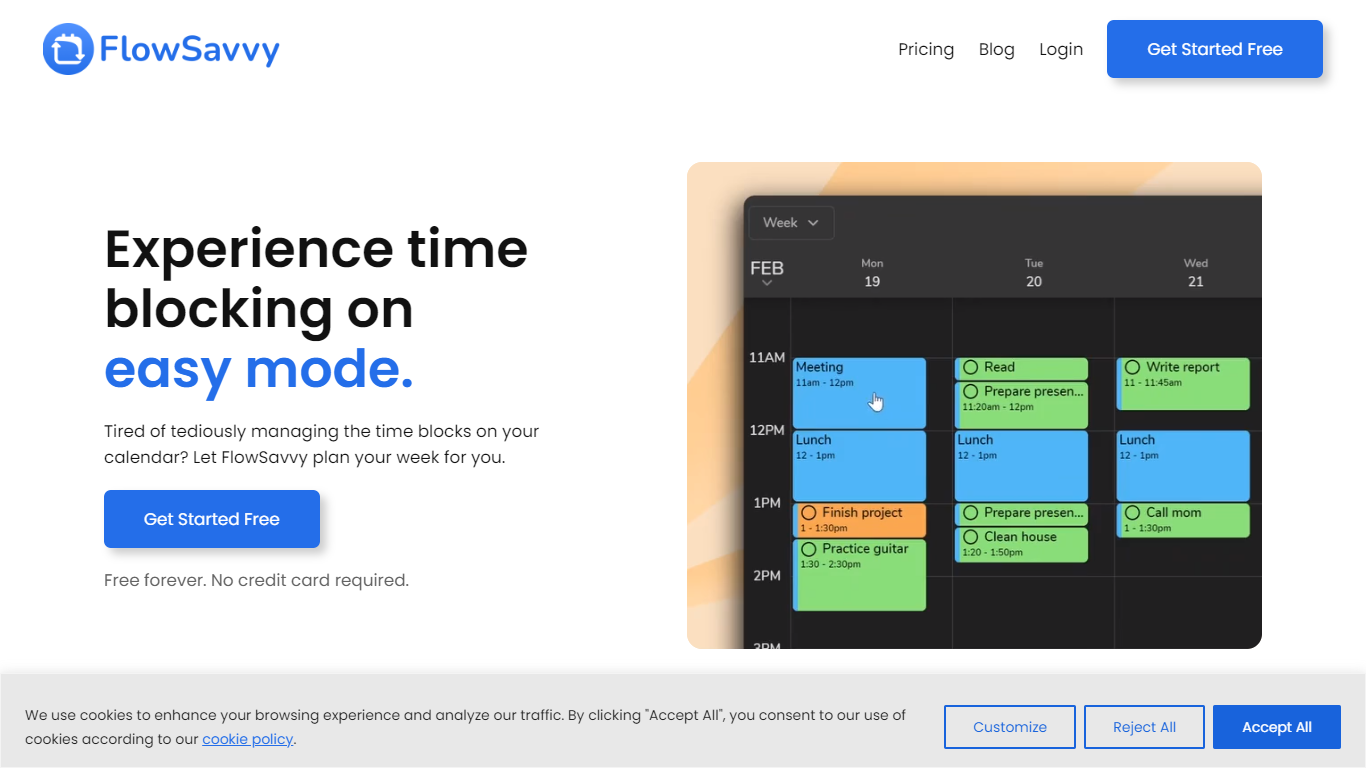

What is FlowSavvy ?
FlowSavvy offers a fresh take on time management by automating time blocking and task scheduling to reduce stress and manual effort. It acts like a digital assistant that creates weekly plans and adjusts them automatically when your schedule changes, so you don’t have to constantly rearrange tasks yourself. The platform supports habit building by letting you set recurring tasks that fit your lifestyle and work hours, helping you maintain a healthy work-life balance. It integrates smoothly with popular calendars like Google, iCloud, and Outlook, keeping all your appointments and tasks in one place. The interface is clean and easy to use, with color-coded tasks that give you a quick view of your workload. FlowSavvy is accessible on all devices and lets you start for free without needing a credit card. This makes it a practical tool for anyone looking to organize their time more effectively without the hassle of manual scheduling. Whether you’re a busy professional, a student, or managing a household, FlowSavvy adapts to your needs and helps you stay on track effortlessly.
WebWise ChatGPT
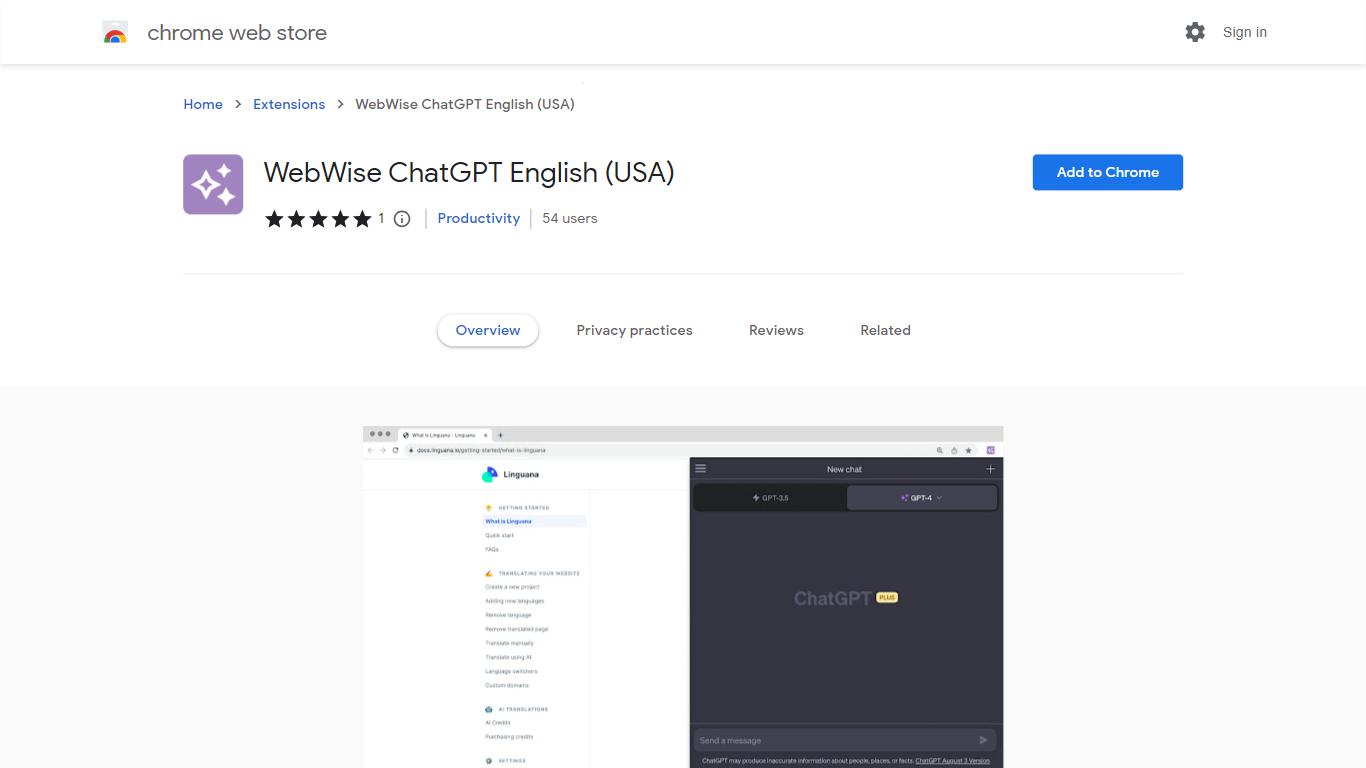
What is WebWise ChatGPT?
WebWise ChatGPT is a browser extension for Chrome that puts ChatGPT one click away in your toolbar, omnibox, context menu, and search result pages. It works with your existing ChatGPT Free or Plus login at chat.openai.com and does not require a separate API key.
Plenty of ChatGPT sidebar extensions add a floating panel, but WebWise focuses on fast entry points: open a popup from the toolbar, type gpt plus space in the address bar, or pull answers alongside Google, Bing, and Yahoo results. It also pings your ChatGPT session to keep it alive longer during long browsing stretches. The trade-off is that it depends entirely on OpenAI's web interface, so outages or login issues on chat.openai.com affect the extension too.
Researchers, students, and office workers who already pay for or use free ChatGPT install WebWise to avoid tab-switching. The extension lists 335 Chrome Web Store users, supports 54 languages, and last updated in August 2023 at version 1.0.1.
FlowSavvy Upvotes
WebWise ChatGPT Upvotes
FlowSavvy Top Features
🗓️ Automatic weekly planning that adjusts as your schedule changes
🔄 Smart recurring tasks to build and maintain good habits
📅 Syncs with Google, iCloud, and Outlook calendars for unified scheduling
🎨 Color-coded tasks for quick workload visualization
📱 Available on all devices with no credit card required to start
WebWise ChatGPT Top Features
Opens ChatGPT in a toolbar popup with one click, no API key required
Omnibox shortcut: type gpt then space in the address bar to launch ChatGPT
Shows ChatGPT answers alongside Google, Bing, Yahoo, and other search results
Context menu access to run ChatGPT on selected page content
Keeps ChatGPT web sessions alive longer with periodic background pings
Supports 54 languages and works with both ChatGPT Free and Plus accounts
FlowSavvy Category
- Productivity
WebWise ChatGPT Category
- Productivity
FlowSavvy Pricing Type
- Freemium
WebWise ChatGPT Pricing Type
- Free