ifoto Cleanup Pictures vs Palette.fm
In the face-off between ifoto Cleanup Pictures vs Palette.fm, which AI Photo Editing tool takes the crown? We scrutinize features, alternatives, upvotes, reviews, pricing, and more.
When we put ifoto Cleanup Pictures and Palette.fm head to head, which one emerges as the victor?
If we were to analyze ifoto Cleanup Pictures and Palette.fm, both of which are AI-powered photo editing tools, what would we find? The users have made their preference clear, Palette.fm leads in upvotes. Palette.fm has attracted 33 upvotes from aitools.fyi users, and ifoto Cleanup Pictures has attracted 12 upvotes.
Don't agree with the result? Cast your vote and be a part of the decision-making process!
ifoto Cleanup Pictures
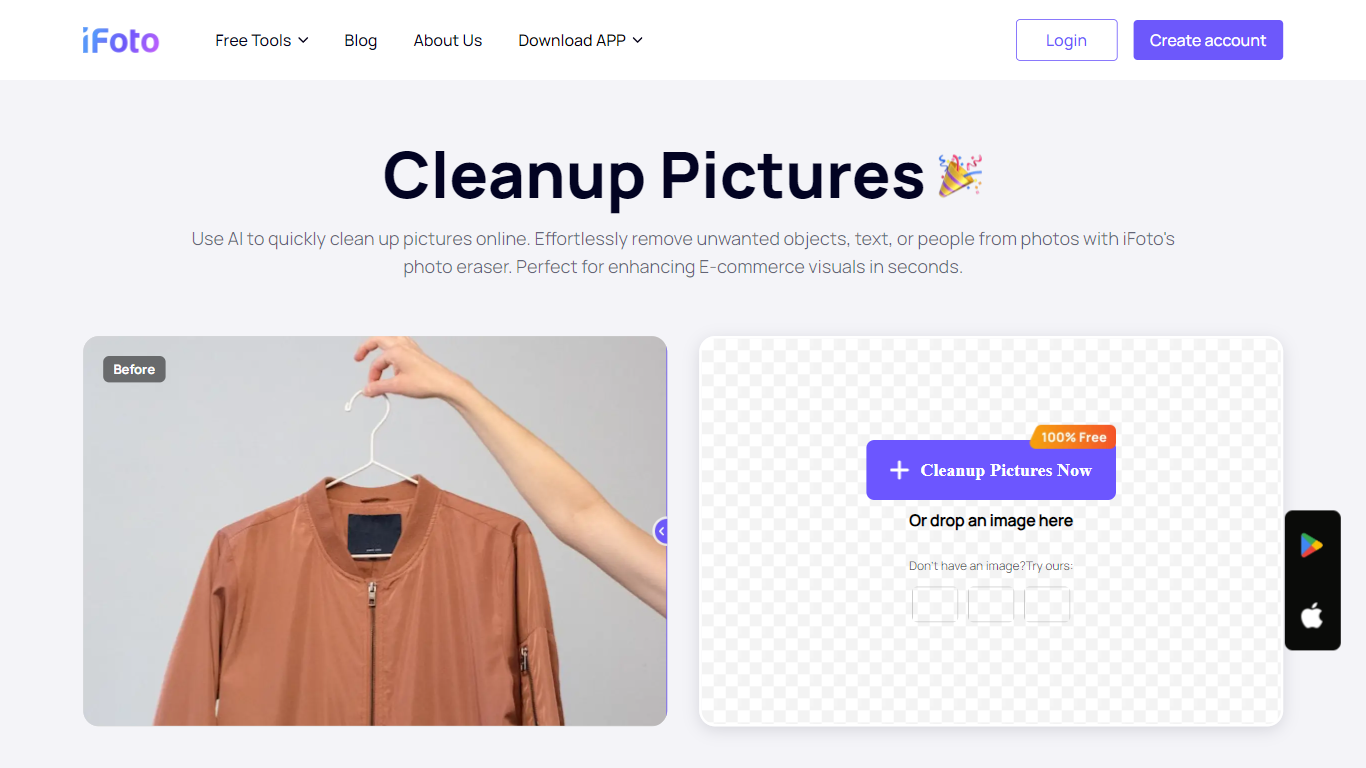

What is ifoto Cleanup Pictures?
ifoto Cleanup Pictures is iFoto's online magic eraser for removing unwanted objects, people, watermarks, text, and other distractions from photos. Upload a PNG or JPG, brush over what you want gone, and the tool uses inpainting to rebuild the background so the edit looks natural.
The workflow is built around a brush-based remover rather than manual cloning. iFoto's cleanup tool targets photobombers, power lines, logos, blemishes, and stray objects in product shots or social posts. It sits inside the broader iFoto suite, which focuses on e-commerce and fashion photography editing.
Cleanup Pictures works in the browser with no desktop software required. iFoto also offers iOS and Android apps, plus a Shopify integration, for editing on the go or inside a store workflow. The tool is positioned for sellers, marketers, and casual editors who need quick object removal without opening Photoshop.
Palette.fm

What is Palette.fm?
Palette.fm colorizes black-and-white photos through a browser upload flow with 21+ filter presets and keyword-based color tweaks. Upload an image, pick a filter, adjust descriptive keywords if needed, then download a full-resolution result or keep iterating on previews. The photo editing workflow targets family historians, photographers, and creators restoring old prints without opening Photoshop.
Most colorizers lean on heavy sepia and purple casts with little room to steer skin tones or fabric colors. Palette.fm lets you click a filter then fine-tune hues through plain-language keywords, and it sells one-time credit packs alongside subscriptions. Free previews cap at 500x500 pixels with a watermark, while paid credits remove the logo and support files up to 5000x5000 pixels.
Genealogy researchers, photo archivists, and YouTube educators use Palette.fm to batch-test color looks before committing credits. The site reports 54 million photos colorized and 6.6 million registered users, with an API option for teams that want programmatic access.
ifoto Cleanup Pictures Upvotes
Palette.fm Upvotes
ifoto Cleanup Pictures Top Features
Brush over objects, people, watermarks, or text and let inpainting rebuild the background
Accepts PNG and JPG uploads with no fixed dimension limits on the cleanup page
Removes photobombers, power lines, poles, and other background distractions in a few clicks
Works for product photos, social posts, and profile pictures including blemish touch-ups
Runs in the browser with companion iOS, Android, and Shopify apps available
Palette.fm Top Features
21+ color filters with before-and-after previews on sample photos
Free plan includes unlimited 500x500 previews with Palette watermark
Paid credits export up to 5000x5000 pixels without the logo
Keyword adjustment panel fine-tunes colors after picking a filter
Annual subscription is $72 per year for 480 credits ($0.15 each)
One-time pack is $49 for 75 credits valid for 2 years
API and video integration options listed in the site footer
ifoto Cleanup Pictures Category
- Photo Editing
Palette.fm Category
- Photo Editing
ifoto Cleanup Pictures Pricing Type
- Freemium
Palette.fm Pricing Type
- Freemium