
Last updated 07-25-2026
Category:
Reviews:
Join thousands of AI enthusiasts in the World of AI!
ifoto Cleanup Pictures
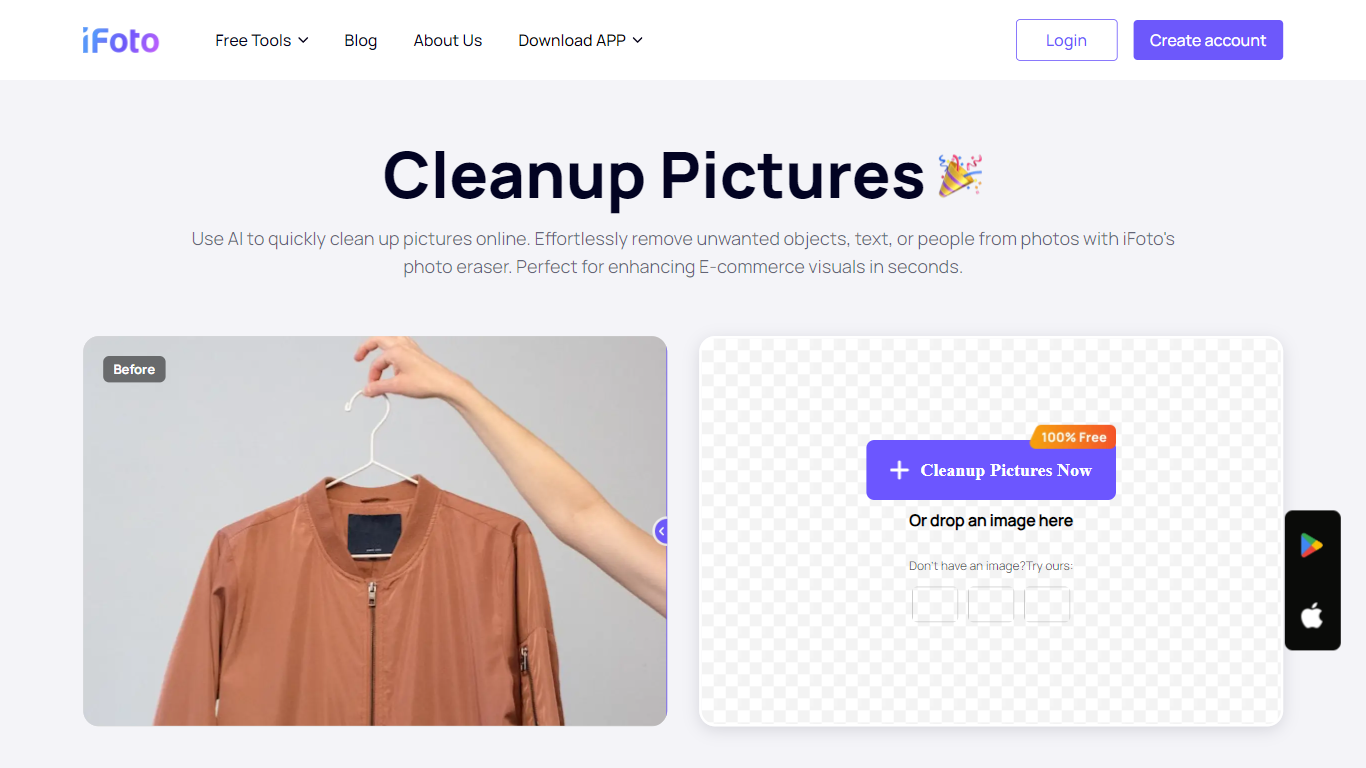
ifoto Cleanup Pictures is iFoto's online magic eraser for removing unwanted objects, people, watermarks, text, and other distractions from photos. Upload a PNG or JPG, brush over what you want gone, and the tool uses inpainting to rebuild the background so the edit looks natural.
The workflow is built around a brush-based remover rather than manual cloning. iFoto's cleanup tool targets photobombers, power lines, logos, blemishes, and stray objects in product shots or social posts. It sits inside the broader iFoto suite, which focuses on e-commerce and fashion photography editing.
Cleanup Pictures works in the browser with no desktop software required. iFoto also offers iOS and Android apps, plus a Shopify integration, for editing on the go or inside a store workflow. The tool is positioned for sellers, marketers, and casual editors who need quick object removal without opening Photoshop.
Brush over objects, people, watermarks, or text and let inpainting rebuild the background
Accepts PNG and JPG uploads with no fixed dimension limits on the cleanup page
Removes photobombers, power lines, poles, and other background distractions in a few clicks
Works for product photos, social posts, and profile pictures including blemish touch-ups
Runs in the browser with companion iOS, Android, and Shopify apps available
Free browser access to object removal without installing desktop software.
Brush workflow handles people, watermarks, text, and background clutter in one tool.
Available on web, iOS, Android, and Shopify alongside other iFoto editing tools.
Public pages do not list specific subscription prices for premium plans.
Processes one image at a time on the cleanup upload page.
Paid subscription auto-renews unless canceled at least 24 hours before a trial ends.
Is ifoto Cleanup Pictures free to use?
Yes. ifoto Cleanup Pictures can be used online for free. iFoto also offers optional paid subscriptions with weekly, monthly, biannual, or annual billing for access to premium features across the iFoto suite.
What file formats does ifoto Cleanup Pictures support?
ifoto Cleanup Pictures accepts PNG and JPG image uploads. Edited images can be downloaded as PNG files after cleanup is complete.
What can I remove with ifoto Cleanup Pictures?
ifoto Cleanup Pictures can remove unwanted objects, people in the background, watermarks, text, glare on glasses, shadows, blemishes, and wrinkles. The magic eraser brush covers the area you want removed and the tool reconstructs the background automatically.
Can I use ifoto Cleanup Pictures on my phone?
Yes. ifoto Cleanup Pictures works in a web browser and is also available through the iFoto mobile app on iOS and Android. The same cleanup capability is accessible from the iFoto AI Photo Studio apps.
Do I need an account to use ifoto Cleanup Pictures?
You can upload an image and run cleanup without creating an account. iFoto notes that creating an account lets you store your edited work and access additional editing features from the dashboard.
Can ifoto Cleanup Pictures remove watermarks from any image?
ifoto Cleanup Pictures includes a brush tool that can remove logos and watermarks from images. iFoto states that watermarks often indicate copyright restrictions and should only be removed from images you have a valid license to edit.