Image Candy vs InPixio
Dive into the comparison of Image Candy vs InPixio and discover which AI Photo Editing tool stands out. We examine alternatives, upvotes, features, reviews, pricing, and beyond.
When comparing Image Candy and InPixio, which one rises above the other?
When we compare Image Candy and InPixio, two exceptional photo editing tools powered by artificial intelligence, and place them side by side, several key similarities and differences come to light. In the race for upvotes, Image Candy takes the trophy. The number of upvotes for Image Candy stands at 9, and for InPixio it's 6.
You don't agree with the result? Cast your vote to help us decide!
Image Candy
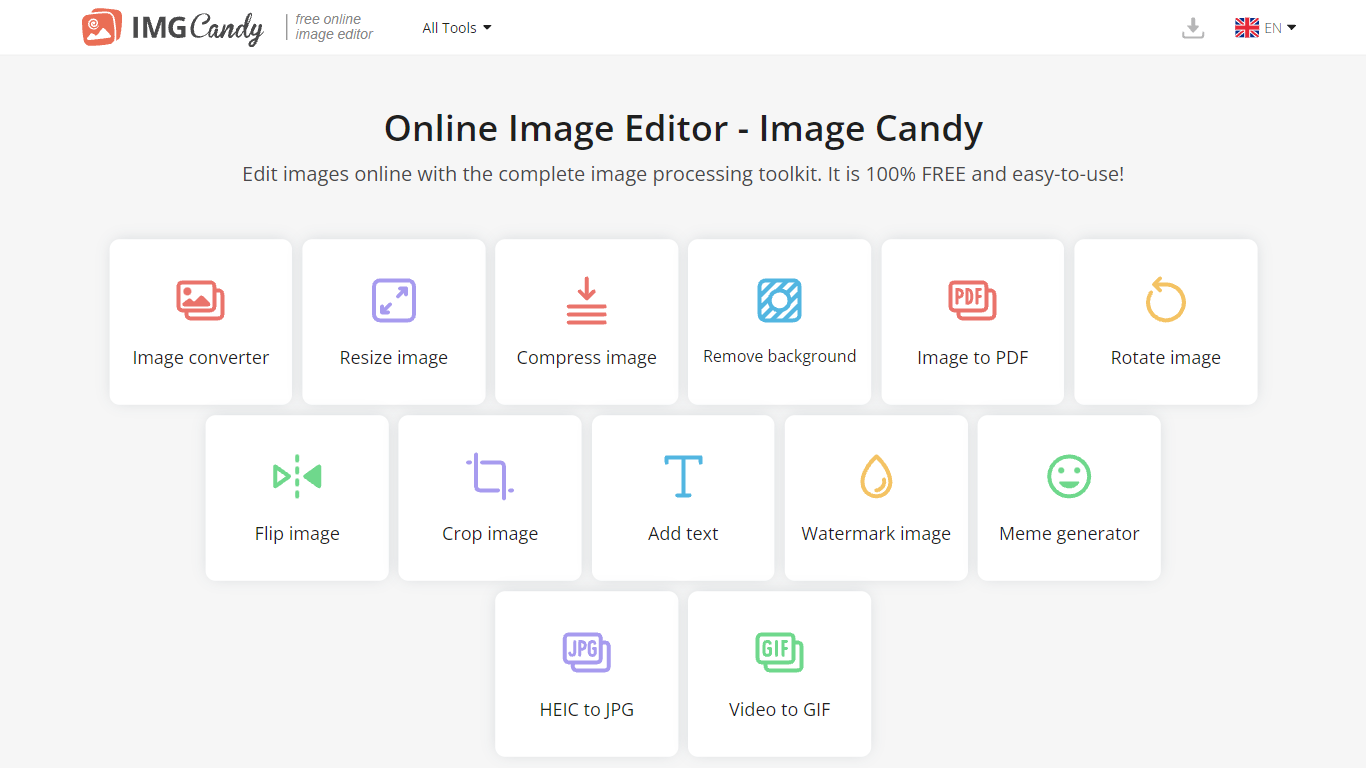

What is Image Candy?
Image Candy runs 38 browser-based photo editing tools for converting, resizing, compressing, cropping, watermarking, and removing backgrounds from images. Upload a file on any tool page, adjust settings, and download the result without installing desktop software.
The site comes from Icecream Apps, the same team behind PDF Candy and Video Candy, and keeps the workflow minimal: drag a file onto the page, tweak options, export. Free access covers the full toolkit, while paid yearly, monthly, or $79 lifetime plans lift download limits shown in the upgrade popup. That split makes it handy for one-off edits but less ideal if you need unlimited batch exports every day.
Image Candy fits bloggers, social media managers, and anyone who needs quick JPG, PNG, HEIC, or GIF fixes in six languages. Compress claims up to 85% size reduction, background removal handles common raster formats, and uploaded files are deleted from servers within two hours per the about page.
InPixio

What is InPixio?
InPixio lets you remove backgrounds, erase objects, swap skies, and polish photos through a free online editor, a Windows desktop app, and a mobile app. Upload an image, click remove background, and the AI separates hair and fine edges without manual masking.
Where heavyweight editors assume you already know layers and masks, InPixio sells speed for ecommerce sellers and casual creators. The free web tools handle quick crops and background cuts, while paid plans unlock HD downloads and premium features across the same interface on desktop and phone.
The site cites more than 10 million users and targets small business owners, social sellers, and beginners who need product photos, transparent PNGs, and social-ready edits. You can edit in the browser instantly or download the Windows app for offline work.
Image Candy Upvotes
InPixio Upvotes
Image Candy Top Features
38 image tools spanning convert, resize, compress, crop, watermark, meme, and HEIC to JPG workflows
Compress images claims up to 85% file size reduction on the compress tool page
Lifetime plan costs $79 as a one-time payment alongside yearly and monthly subscriptions
Interface available in 6 languages including English, German, French, Italian, Spanish, and Dutch
Uploaded images are automatically deleted from servers within 2 hours per the about page
Remove background tool accepts JPG, JPEG, PNG, and related raster formats for free
InPixio Top Features
One-click AI background remover handles hair and complex edges on JPG, PNG, and RAW files
Online editor runs in the browser with no install, while Windows software works offline
Magic eraser removes unwanted objects and reconstructs the background automatically
AI background generator swaps skies and dull backdrops for new scenes in seconds
Supports more than 50 image formats including JPEG, PNG, and RAW uploads
Mobile app mirrors quick edits for social posts and product photos on the go
Image Candy Category
- Photo Editing
InPixio Category
- Photo Editing
Image Candy Pricing Type
- Freemium
InPixio Pricing Type
- Freemium