
Last updated 07-30-2026
Category:
Reviews:
Join thousands of AI enthusiasts in the World of AI!
Image Candy
Image Candy runs 38 browser-based photo editing tools for converting, resizing, compressing, cropping, watermarking, and removing backgrounds from images. Upload a file on any tool page, adjust settings, and download the result without installing desktop software.
The site comes from Icecream Apps, the same team behind PDF Candy and Video Candy, and keeps the workflow minimal: drag a file onto the page, tweak options, export. Free access covers the full toolkit, while paid yearly, monthly, or $79 lifetime plans lift download limits shown in the upgrade popup. That split makes it handy for one-off edits but less ideal if you need unlimited batch exports every day.
Image Candy fits bloggers, social media managers, and anyone who needs quick JPG, PNG, HEIC, or GIF fixes in six languages. Compress claims up to 85% size reduction, background removal handles common raster formats, and uploaded files are deleted from servers within two hours per the about page.
38 image tools spanning convert, resize, compress, crop, watermark, meme, and HEIC to JPG workflows
Compress images claims up to 85% file size reduction on the compress tool page
Lifetime plan costs $79 as a one-time payment alongside yearly and monthly subscriptions
Interface available in 6 languages including English, German, French, Italian, Spanish, and Dutch
Uploaded images are automatically deleted from servers within 2 hours per the about page
Remove background tool accepts JPG, JPEG, PNG, and related raster formats for free
38 specialized tools cover everyday photo edits without installing software
Core editing remains free with a clear $79 lifetime upgrade option
Six-language site and two-hour auto-deletion policy suit privacy-conscious users
Backed by Icecream Apps with related PDF and video tool suites
Monthly and yearly prices load dynamically and are not published as fixed dollar amounts on the page
Free tier triggers download-limit popups that push paid plans during heavy use
Browser-only workflow with no native desktop or mobile apps listed
Is Image Candy free to use?
Image Candy offers free access to its online image tools with optional paid yearly, monthly, or $79 lifetime plans to raise download limits. The homepage states the toolkit is 100% free and easy to use for basic edits.
What tools does Image Candy include?
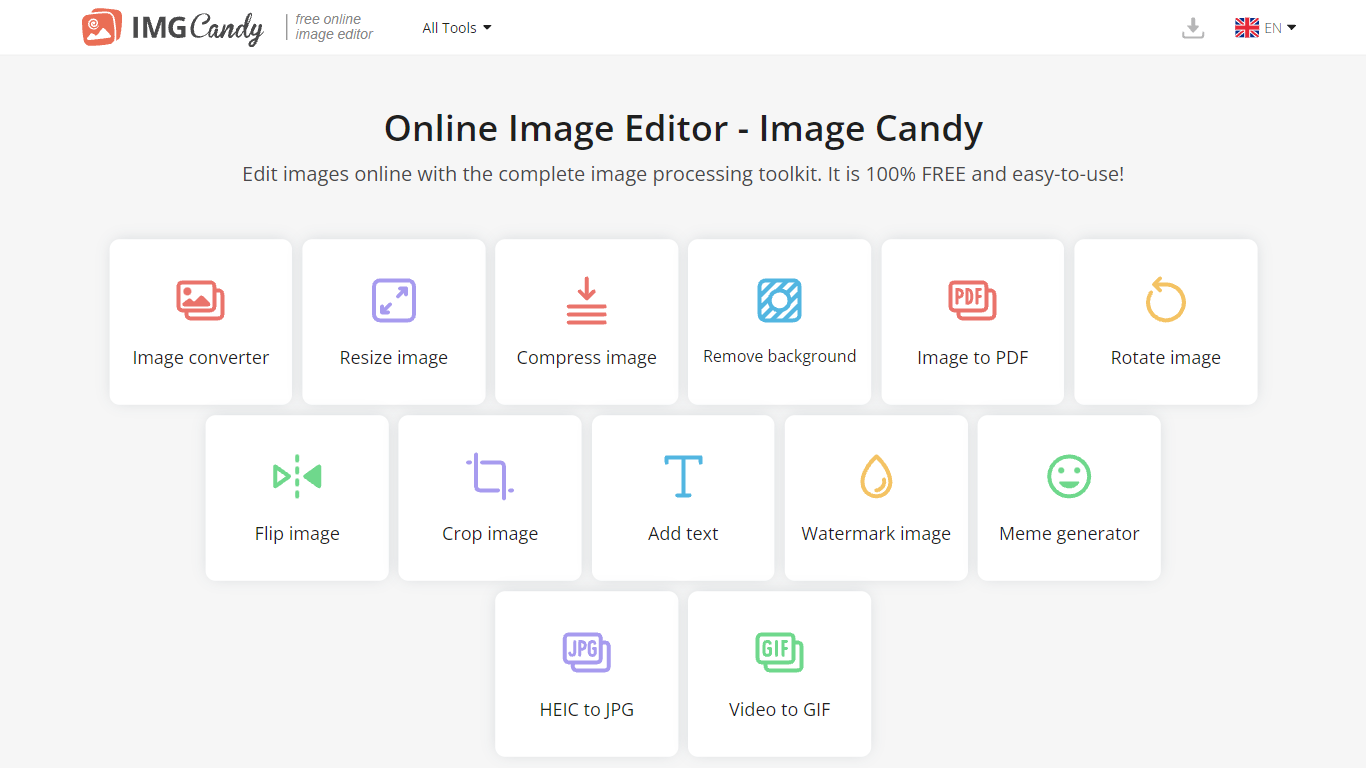
Image Candy includes 38 browser tools such as image converter, resize, compress, remove background, image to PDF, crop, watermark, meme generator, HEIC to JPG, and video to GIF according to its about page.
Who makes Image Candy?
Image Candy was created by the Icecream Apps team, which also launched PDF Candy in 2016, Video Candy in 2021, and Resume Trick in 2023. The Image Candy website launched in 2022.
How much does Image Candy cost?
Image Candy sells yearly and monthly subscriptions plus a lifetime plan priced at $79 paid once. The yearly option advertises a 40% savings compared with monthly billing on the site.
Does Image Candy keep uploaded files?
Image Candy states that pictures uploaded to its servers are automatically deleted within two hours. The about page also notes encrypted connections and secure server handling.
What languages does Image Candy support?
Image Candy supports 6 languages on the website, including English, Deutsch, Français, Italiano, Español, and Nederlands based on the language switcher in the site header.