Image Candy vs Luminar Neo
In the face-off between Image Candy vs Luminar Neo, which AI Photo Editing tool takes the crown? We scrutinize features, alternatives, upvotes, reviews, pricing, and more.
In a face-off between Image Candy and Luminar Neo, which one takes the crown?
If we were to analyze Image Candy and Luminar Neo, both of which are AI-powered photo editing tools, what would we find? Both tools have received the same number of upvotes from aitools.fyi users. Your vote matters! Help us decide the winner among aitools.fyi users by casting your vote.
Think we got it wrong? Cast your vote and show us who's boss!
Image Candy

What is Image Candy?
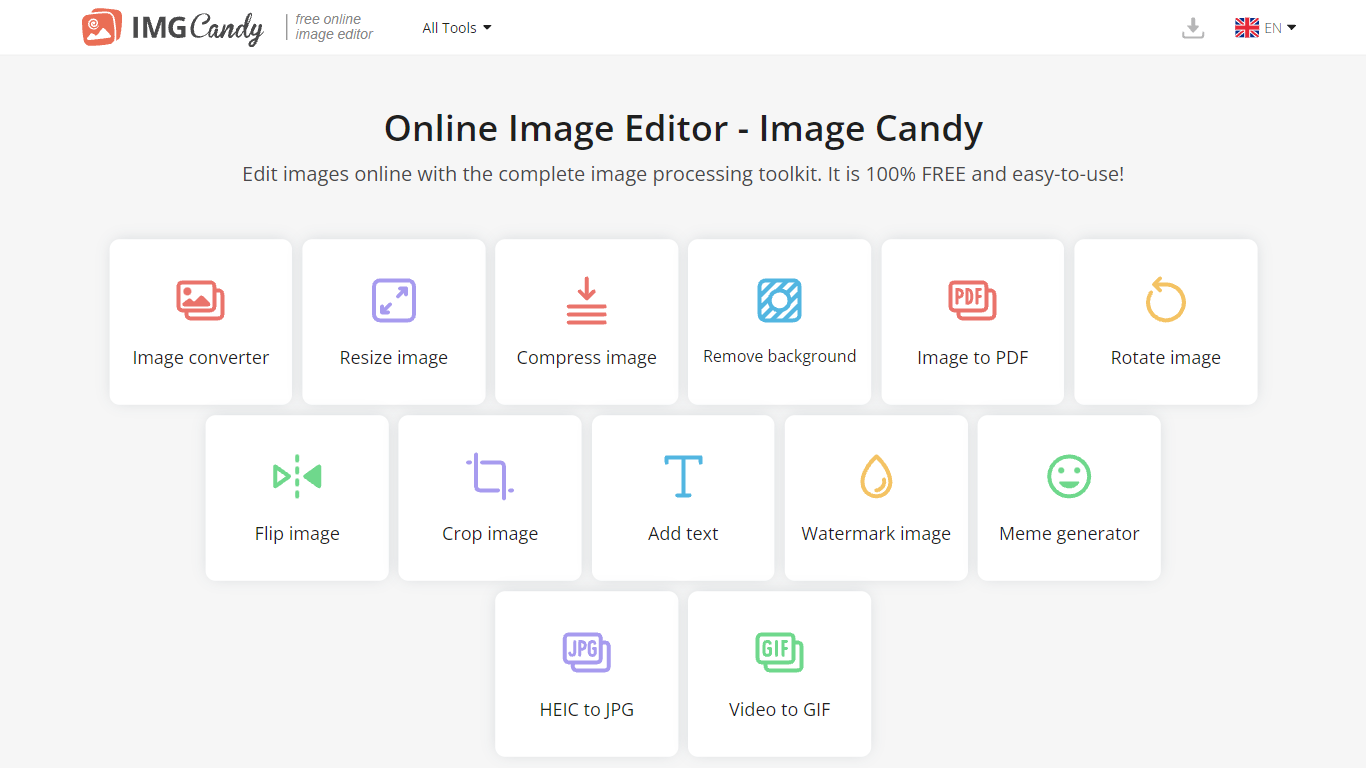
Image Candy runs 38 browser-based photo editing tools for converting, resizing, compressing, cropping, watermarking, and removing backgrounds from images. Upload a file on any tool page, adjust settings, and download the result without installing desktop software.
The site comes from Icecream Apps, the same team behind PDF Candy and Video Candy, and keeps the workflow minimal: drag a file onto the page, tweak options, export. Free access covers the full toolkit, while paid yearly, monthly, or $79 lifetime plans lift download limits shown in the upgrade popup. That split makes it handy for one-off edits but less ideal if you need unlimited batch exports every day.
Image Candy fits bloggers, social media managers, and anyone who needs quick JPG, PNG, HEIC, or GIF fixes in six languages. Compress claims up to 85% size reduction, background removal handles common raster formats, and uploaded files are deleted from servers within two hours per the about page.
Luminar Neo

What is Luminar Neo?
Luminar Neo is a desktop photo editor for macOS and Windows that combines one-click AI adjustments with layer-based manual control. Sky replacement, portrait retouching, generative erase and expand, HDR merge, and noise reduction all live in one app, with optional Lightroom Classic and Photoshop plug-in support.
Where subscription editors lock you into monthly fees, Skylum sells Luminar as a perpetual license with 2 device activations. Generative AI tools and the asset library renew annually, but the core app stays yours after a single purchase, which suits photographers who edit in bursts rather than every day.
Landscape shooters, portrait photographers, and hobbyists use Luminar Neo for batch presets, RAW support across 1000+ cameras, and cross-device handoff from mobile to desktop on higher tiers. An AI Assistant suggests edits in 16 languages and opens the right tool when you ask how-to questions.
Image Candy Upvotes
Luminar Neo Upvotes
Image Candy Top Features
38 image tools spanning convert, resize, compress, crop, watermark, meme, and HEIC to JPG workflows
Compress images claims up to 85% file size reduction on the compress tool page
Lifetime plan costs $79 as a one-time payment alongside yearly and monthly subscriptions
Interface available in 6 languages including English, German, French, Italian, Spanish, and Dutch
Uploaded images are automatically deleted from servers within 2 hours per the about page
Remove background tool accepts JPG, JPEG, PNG, and related raster formats for free
Luminar Neo Top Features
Perpetual licenses from $129 with 2 desktop activations on macOS and Windows
Generative AI tools include GenErase, GenSwap, GenExpand, and photo restoration
Supports RAW files from 1000+ cameras plus JPEG, PNG, TIFF, and major RAW formats
Pro Tools add Supersharp AI, Noiseless AI, HDR merge, focus stacking, and panorama stitch
AI Assistant suggests up to 3 edits per request in 16 languages with one-click apply
Image Candy Category
- Photo Editing
Luminar Neo Category
- Photo Editing
Image Candy Pricing Type
- Freemium
Luminar Neo Pricing Type
- Paid