Image Candy vs RemoveBG
Explore the showdown between Image Candy vs RemoveBG and find out which AI Photo Editing tool wins. We analyze upvotes, features, reviews, pricing, alternatives, and more.
In a face-off between Image Candy and RemoveBG, which one takes the crown?
When we contrast Image Candy with RemoveBG, both of which are exceptional AI-operated photo editing tools, and place them side by side, we can spot several crucial similarities and divergences. The upvote count favors RemoveBG, making it the clear winner. RemoveBG has garnered 11 upvotes, and Image Candy has garnered 9 upvotes.
Want to flip the script? Upvote your favorite tool and change the game!
Image Candy

What is Image Candy?
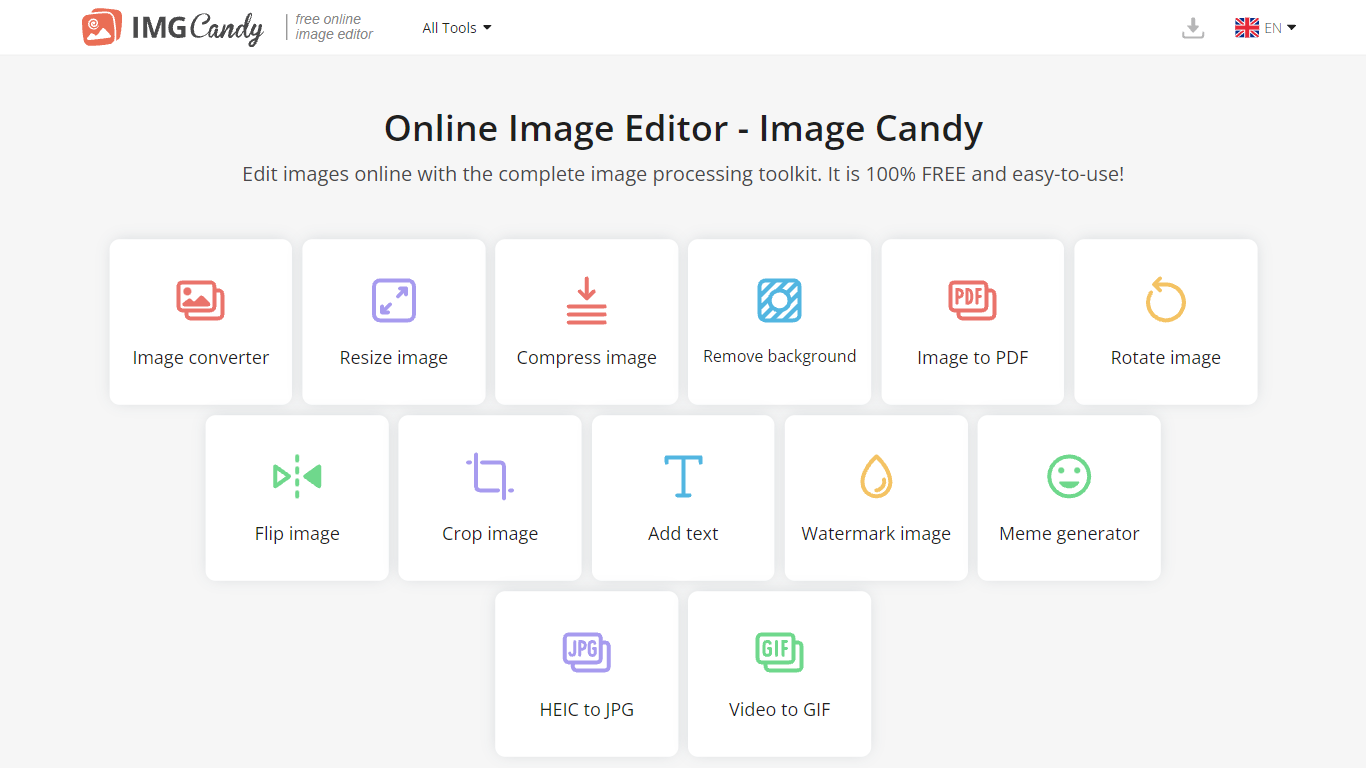
Image Candy runs 38 browser-based photo editing tools for converting, resizing, compressing, cropping, watermarking, and removing backgrounds from images. Upload a file on any tool page, adjust settings, and download the result without installing desktop software.
The site comes from Icecream Apps, the same team behind PDF Candy and Video Candy, and keeps the workflow minimal: drag a file onto the page, tweak options, export. Free access covers the full toolkit, while paid yearly, monthly, or $79 lifetime plans lift download limits shown in the upgrade popup. That split makes it handy for one-off edits but less ideal if you need unlimited batch exports every day.
Image Candy fits bloggers, social media managers, and anyone who needs quick JPG, PNG, HEIC, or GIF fixes in six languages. Compress claims up to 85% size reduction, background removal handles common raster formats, and uploaded files are deleted from servers within two hours per the about page.
RemoveBG
What is RemoveBG?
RemoveBG is a powerful and user-friendly online tool that allows you to remove image backgrounds in seconds, and the best part is, it's completely free! With advanced AI technology, RemoveBG makes background removal a breeze, saving you time and effort. Whether you need to edit images for creative projects, marketing materials, or personal use, RemoveBG has got you covered.
With RemoveBG, the process of removing image backgrounds is as easy as 1-2-3. First, choose the image you want to edit and upload it into the tool. Second, let the advanced AI technology analyze your image and automatically remove the background. Finally, download the new image and use it for any purpose you desire. Say goodbye to background woes and hello to hassle-free image editing with RemoveBG.
Image Candy Upvotes
RemoveBG Upvotes
Image Candy Top Features
38 image tools spanning convert, resize, compress, crop, watermark, meme, and HEIC to JPG workflows
Compress images claims up to 85% file size reduction on the compress tool page
Lifetime plan costs $79 as a one-time payment alongside yearly and monthly subscriptions
Interface available in 6 languages including English, German, French, Italian, Spanish, and Dutch
Uploaded images are automatically deleted from servers within 2 hours per the about page
Remove background tool accepts JPG, JPEG, PNG, and related raster formats for free
RemoveBG Top Features
Quick and Easy Background Removal: RemoveBG makes it incredibly simple to remove image backgrounds with just a few clicks. No need for complex editing software or extensive manual work.
Free of Cost: RemoveBG offers its background removal services completely free of charge. Say goodbye to expensive editing tools and hello to cost-effective image editing.
Advanced AI Technology: Powered by advanced AI technology RemoveBG analyzes your images and accurately detects and removes the background ensuring clean and professional results.
Versatile Usage: The images edited with RemoveBG can be used for a wide range of purposes including creative projects marketing materials or personal use. The possibilities are endless.
User-Friendly Interface: RemoveBG's user-friendly interface makes it easy for anyone to use regardless of their level of expertise in image editing. No technical skills required.
Image Candy Category
- Photo Editing
RemoveBG Category
- Photo Editing
Image Candy Pricing Type
- Freemium
RemoveBG Pricing Type
- Free