PNG Maker vs Image Candy
In the contest of PNG Maker vs Image Candy, which AI Photo Editing tool is the champion? We evaluate pricing, alternatives, upvotes, features, reviews, and more.
If you had to choose between PNG Maker and Image Candy, which one would you go for?
When we examine PNG Maker and Image Candy, both of which are AI-enabled photo editing tools, what unique characteristics do we discover? Image Candy is the clear winner in terms of upvotes. Image Candy has garnered 9 upvotes, and PNG Maker has garnered 6 upvotes.
Want to flip the script? Upvote your favorite tool and change the game!
PNG Maker
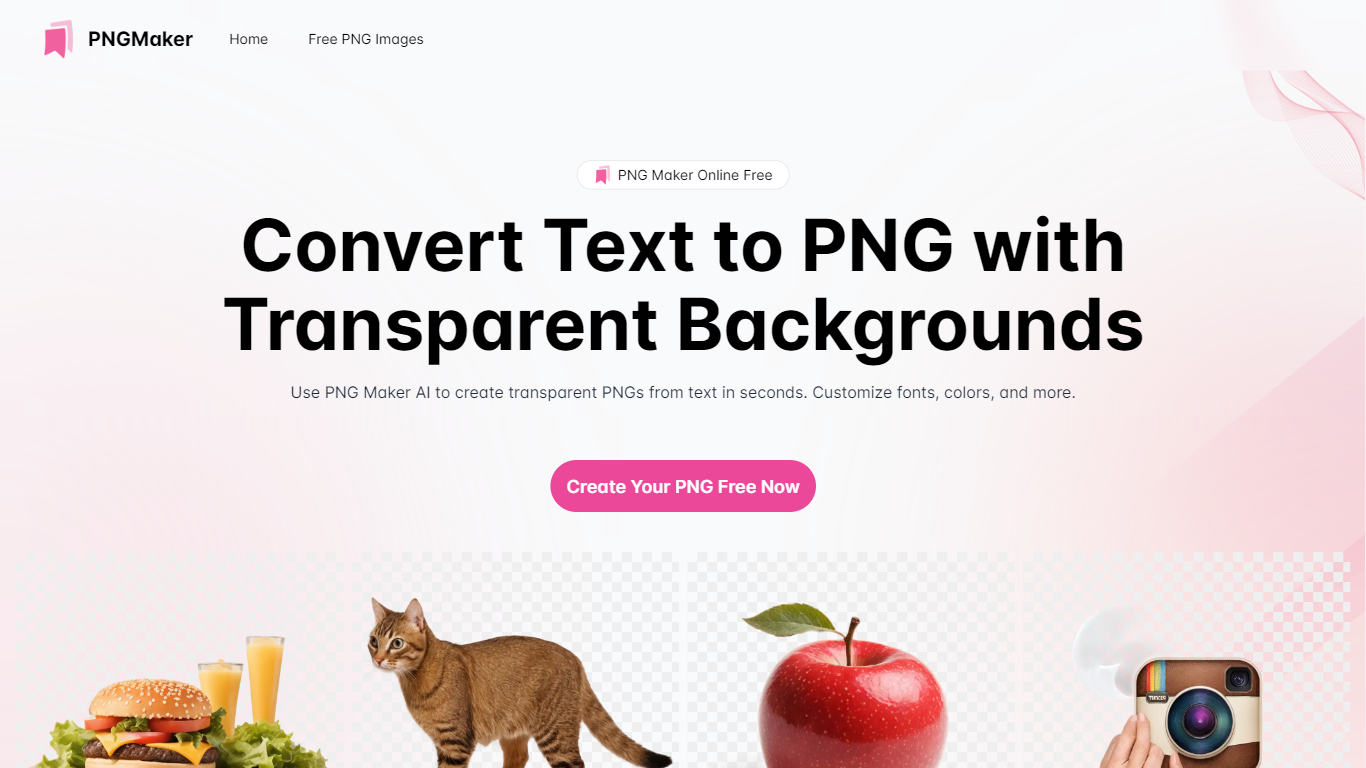

What is PNG Maker?
PNG Maker is an online tool that turns text prompts into PNG images with transparent backgrounds. It targets designers, marketers, and content creators who need clip-art style assets, logos, or graphics without opening desktop editing software.
You type a description of what you want, pick an aspect ratio, and the app generates one or more PNG files you can download. The web app also supports image-to-image generation, so you can upload a reference and refine the output from there. Free users get 9 credits per day; paid plans unlock higher monthly credit limits, batch generation, and private outputs.
The site also organizes outputs by tags and runs a blog with tips for writing better prompts. If you need quick transparent PNGs for slides, social posts, or web layouts, it keeps the workflow in the browser with no install required.
Image Candy
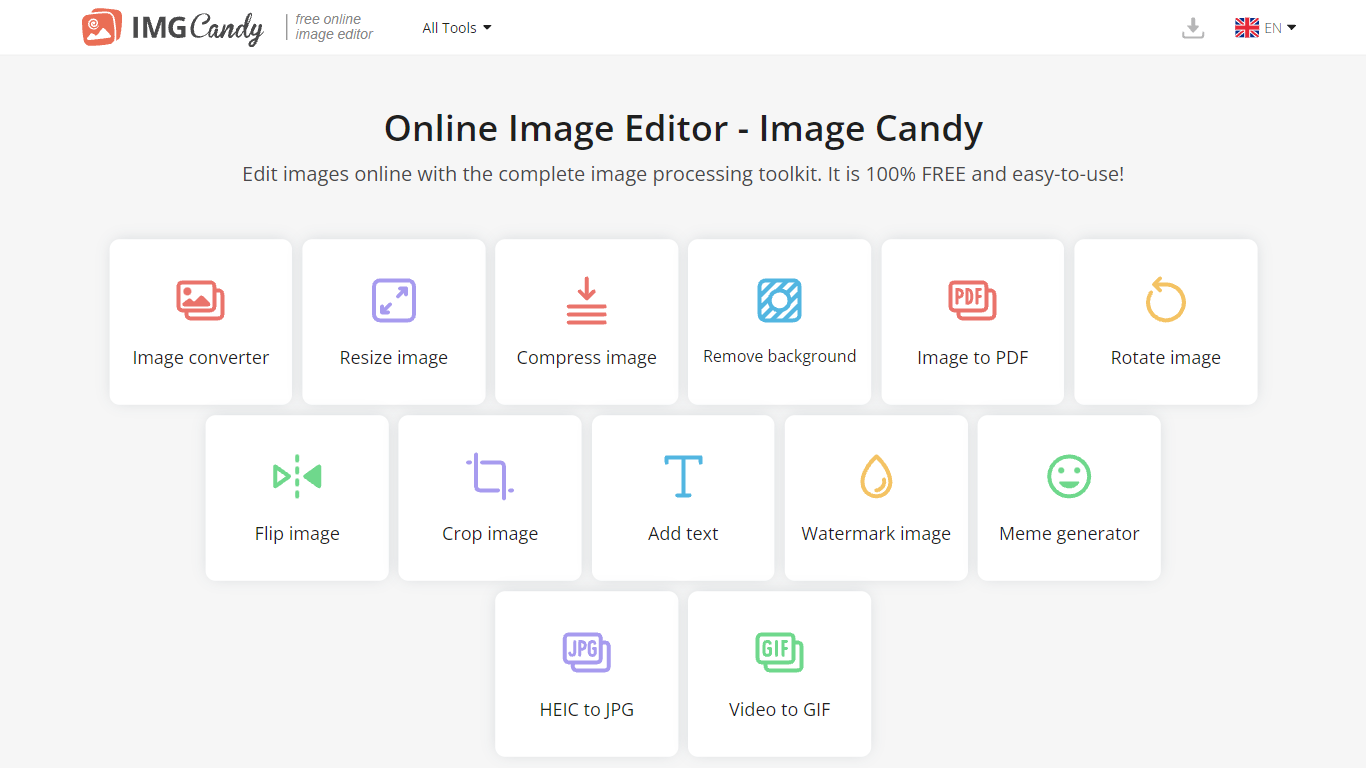
What is Image Candy?
Image Candy runs 38 browser-based photo editing tools for converting, resizing, compressing, cropping, watermarking, and removing backgrounds from images. Upload a file on any tool page, adjust settings, and download the result without installing desktop software.
The site comes from Icecream Apps, the same team behind PDF Candy and Video Candy, and keeps the workflow minimal: drag a file onto the page, tweak options, export. Free access covers the full toolkit, while paid yearly, monthly, or $79 lifetime plans lift download limits shown in the upgrade popup. That split makes it handy for one-off edits but less ideal if you need unlimited batch exports every day.
Image Candy fits bloggers, social media managers, and anyone who needs quick JPG, PNG, HEIC, or GIF fixes in six languages. Compress claims up to 85% size reduction, background removal handles common raster formats, and uploaded files are deleted from servers within two hours per the about page.
PNG Maker Upvotes
Image Candy Upvotes
PNG Maker Top Features
Turn text prompts into transparent PNG images without desktop software
Switch between text-to-image and image-to-image modes in one web app
Pick aspect ratios like 1:1, 3:2, and 2:3 before generating
Generate up to four images at once on paid plans
Browse community creations organized by tags for prompt inspiration
Image Candy Top Features
38 image tools spanning convert, resize, compress, crop, watermark, meme, and HEIC to JPG workflows
Compress images claims up to 85% file size reduction on the compress tool page
Lifetime plan costs $79 as a one-time payment alongside yearly and monthly subscriptions
Interface available in 6 languages including English, German, French, Italian, Spanish, and Dutch
Uploaded images are automatically deleted from servers within 2 hours per the about page
Remove background tool accepts JPG, JPEG, PNG, and related raster formats for free
PNG Maker Category
- Photo Editing
Image Candy Category
- Photo Editing
PNG Maker Pricing Type
- Freemium
Image Candy Pricing Type
- Freemium