Image Editor AI vs AI Image Upscaler on AI Image Enlarger
Dive into the comparison of Image Editor AI vs AI Image Upscaler on AI Image Enlarger and discover which AI Photo Editing tool stands out. We examine alternatives, upvotes, features, reviews, pricing, and beyond.
In a comparison between Image Editor AI and AI Image Upscaler on AI Image Enlarger, which one comes out on top?
When we compare Image Editor AI and AI Image Upscaler on AI Image Enlarger, two exceptional photo editing tools powered by artificial intelligence, and place them side by side, several key similarities and differences come to light. Both tools have received the same number of upvotes from aitools.fyi users. Every vote counts! Cast yours and contribute to the decision of the winner.
Disagree with the result? Upvote your favorite tool and help it win!
Image Editor AI

What is Image Editor AI?
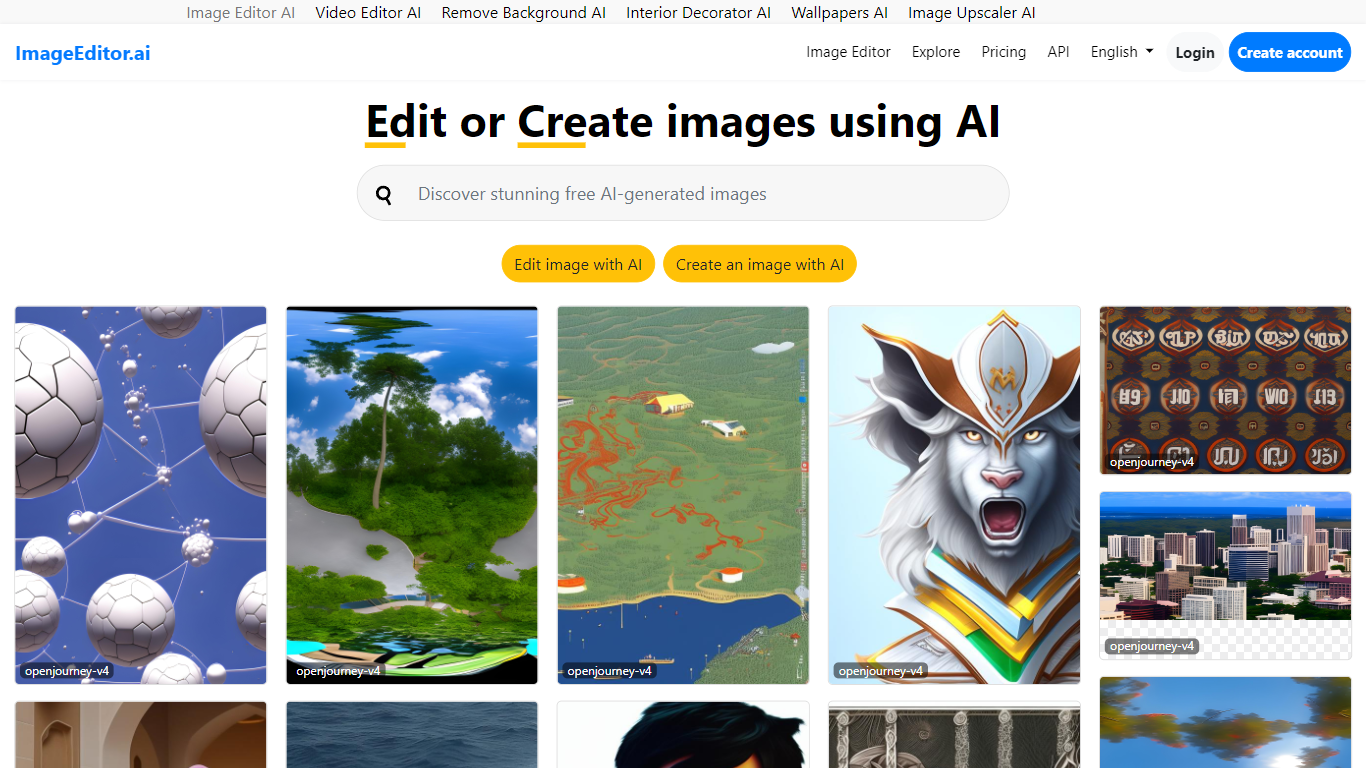
ImageEditor.ai packs more than 20 AI photo tools into one browser-based editor. You upload a JPG, PNG, or WebP file and pick from background removal, object erasure, 4x upscaling, old photo restoration, and plain-English AI edits without installing desktop software. Free accounts get 5 AI edits per day across every tool, with convert, resize, crop, and compress always free.
Most single-purpose AI editors handle one task well but force you to jump between sites for background removal, upscaling, and restoration. ImageEditor.ai keeps the full suite in one tab and adds a developer API for teams that want the same tools programmatically. The Pro tier removes the daily cap, unlocks premium restoration tools, and strips watermarks from exports.
E-commerce sellers prepping product photos, social media managers resizing assets, and anyone restoring old family pictures are the typical users. Developers building image workflows can also tap the API instead of wiring up separate services for each edit type.
AI Image Upscaler on AI Image Enlarger
What is AI Image Upscaler on AI Image Enlarger?
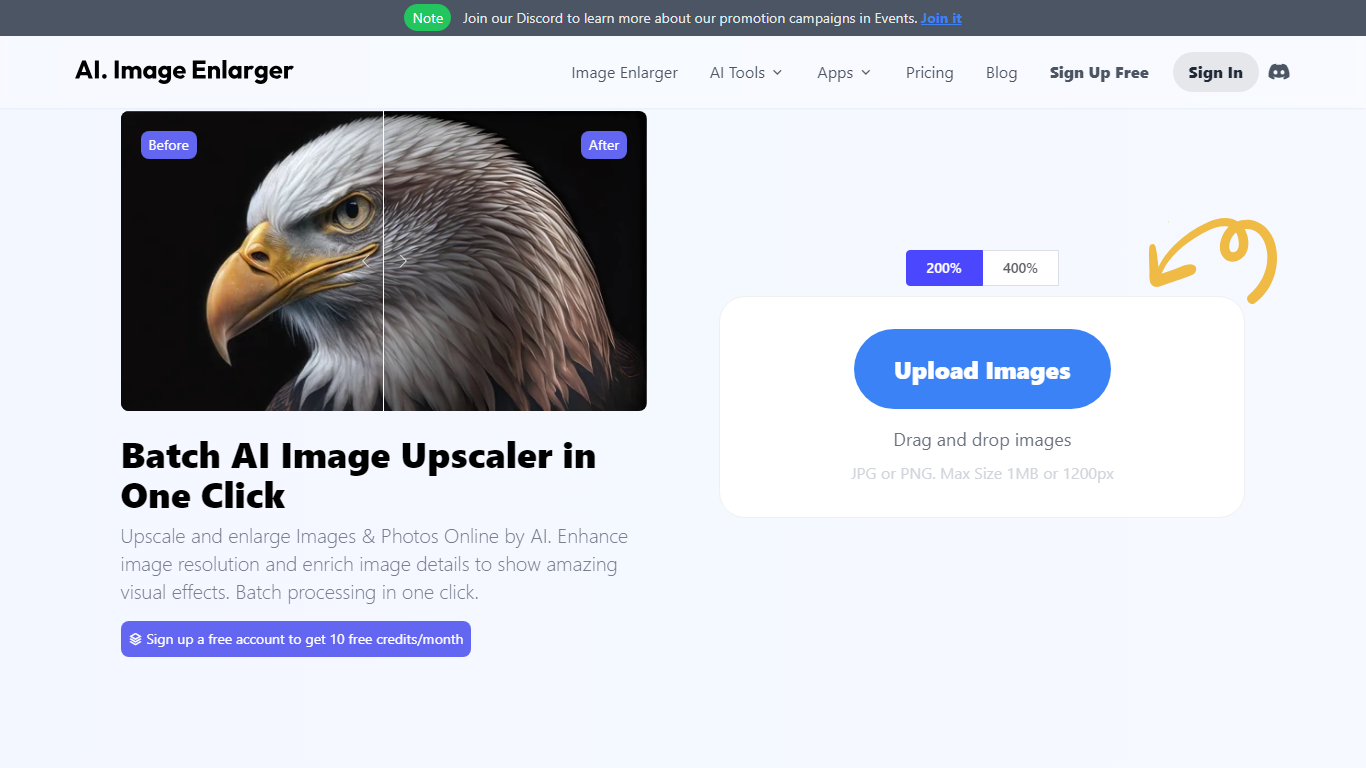
This Imglarger photo editing tool enlarges JPG, PNG, or WebP images to 2x or 4x resolution in your browser. You upload a file up to 10 MB and 1024 px wide, pick a scale factor, and the model sharpens edges and textures for 4K screens, product catalogs, or social posts. It handles portraits, AI art, anime frames, and product shots without installing desktop software.
Standard resize tools stretch pixels and leave blurry blocks. Imglarger's upscaler rebuilds detail with a focused workflow: upload, choose 200% or 400%, preview side by side, then download. You give up local batch power on the free tier and must trust cloud processing, though files auto-delete within six hours.
E-commerce teams batch-prepare catalog assets on paid plans. Digital artists upscale Midjourney or Stable Diffusion outputs, and photographers rescue compressed client files before print runs.
Image Editor AI Upvotes
AI Image Upscaler on AI Image Enlarger Upvotes
Image Editor AI Top Features
Includes 20+ AI editing tools from background removal to generative fill in one browser interface
Free tier provides 5 AI edits per day with convert, resize, crop, and compress always unlimited
Upscale tool increases image resolution up to 4x with AI detail recovery
Pro plan at $9 per user per month (annual) removes daily caps, watermarks, and unlocks batch processing
Developer API exposes the same editing tools for programmatic image workflows
AI Image Upscaler on AI Image Enlarger Top Features
Upscale images to 200% or 400% with a single upload step
Accepts JPG, PNG, and WebP files up to 10 MB and 1024 px input width
Preview upscaled output beside the original before downloading
Batch upscale multiple images on paid plans starting at $4.99 per month
Processed files are automatically deleted within six hours
Dedicated anime upscaler and enlarger tools live on the same Imglarger site
Image Editor AI Category
- Photo Editing
AI Image Upscaler on AI Image Enlarger Category
- Photo Editing
Image Editor AI Pricing Type
- Freemium
AI Image Upscaler on AI Image Enlarger Pricing Type
- Freemium