
Last updated 08-10-2026
Category:
Reviews:
Join thousands of AI enthusiasts in the World of AI!
Image Editor AI
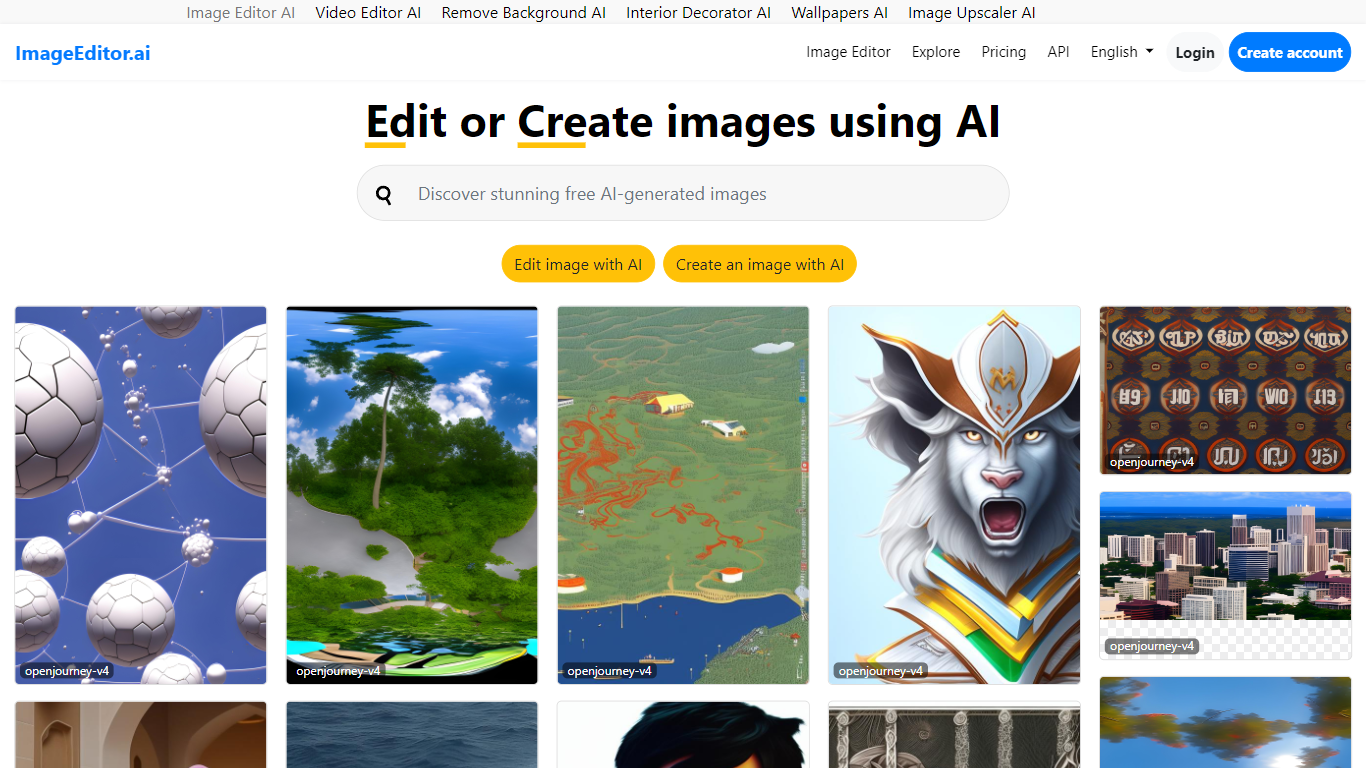
ImageEditor.ai packs more than 20 AI photo tools into one browser-based editor. You upload a JPG, PNG, or WebP file and pick from background removal, object erasure, 4x upscaling, old photo restoration, and plain-English AI edits without installing desktop software. Free accounts get 5 AI edits per day across every tool, with convert, resize, crop, and compress always free.
Most single-purpose AI editors handle one task well but force you to jump between sites for background removal, upscaling, and restoration. ImageEditor.ai keeps the full suite in one tab and adds a developer API for teams that want the same tools programmatically. The Pro tier removes the daily cap, unlocks premium restoration tools, and strips watermarks from exports.
E-commerce sellers prepping product photos, social media managers resizing assets, and anyone restoring old family pictures are the typical users. Developers building image workflows can also tap the API instead of wiring up separate services for each edit type.
Includes 20+ AI editing tools from background removal to generative fill in one browser interface
Free tier provides 5 AI edits per day with convert, resize, crop, and compress always unlimited
Upscale tool increases image resolution up to 4x with AI detail recovery
Pro plan at $9 per user per month (annual) removes daily caps, watermarks, and unlocks batch processing
Developer API exposes the same editing tools for programmatic image workflows
More than 20 editing tools live in one browser tab, so you rarely need a second app.
Convert, resize, crop, and compress stay free with no daily cap even on the free tier.
Pro removes the 5-edit daily limit and strips watermarks from all exports.
Free accounts are capped at 5 AI edits per day, which runs out fast on batch work.
Premium tools like photo restoration and colorization require a Pro subscription.
Free exports may carry a watermark that Pro is needed to remove.
Is ImageEditor.ai free to use?
ImageEditor.ai offers 5 free AI edits per day on every tool after you create a free account. Convert, resize, crop, and compress tools are always free with no daily limit. Pro subscribers get unlimited AI edits.
How much does ImageEditor.ai Pro cost?
ImageEditor.ai Pro costs $12 per user per month on monthly billing or $9 per user per month when billed annually at $108 per year. Teams with 2 or more users receive a 20% discount on seat pricing.
What tools does ImageEditor.ai include?
ImageEditor.ai includes background removal, object erasure, text and watermark removal, 4x upscaling, photo restoration, colorization, face enhancement, AI headshots, generative fill, style transfer, and format conversion among its 20+ tools.
Does ImageEditor.ai add watermarks?
Free-tier AI edits from ImageEditor.ai may include a small watermark on exported images. Pro subscribers receive clean, watermark-free exports on all tools.
Can I use ImageEditor.ai images commercially?
Yes, ImageEditor.ai allows commercial use of edited images on both free and Pro plans. Pro adds priority processing and access to premium restoration tools for higher-volume workflows.
Does ImageEditor.ai have an API?
Yes, ImageEditor.ai offers a developer API with separate credit-based pricing for programmatic access to the same editing tools. API documentation is available on the imageeditor.ai/developers section of the site.