PNG Maker vs Image Editor AI
In the contest of PNG Maker vs Image Editor AI, which AI Photo Editing tool is the champion? We evaluate pricing, alternatives, upvotes, features, reviews, and more.
If you had to choose between PNG Maker and Image Editor AI, which one would you go for?
When we examine PNG Maker and Image Editor AI, both of which are AI-enabled photo editing tools, what unique characteristics do we discover? Interestingly, both tools have managed to secure the same number of upvotes. Since other aitools.fyi users could decide the winner, the ball is in your court now to cast your vote and help us determine the winner.
Think we got it wrong? Cast your vote and show us who's boss!
PNG Maker
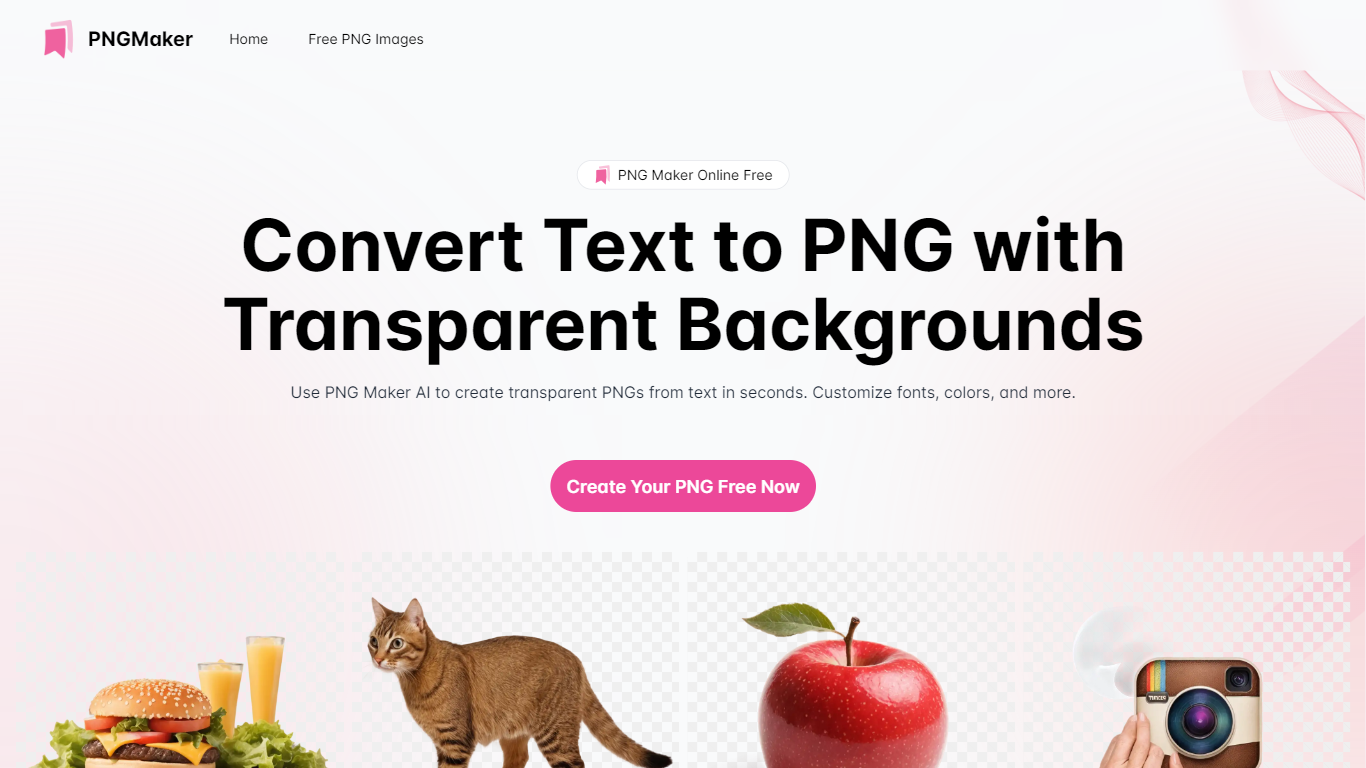

What is PNG Maker?
PNG Maker is an online tool that turns text prompts into PNG images with transparent backgrounds. It targets designers, marketers, and content creators who need clip-art style assets, logos, or graphics without opening desktop editing software.
You type a description of what you want, pick an aspect ratio, and the app generates one or more PNG files you can download. The web app also supports image-to-image generation, so you can upload a reference and refine the output from there. Free users get 9 credits per day; paid plans unlock higher monthly credit limits, batch generation, and private outputs.
The site also organizes outputs by tags and runs a blog with tips for writing better prompts. If you need quick transparent PNGs for slides, social posts, or web layouts, it keeps the workflow in the browser with no install required.
Image Editor AI
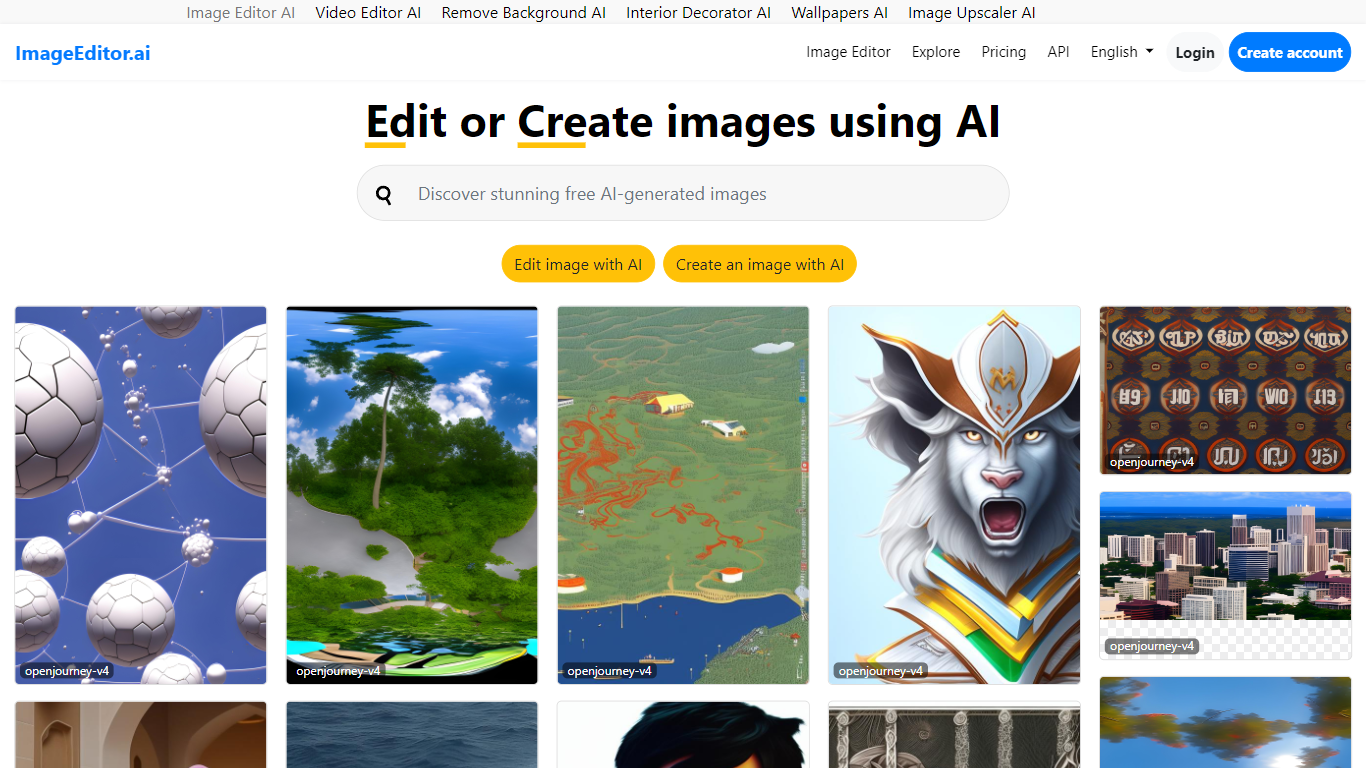
What is Image Editor AI?
ImageEditor.ai packs more than 20 AI photo tools into one browser-based editor. You upload a JPG, PNG, or WebP file and pick from background removal, object erasure, 4x upscaling, old photo restoration, and plain-English AI edits without installing desktop software. Free accounts get 5 AI edits per day across every tool, with convert, resize, crop, and compress always free.
Most single-purpose AI editors handle one task well but force you to jump between sites for background removal, upscaling, and restoration. ImageEditor.ai keeps the full suite in one tab and adds a developer API for teams that want the same tools programmatically. The Pro tier removes the daily cap, unlocks premium restoration tools, and strips watermarks from exports.
E-commerce sellers prepping product photos, social media managers resizing assets, and anyone restoring old family pictures are the typical users. Developers building image workflows can also tap the API instead of wiring up separate services for each edit type.
PNG Maker Upvotes
Image Editor AI Upvotes
PNG Maker Top Features
Turn text prompts into transparent PNG images without desktop software
Switch between text-to-image and image-to-image modes in one web app
Pick aspect ratios like 1:1, 3:2, and 2:3 before generating
Generate up to four images at once on paid plans
Browse community creations organized by tags for prompt inspiration
Image Editor AI Top Features
Includes 20+ AI editing tools from background removal to generative fill in one browser interface
Free tier provides 5 AI edits per day with convert, resize, crop, and compress always unlimited
Upscale tool increases image resolution up to 4x with AI detail recovery
Pro plan at $9 per user per month (annual) removes daily caps, watermarks, and unlocks batch processing
Developer API exposes the same editing tools for programmatic image workflows
PNG Maker Category
- Photo Editing
Image Editor AI Category
- Photo Editing
PNG Maker Pricing Type
- Freemium
Image Editor AI Pricing Type
- Freemium