Image Editor AI vs RemoveBG
In the face-off between Image Editor AI vs RemoveBG, which AI Photo Editing tool takes the crown? We scrutinize features, alternatives, upvotes, reviews, pricing, and more.
In a face-off between Image Editor AI and RemoveBG, which one takes the crown?
If we were to analyze Image Editor AI and RemoveBG, both of which are AI-powered photo editing tools, what would we find? In the race for upvotes, RemoveBG takes the trophy. RemoveBG has been upvoted 11 times by aitools.fyi users, and Image Editor AI has been upvoted 6 times.
You don't agree with the result? Cast your vote to help us decide!
Image Editor AI

What is Image Editor AI?
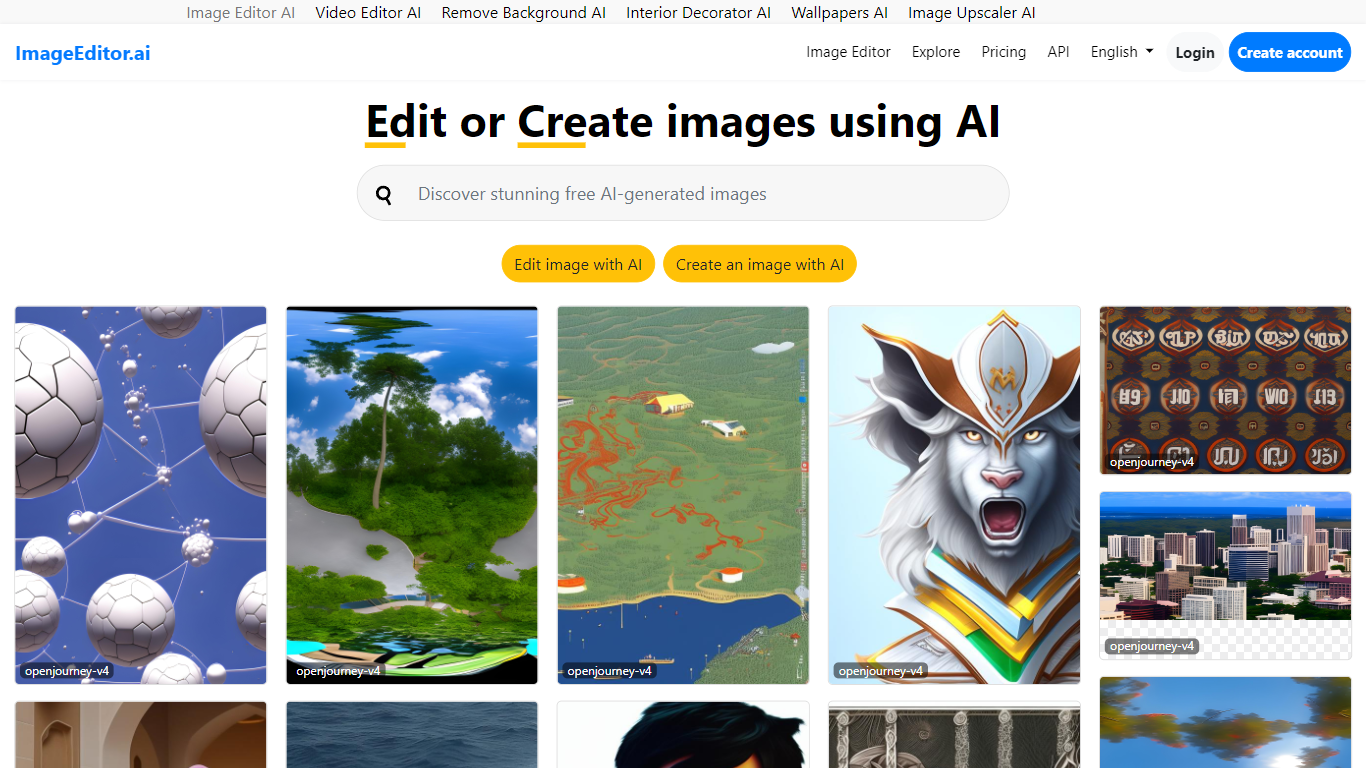
ImageEditor.ai packs more than 20 AI photo tools into one browser-based editor. You upload a JPG, PNG, or WebP file and pick from background removal, object erasure, 4x upscaling, old photo restoration, and plain-English AI edits without installing desktop software. Free accounts get 5 AI edits per day across every tool, with convert, resize, crop, and compress always free.
Most single-purpose AI editors handle one task well but force you to jump between sites for background removal, upscaling, and restoration. ImageEditor.ai keeps the full suite in one tab and adds a developer API for teams that want the same tools programmatically. The Pro tier removes the daily cap, unlocks premium restoration tools, and strips watermarks from exports.
E-commerce sellers prepping product photos, social media managers resizing assets, and anyone restoring old family pictures are the typical users. Developers building image workflows can also tap the API instead of wiring up separate services for each edit type.
RemoveBG
What is RemoveBG?
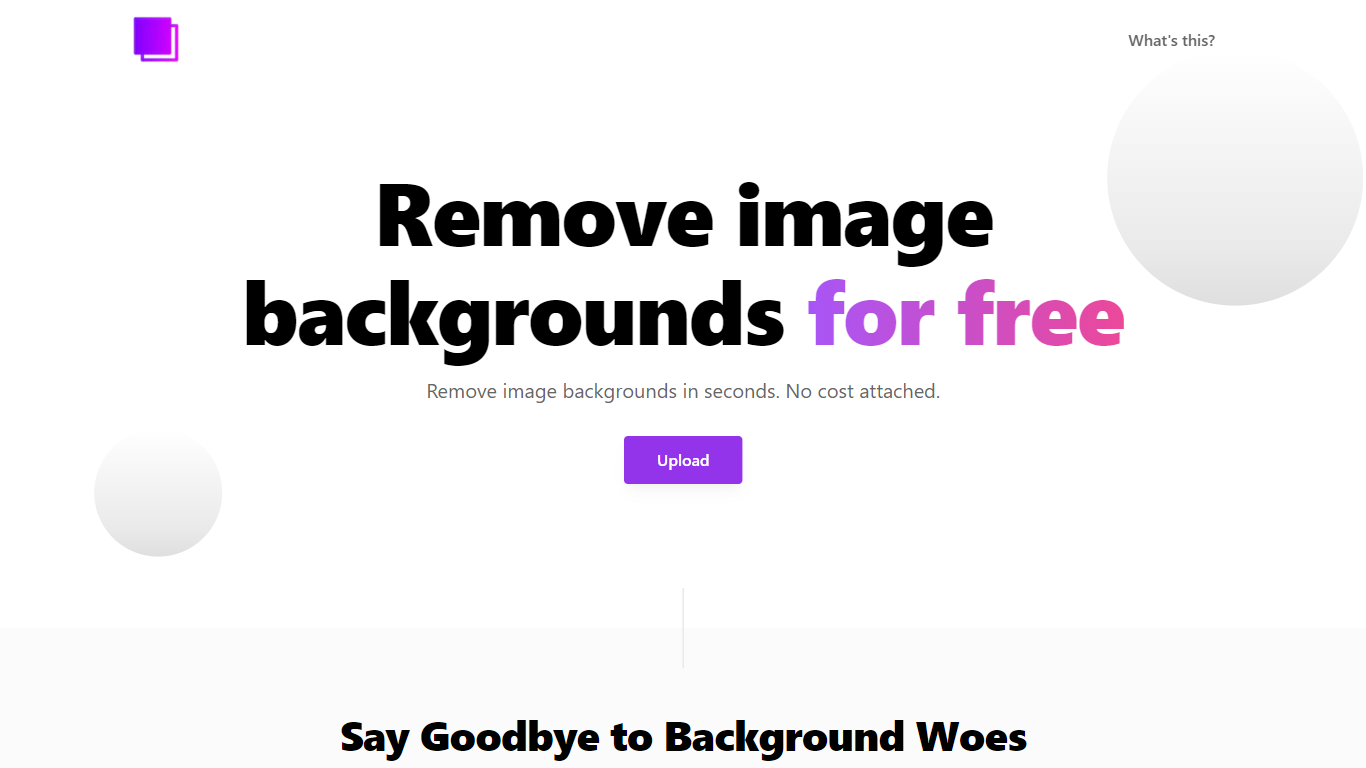
RemoveBG is a powerful and user-friendly online tool that allows you to remove image backgrounds in seconds, and the best part is, it's completely free! With advanced AI technology, RemoveBG makes background removal a breeze, saving you time and effort. Whether you need to edit images for creative projects, marketing materials, or personal use, RemoveBG has got you covered.
With RemoveBG, the process of removing image backgrounds is as easy as 1-2-3. First, choose the image you want to edit and upload it into the tool. Second, let the advanced AI technology analyze your image and automatically remove the background. Finally, download the new image and use it for any purpose you desire. Say goodbye to background woes and hello to hassle-free image editing with RemoveBG.
Image Editor AI Upvotes
RemoveBG Upvotes
Image Editor AI Top Features
Includes 20+ AI editing tools from background removal to generative fill in one browser interface
Free tier provides 5 AI edits per day with convert, resize, crop, and compress always unlimited
Upscale tool increases image resolution up to 4x with AI detail recovery
Pro plan at $9 per user per month (annual) removes daily caps, watermarks, and unlocks batch processing
Developer API exposes the same editing tools for programmatic image workflows
RemoveBG Top Features
Quick and Easy Background Removal: RemoveBG makes it incredibly simple to remove image backgrounds with just a few clicks. No need for complex editing software or extensive manual work.
Free of Cost: RemoveBG offers its background removal services completely free of charge. Say goodbye to expensive editing tools and hello to cost-effective image editing.
Advanced AI Technology: Powered by advanced AI technology RemoveBG analyzes your images and accurately detects and removes the background ensuring clean and professional results.
Versatile Usage: The images edited with RemoveBG can be used for a wide range of purposes including creative projects marketing materials or personal use. The possibilities are endless.
User-Friendly Interface: RemoveBG's user-friendly interface makes it easy for anyone to use regardless of their level of expertise in image editing. No technical skills required.
Image Editor AI Category
- Photo Editing
RemoveBG Category
- Photo Editing
Image Editor AI Pricing Type
- Freemium
RemoveBG Pricing Type
- Free