Image Editor AI vs InPixio
In the face-off between Image Editor AI vs InPixio, which AI Photo Editing tool takes the crown? We scrutinize features, alternatives, upvotes, reviews, pricing, and more.
In a face-off between Image Editor AI and InPixio, which one takes the crown?
If we were to analyze Image Editor AI and InPixio, both of which are AI-powered photo editing tools, what would we find? There's no clear winner in terms of upvotes, as both tools have received the same number. Join the aitools.fyi users in deciding the winner by casting your vote.
Think we got it wrong? Cast your vote and show us who's boss!
Image Editor AI
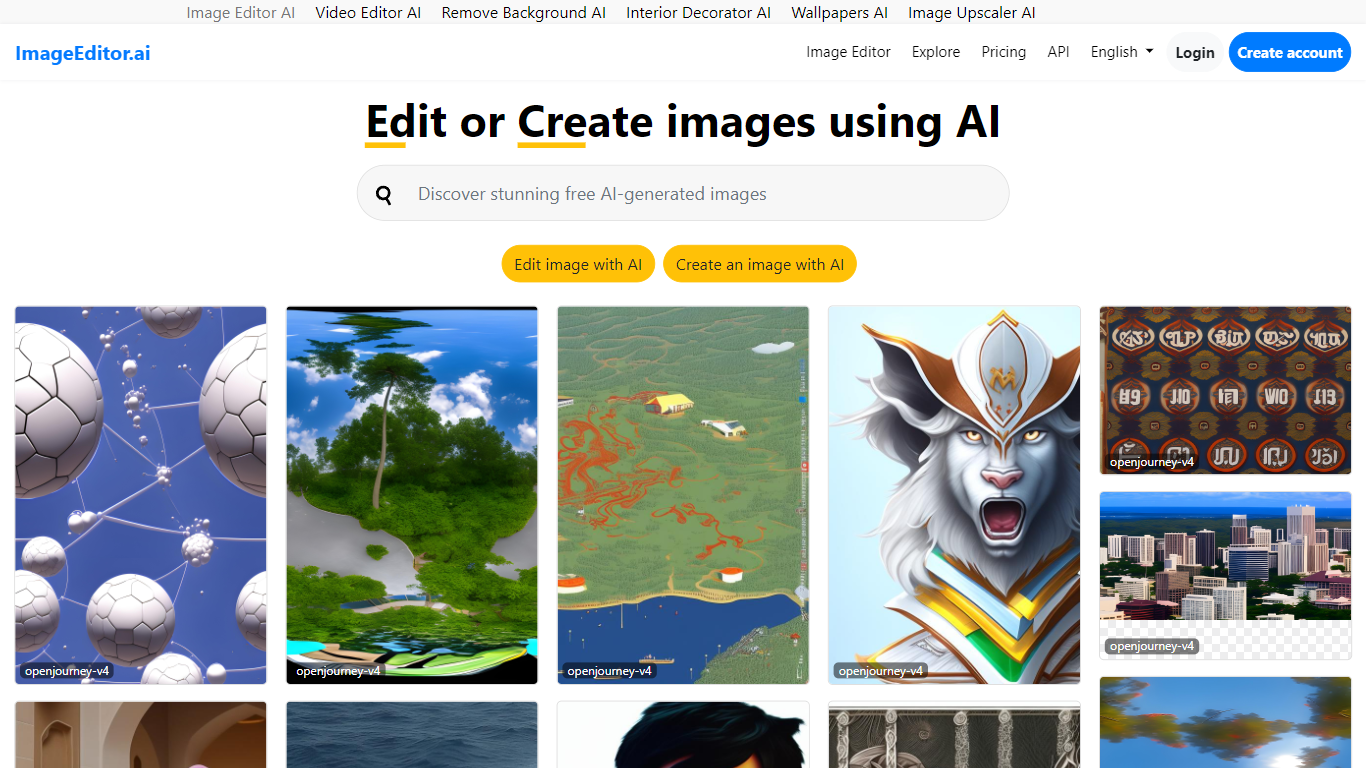

What is Image Editor AI?
ImageEditor.ai packs more than 20 AI photo tools into one browser-based editor. You upload a JPG, PNG, or WebP file and pick from background removal, object erasure, 4x upscaling, old photo restoration, and plain-English AI edits without installing desktop software. Free accounts get 5 AI edits per day across every tool, with convert, resize, crop, and compress always free.
Most single-purpose AI editors handle one task well but force you to jump between sites for background removal, upscaling, and restoration. ImageEditor.ai keeps the full suite in one tab and adds a developer API for teams that want the same tools programmatically. The Pro tier removes the daily cap, unlocks premium restoration tools, and strips watermarks from exports.
E-commerce sellers prepping product photos, social media managers resizing assets, and anyone restoring old family pictures are the typical users. Developers building image workflows can also tap the API instead of wiring up separate services for each edit type.
InPixio
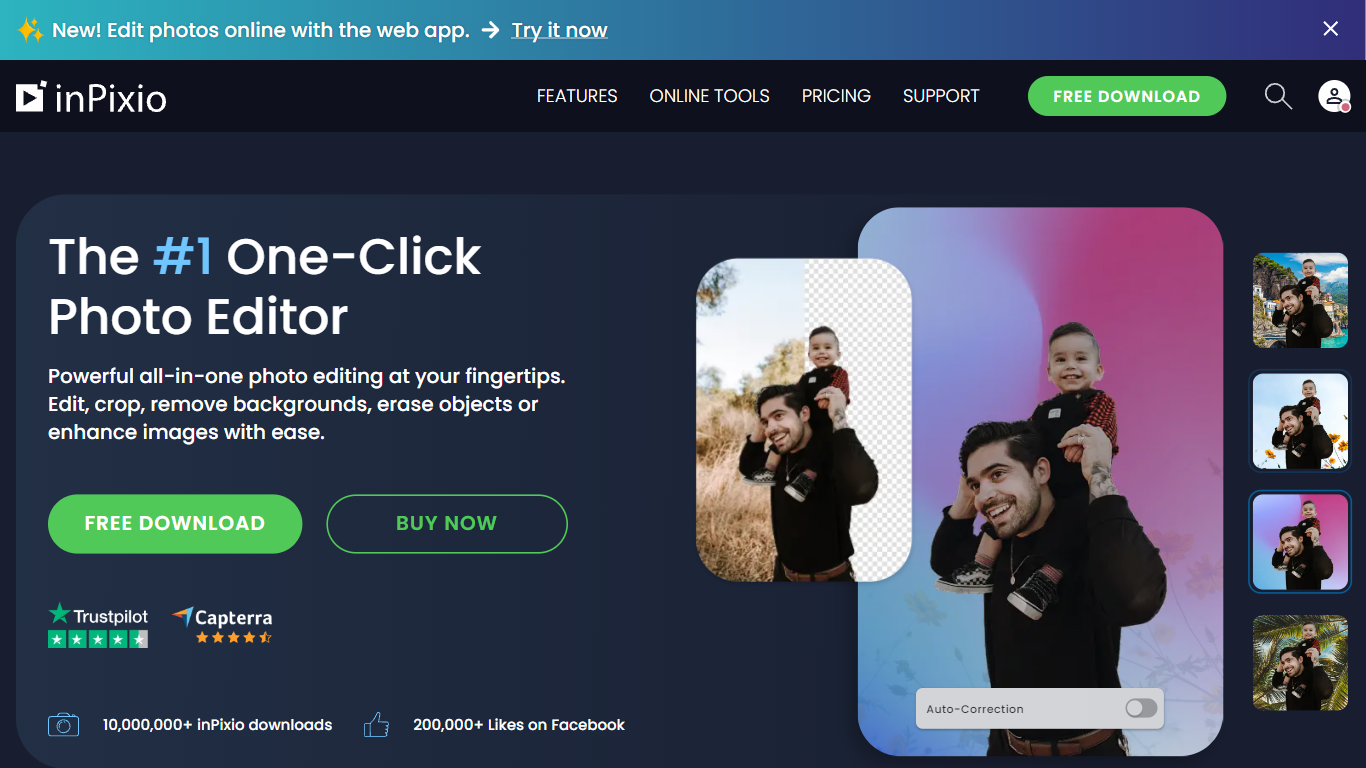
What is InPixio?
InPixio lets you remove backgrounds, erase objects, swap skies, and polish photos through a free online editor, a Windows desktop app, and a mobile app. Upload an image, click remove background, and the AI separates hair and fine edges without manual masking.
Where heavyweight editors assume you already know layers and masks, InPixio sells speed for ecommerce sellers and casual creators. The free web tools handle quick crops and background cuts, while paid plans unlock HD downloads and premium features across the same interface on desktop and phone.
The site cites more than 10 million users and targets small business owners, social sellers, and beginners who need product photos, transparent PNGs, and social-ready edits. You can edit in the browser instantly or download the Windows app for offline work.
Image Editor AI Upvotes
InPixio Upvotes
Image Editor AI Top Features
Includes 20+ AI editing tools from background removal to generative fill in one browser interface
Free tier provides 5 AI edits per day with convert, resize, crop, and compress always unlimited
Upscale tool increases image resolution up to 4x with AI detail recovery
Pro plan at $9 per user per month (annual) removes daily caps, watermarks, and unlocks batch processing
Developer API exposes the same editing tools for programmatic image workflows
InPixio Top Features
One-click AI background remover handles hair and complex edges on JPG, PNG, and RAW files
Online editor runs in the browser with no install, while Windows software works offline
Magic eraser removes unwanted objects and reconstructs the background automatically
AI background generator swaps skies and dull backdrops for new scenes in seconds
Supports more than 50 image formats including JPEG, PNG, and RAW uploads
Mobile app mirrors quick edits for social posts and product photos on the go
Image Editor AI Category
- Photo Editing
InPixio Category
- Photo Editing
Image Editor AI Pricing Type
- Freemium
InPixio Pricing Type
- Freemium