Imagen vs Palette.fm
In the face-off between Imagen vs Palette.fm, which AI Photo Editing tool takes the crown? We scrutinize features, alternatives, upvotes, reviews, pricing, and more.
In a face-off between Imagen and Palette.fm, which one takes the crown?
If we were to analyze Imagen and Palette.fm, both of which are AI-powered photo editing tools, what would we find? Palette.fm is the clear winner in terms of upvotes. Palette.fm has received 33 upvotes from aitools.fyi users, while Imagen has received 9 upvotes.
Not your cup of tea? Upvote your preferred tool and stir things up!
Imagen

What is Imagen?
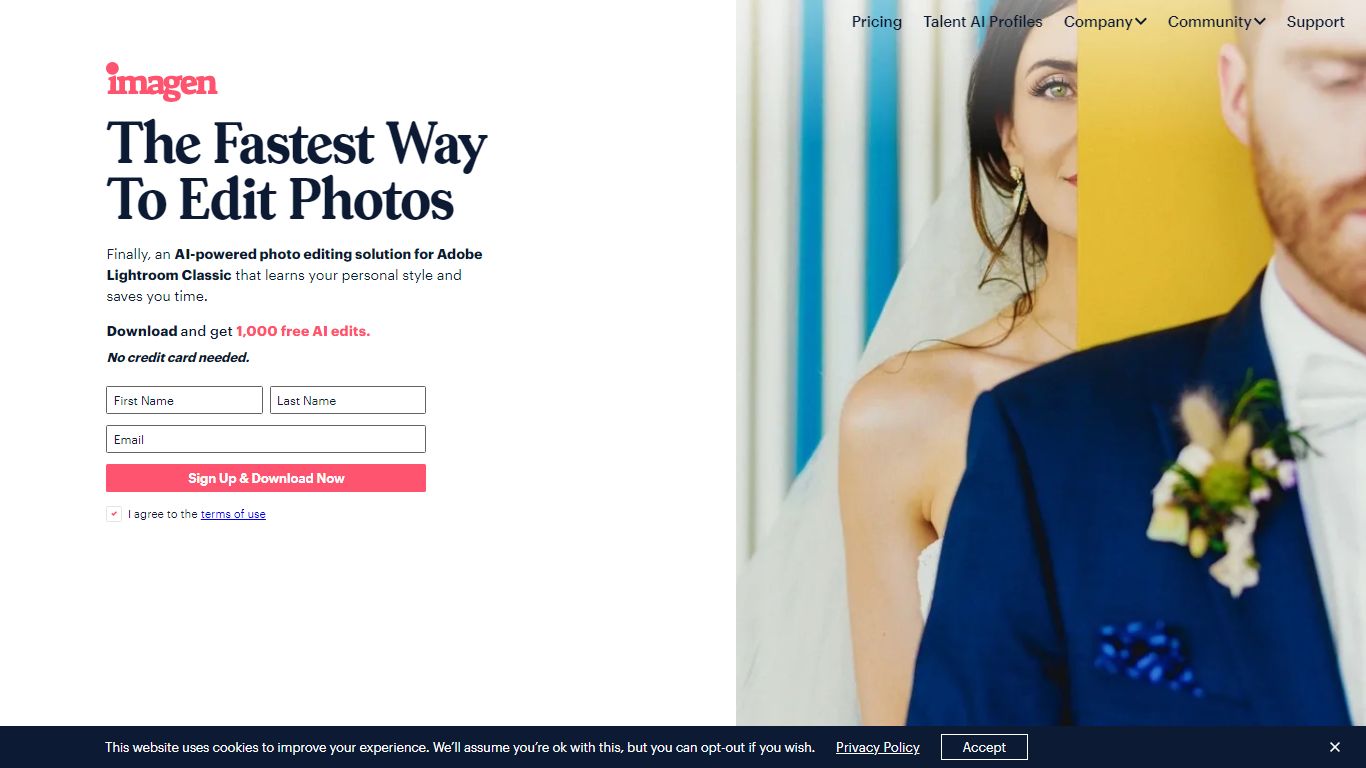
Imagen learns your Lightroom editing style and applies it across entire catalogs in Adobe Lightroom Classic. You build a Personal AI Profile from past edits or start with Talent AI Profiles from photographers like Taylor Jackson and Jose Villa, then batch-edit weddings, portraits, sports, and real estate shoots in minutes instead of hours.
Preset packs and manual batch syncing still eat time when every image needs different exposure tweaks. Imagen adjusts white balance, exposure, and color per photo while matching your profile, and claims 96% faster workflows with edits under half a second each. The trade-off is Lightroom Classic lock-in: this is not a standalone editor or a Capture One replacement.
Wedding, portrait, event, and real estate photographers use Imagen to cull, color-correct, mask, crop, and retouch before delivery. Pay-as-you-go starts at $0.50 per photo with a $7 monthly minimum, while the Limitless plan runs $179 per month on annual billing for unlimited solo editing and culling.
Palette.fm
What is Palette.fm?
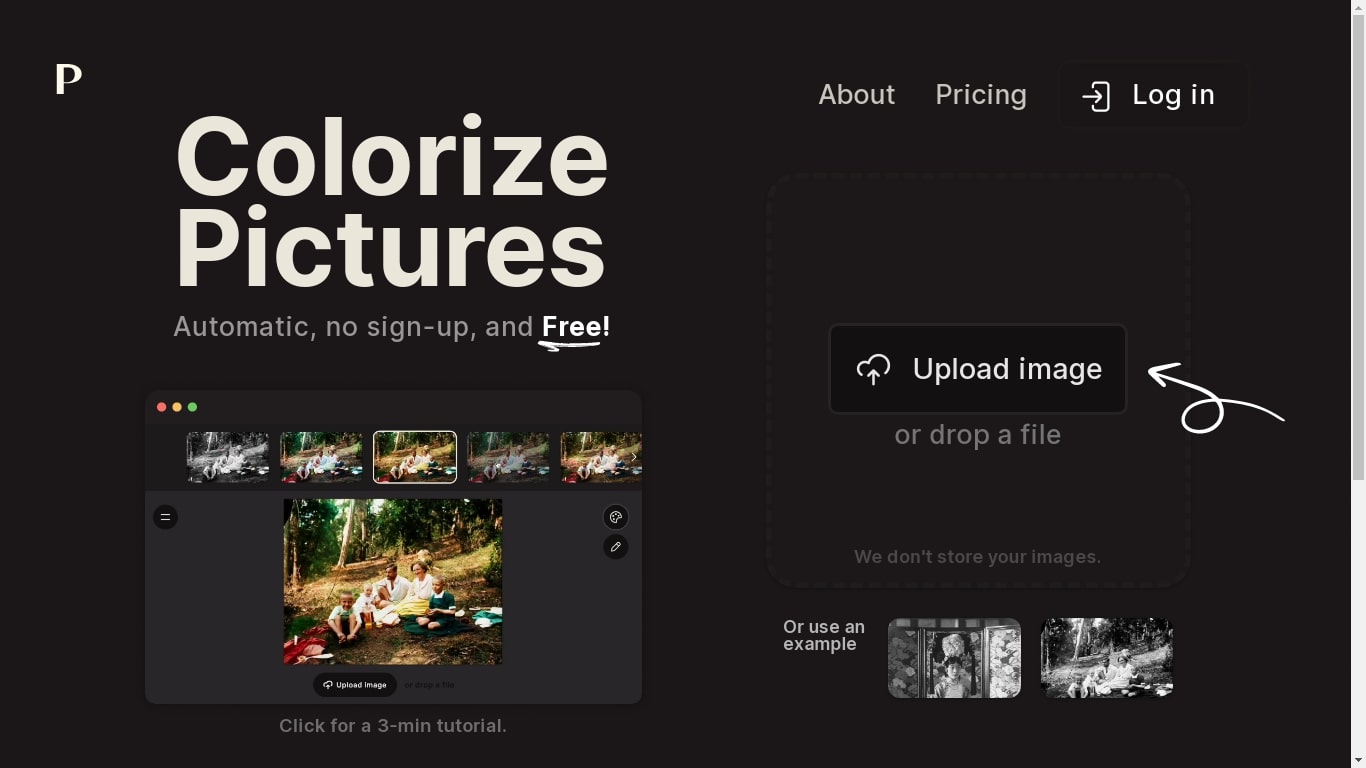
Palette FM is an AI colorizer that enables you to style your artwork, add color to black-and-white photos, or give contemporary images a new look.
Anyone can use it easily because it doesn't require signing up and is simple to use. Just upload a photo and see the magic. You can also select styles from different options. They also have various plans for different types of users.
Palette.fm: The Advanced Tool for Professional Colorists
As a professional colorist, achieving accurate colors and skin tones is a top priority. Palette fm, with its advanced algorithms and machine learning techniques, offers a reliable solution for achieving the most appropriate colors for your old black and white photos.
Accurate and Dynamic Skin Tones
Palette's algorithms take into account a variety of factors, including lighting conditions, to produce dynamic and accurate skin tones. This feature is crucial for ensuring that the final product accurately reflects the original subject's skin tone, which is especially important in portrait photography.
Vivid Lighting Conditions
Palette also excels in handling vivid lighting conditions, ensuring that the colors in your images accurately reflect the lighting conditions at the time the photo was taken. This feature is essential for photographers looking to create vibrant, eye-catching images that accurately capture the ambiance of a particular scene.
Detailed Image Handling
Palette is adept at handling complicated details in images, ensuring that even the smallest details are accurately reflected in the final product. This feature is critical for professional colorists who need to ensure that every detail of the image is accurately represented.
So, what are you waiting for? Let’s get your black and white pics to life and use it for your Instagram or other social media profile, create videos out of images or sell your photo enhancer services with this great free online photo editor AI tool. There is no better way to colorize old black and white photos than Palette.fm.
Imagen Upvotes
Palette.fm Upvotes
Imagen Top Features
Personal AI Profile learns your style from 2,000 previously edited photos in Lightroom Classic
Lite Personal AI Profile builds from a preset and a short questionnaire in minutes
Over 20 Talent AI Profiles from photographers including Taylor Jackson, Jose Villa, and Susan Stripling
Edits complete in under half a second per photo with claimed 96% workflow time savings
Pay-as-you-go from $0.50 per photo with a $7 monthly minimum that rolls over as credit
Limitless plan at $179 per month (annual billing) includes unlimited editing and AI culling
1,000 free AI edits on signup with no credit card required
Palette.fm Top Features
No top features listedImagen Category
- Photo Editing
Palette.fm Category
- Photo Editing
Imagen Pricing Type
- Freemium
Palette.fm Pricing Type
- Freemium