ImageToPromptAI vs Graphy
In the face-off between ImageToPromptAI vs Graphy, which AI Design tool takes the crown? We scrutinize features, alternatives, upvotes, reviews, pricing, and more.
When we put ImageToPromptAI and Graphy head to head, which one emerges as the victor?
If we were to analyze ImageToPromptAI and Graphy, both of which are AI-powered design tools, what would we find? The upvote count is neck and neck for both ImageToPromptAI and Graphy. Since other aitools.fyi users could decide the winner, the ball is in your court now to cast your vote and help us determine the winner.
Don't agree with the result? Cast your vote and be a part of the decision-making process!
ImageToPromptAI
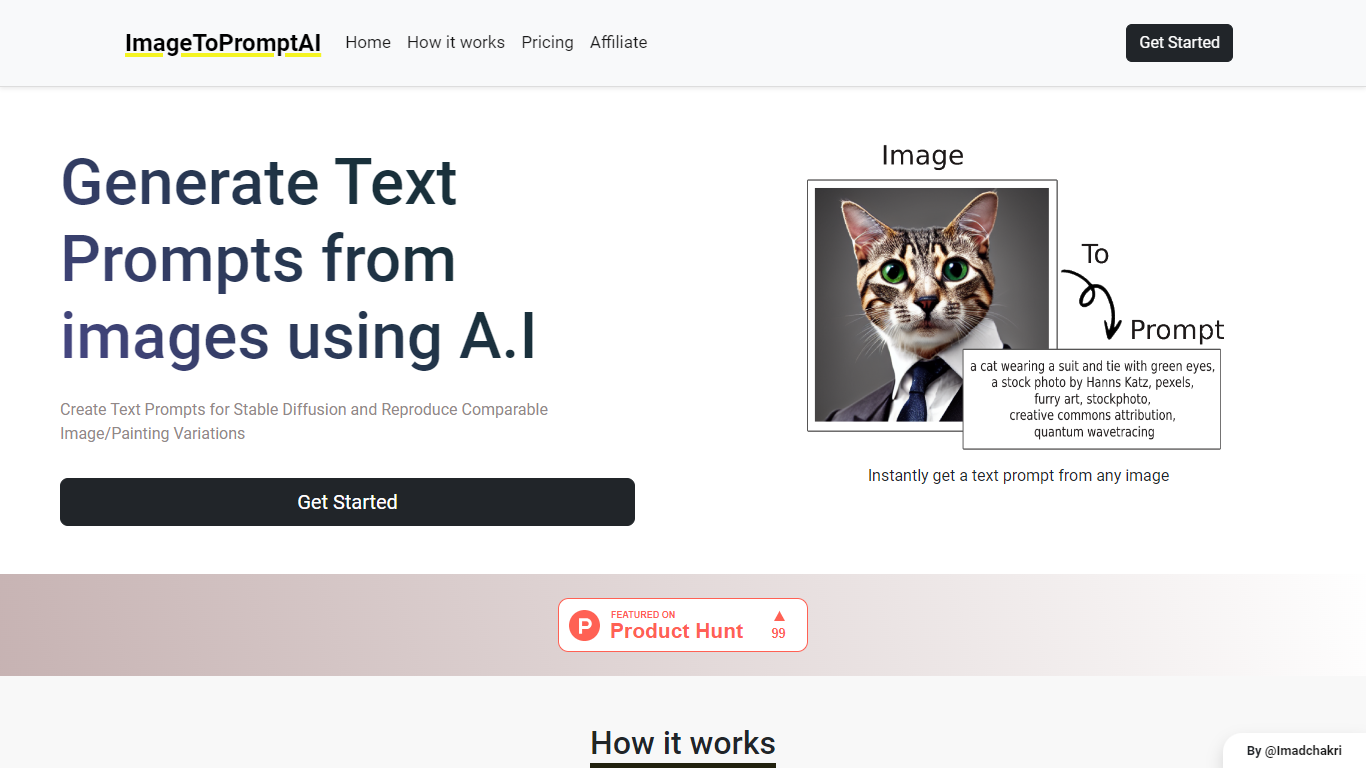

What is ImageToPromptAI?
ImageToPromptAI offers an innovative service that transforms your images into text prompts, catering to users who utilize AI models like Stable Diffusion for versatile creative projects. By uploading an image, you can immediately receive a corresponding text prompt that can be used to generate similar images or painting variations.
This service does away with subscriptions, allowing you to pay as you go for your specific needs. Whether for personal enjoyment or professional use, ImageToPromptAI streamlines the process of cross-media translation from visual to textual inputs.
Graphy
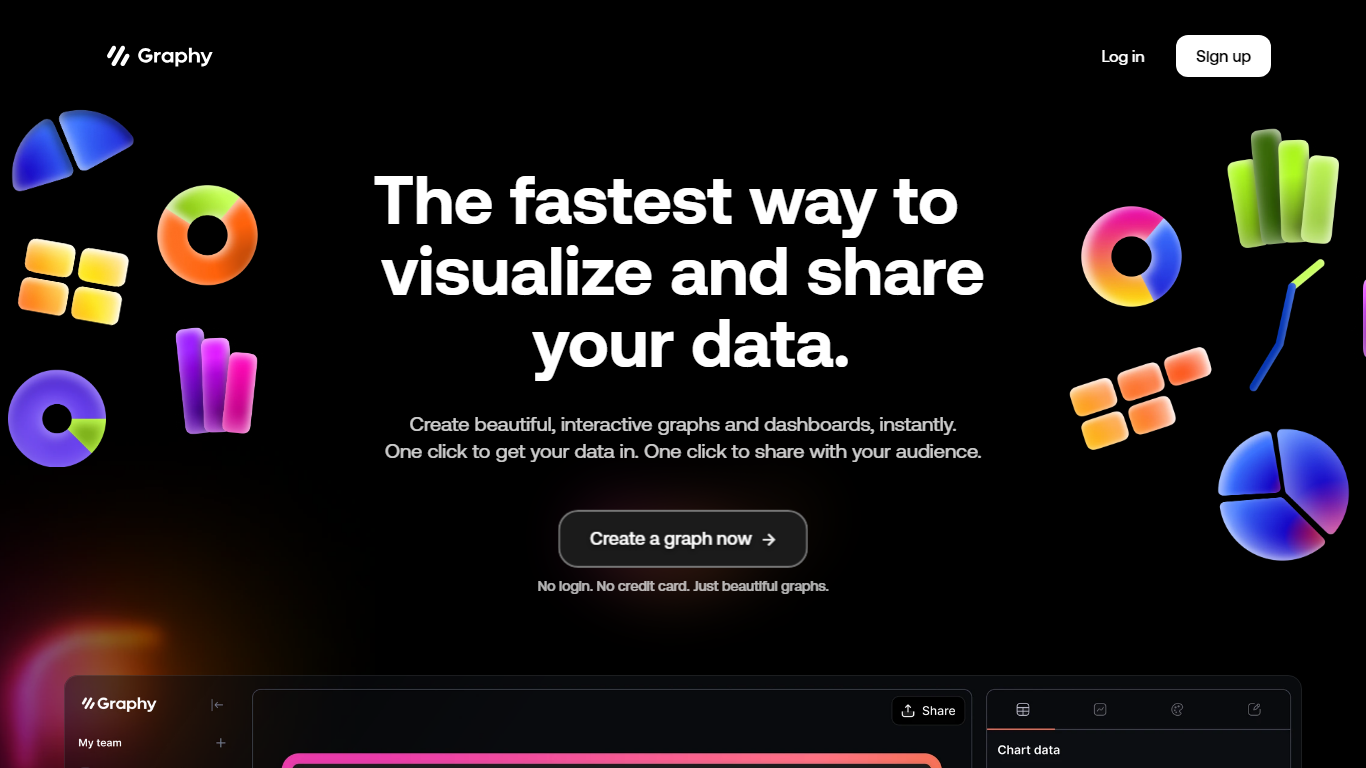
What is Graphy?
Graphy is an online chart and graph maker that turns raw data into branded, shareable visuals. You can link a Google Sheet, upload CSV or Excel files, paste values, call the Chart API, or ask AI to find data, then get interactive bar, line, pie, funnel, and heatmap charts without spreadsheet formatting.
Unlike static screenshot tools or rigid BI dashboards, Graphy pairs an AI data engine with editable charts you can annotate, brand, and export to slides, social posts, or embedded docs. The free plan caps you at 5 charts with limited AI, while paid tiers remove the watermark and add unlimited charts plus Google Sheets auto-refresh on Business.
Graphy fits marketers building campaign reports, founders sharing board metrics, and analysts who need polished visuals fast instead of default spreadsheet charts. The same company also ships a React chart library and enterprise SDK at graphy.dev for teams embedding charts inside their own products.
ImageToPromptAI Upvotes
Graphy Upvotes
ImageToPromptAI Top Features
Transform Image to Text: Instantly convert images into prompts for AI models.
Pay-As-You-Go Pricing: Flexible payment model, with no need for subscriptions.
Multiple Tiers: Choose from Basic, Pro, or Ultra plans according to your needs.
Ease of Use: Simple interface for uploading images and generating prompts.
No Account Required: Start using the service without the need for a user account.
Graphy Top Features
Imports Google Sheets, CSV, Excel, pasted values, or API data without manual formatting
AI engine highlights insights and suggests chart types from your dataset
Supports bar, line, pie, funnel, heatmap, and 20+ other chart templates
Free plan includes 5 charts; Plus at $16 per user per month removes limits
Business plan at $36 per user per month adds auto Google Sheets refresh and password-protected links
ImageToPromptAI Category
- Design
Graphy Category
- Design
ImageToPromptAI Pricing Type
- Freemium
Graphy Pricing Type
- Freemium