ImageToPromptAI vs Tango on Chrome Web Store
In the contest of ImageToPromptAI vs Tango on Chrome Web Store, which AI Design tool is the champion? We evaluate pricing, alternatives, upvotes, features, reviews, and more.
If you had to choose between ImageToPromptAI and Tango on Chrome Web Store, which one would you go for?
When we examine ImageToPromptAI and Tango on Chrome Web Store, both of which are AI-enabled design tools, what unique characteristics do we discover? The users have made their preference clear, Tango on Chrome Web Store leads in upvotes. Tango on Chrome Web Store has attracted 7 upvotes from aitools.fyi users, and ImageToPromptAI has attracted 6 upvotes.
Want to flip the script? Upvote your favorite tool and change the game!
ImageToPromptAI
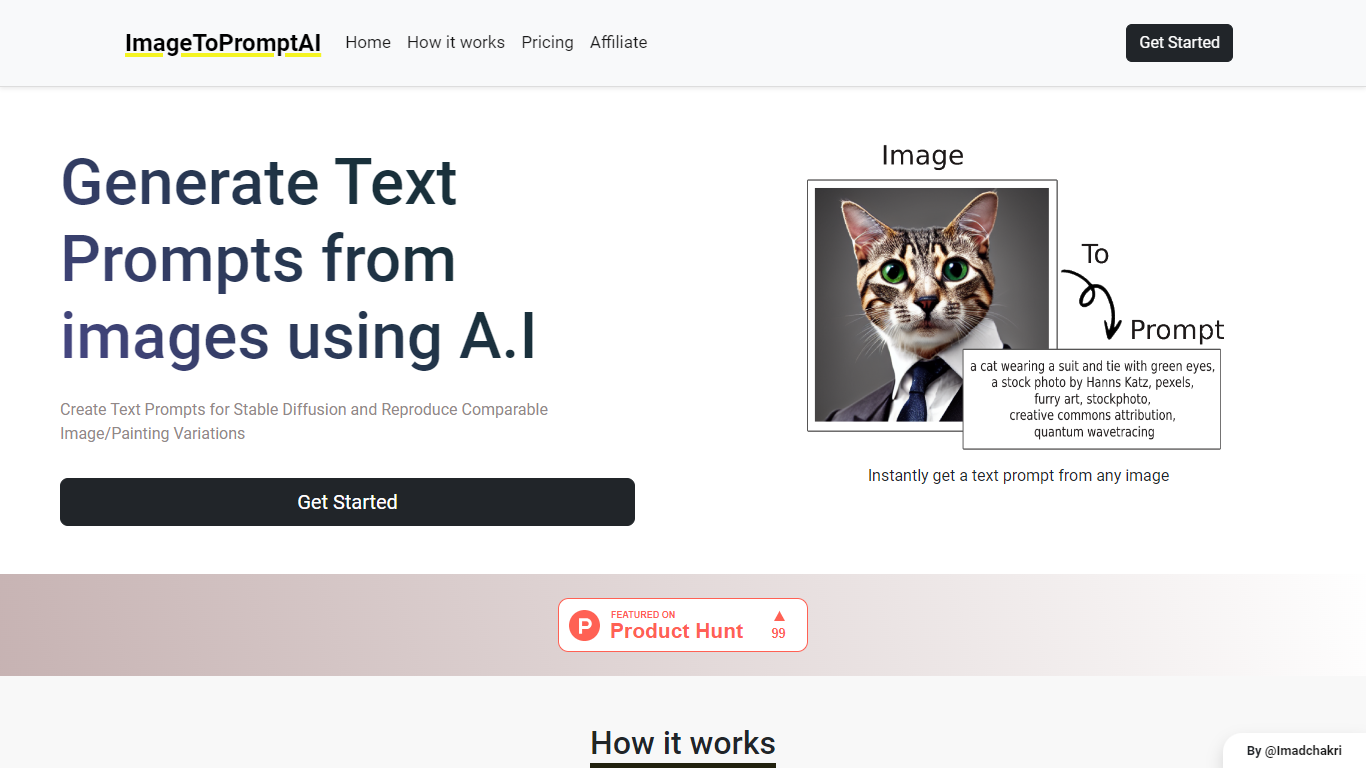

What is ImageToPromptAI?
ImageToPromptAI offers an innovative service that transforms your images into text prompts, catering to users who utilize AI models like Stable Diffusion for versatile creative projects. By uploading an image, you can immediately receive a corresponding text prompt that can be used to generate similar images or painting variations.
This service does away with subscriptions, allowing you to pay as you go for your specific needs. Whether for personal enjoyment or professional use, ImageToPromptAI streamlines the process of cross-media translation from visual to textual inputs.
Tango on Chrome Web Store
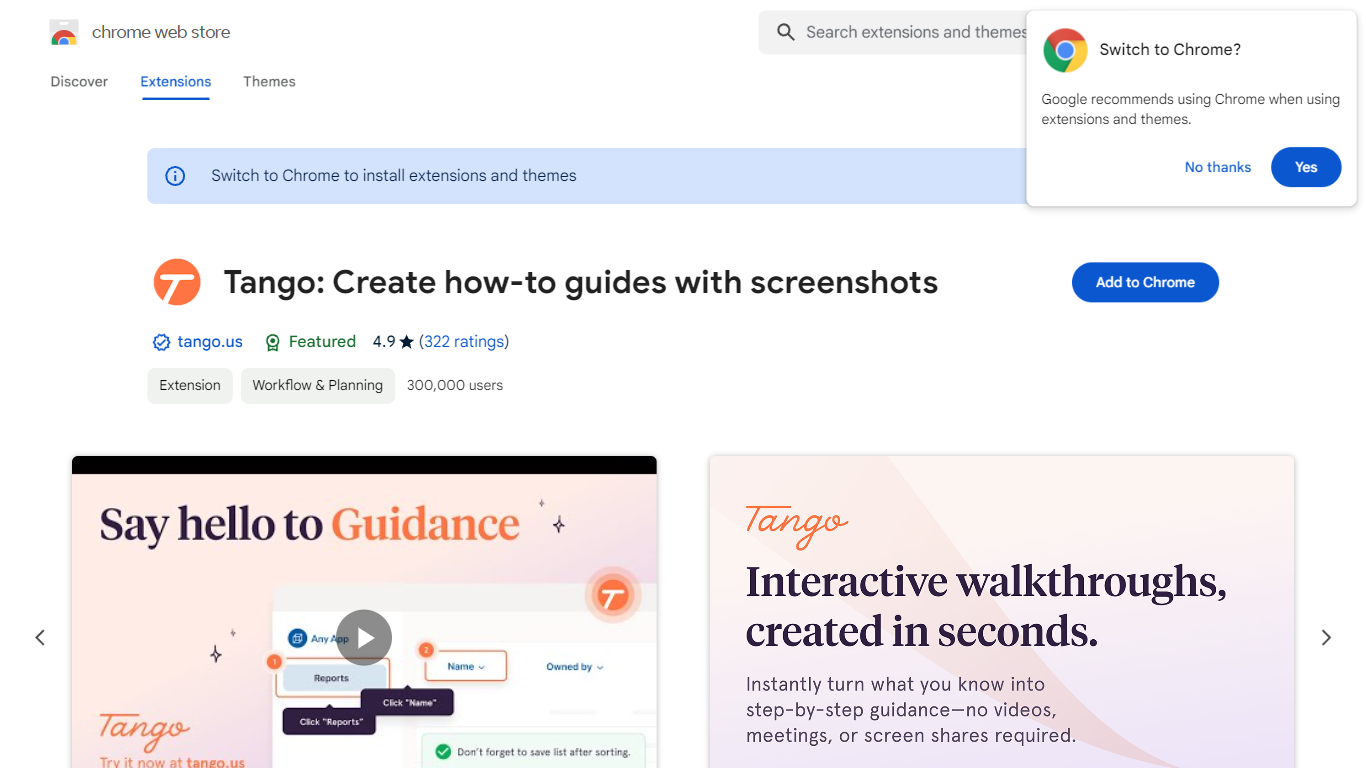
What is Tango on Chrome Web Store?
Tango is a Chrome extension that records your clicks and turns workflows into step-by-step how-to guides with cropped screenshots. The extension also builds interactive walkthroughs through Guide Me, pins knowledge with Nuggets inside the tools teams already use, and on Enterprise plans automates CRM tasks in Salesforce and HubSpot without APIs. The Chrome Web Store listing reports 400,000 users and a 4.8 average rating.
Compared with manual screenshot documentation or static Loom videos, Tango captures processes as you work and exports guides to PDF, HTML, or Markdown. Guide Me overlays steps directly on screen so employees learn by doing, while Nuggets surfaces guides inside live apps instead of sending people to stale wikis.
Operations, IT, sales, support, and training teams use Tango for SOPs, onboarding, and CRM hygiene. The free browser extension documents any web app with no integration setup, and Enterprise customers unlock cross-tab automations for data entry, opportunity updates, and billing handoffs with SOC 2 compliance and advanced blur controls.
ImageToPromptAI Upvotes
Tango on Chrome Web Store Upvotes
ImageToPromptAI Top Features
Transform Image to Text: Instantly convert images into prompts for AI models.
Pay-As-You-Go Pricing: Flexible payment model, with no need for subscriptions.
Multiple Tiers: Choose from Basic, Pro, or Ultra plans according to your needs.
Ease of Use: Simple interface for uploading images and generating prompts.
No Account Required: Start using the service without the need for a user account.
Tango on Chrome Web Store Top Features
Chrome extension with 400,000 users and a 4.8 rating on the Web Store
Captures clicks into step-by-step guides with auto-cropped screenshots
Guide Me turns guides into on-screen interactive walkthroughs
Nuggets pins guides and knowledge inside the apps teams already use
Exports guides to PDF, HTML, or Markdown with shareable links
Enterprise plans automate Salesforce and HubSpot tasks without APIs
SOC 2 compliance with advanced blur for sensitive on-screen data
ImageToPromptAI Category
- Design
Tango on Chrome Web Store Category
- Design
ImageToPromptAI Pricing Type
- Freemium
Tango on Chrome Web Store Pricing Type
- Freemium