ImagineMe vs ProPhotos
In the clash of ImagineMe vs ProPhotos, which AI Avatar Generation tool emerges victorious? We assess reviews, pricing, alternatives, features, upvotes, and more.
When we put ImagineMe and ProPhotos head to head, which one emerges as the victor?
Let's take a closer look at ImagineMe and ProPhotos, both of which are AI-driven avatar generation tools, and see what sets them apart. There's no clear winner in terms of upvotes, as both tools have received the same number. The power is in your hands! Cast your vote and have a say in deciding the winner.
Not your cup of tea? Upvote your preferred tool and stir things up!
ImagineMe

What is ImagineMe?
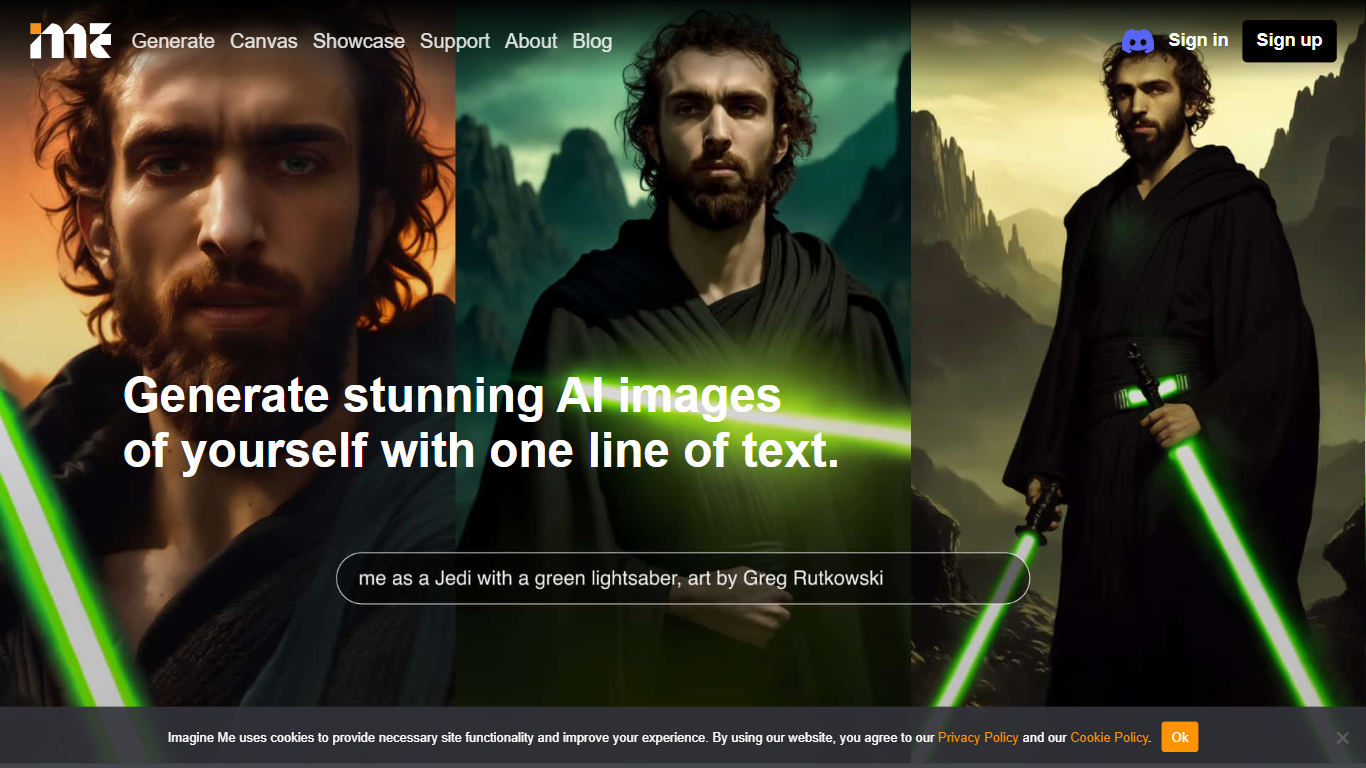
ImagineMe is a personal avatar generator that trains a private AI model on your own photos, then turns text prompts into images and videos of you. Upload 10 to 20 reference photos, wait for training to finish, and type a scene description to see yourself in fantasy settings, professional headshots, cosplay looks, or cartoon styles.
Most avatar tools apply a one-size filter to your face. ImagineMe trains a separate model per user, so the output is meant to look like you rather than a generic stock face. That per-user training takes up to 5 hours, but once it is done, new images generate in about 10 seconds after a short cold start.
The platform suits creators who want stylized self-portraits, tabletop gamers building D&D character art, pet owners making cartoon versions of their animals, and anyone who wants LinkedIn headshots or social media avatars without a photo shoot. Video, upscale, and Canvas editing tools extend the same trained model beyond still images.
ProPhotos
What is ProPhotos?
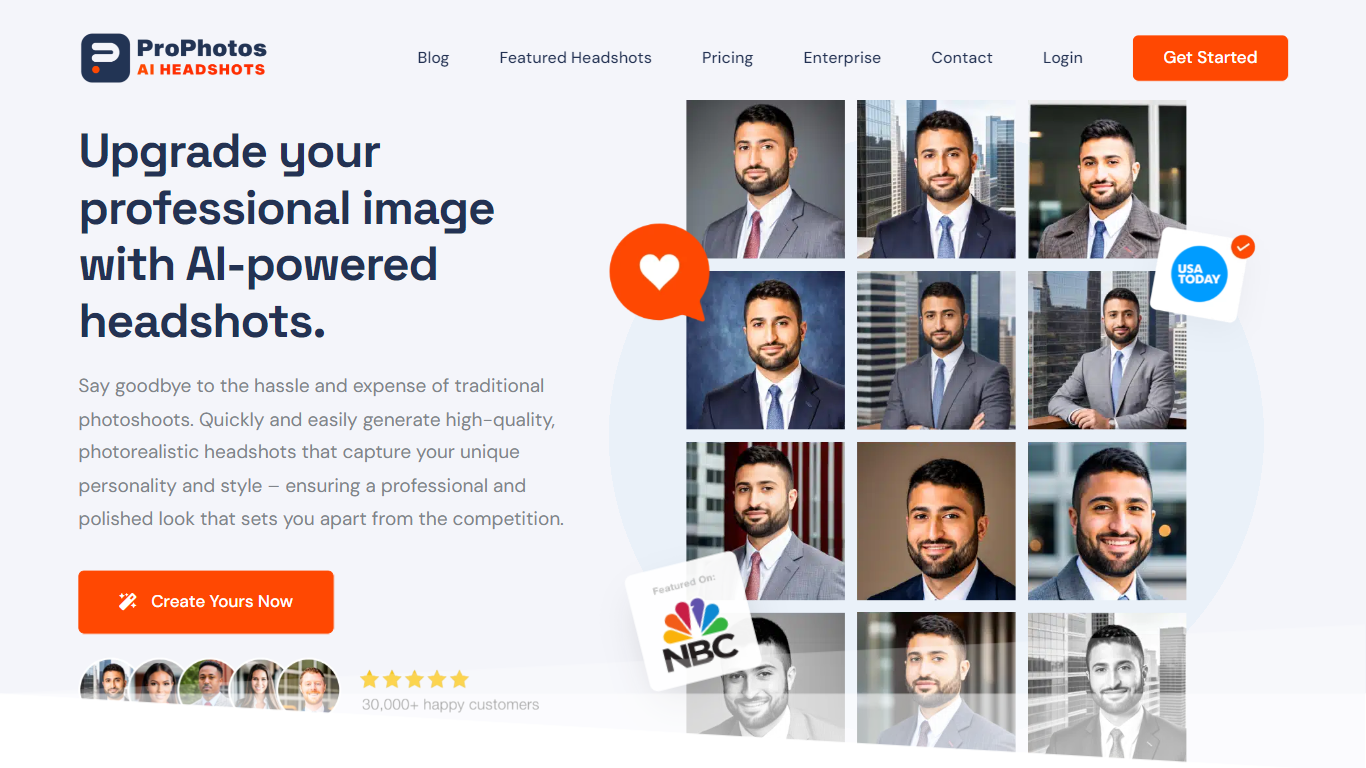
ProPhotos turns your casual selfies into professional headshots without booking a photographer or studio session. Upload photos from different days, outfits, and lighting setups, and the AI model builds a photorealistic set of portraits with suits, blazers, and studio backgrounds in 30 to 90 minutes depending on your plan.
Compared with traditional headshot photographers charging hundreds per session, ProPhotos delivers 40 to 200 unique AI headshots starting at $39. The trade-off is you need 8 to 15 source photos for the model to learn your face, and results depend on the variety of uploads you provide.
Job seekers, executives, real estate agents, and entrepreneurs use ProPhotos for LinkedIn profiles, company websites, and resume photos. Packages include industry-specific styling from doctor to pilot looks, a free background changer on Premium and Professional tiers, and full commercial usage rights on every generated image.
ImagineMe Upvotes
ProPhotos Upvotes
ImagineMe Top Features
Upload 10 to 20 photos to train a private model that learns your likeness
Generate new images in about 10 seconds after the initial cold start
Credit packs start at $5 for 10 credits, with images from $0.08 each on the 45-credit plan
Create AI videos at 5 or 10 seconds with Fast, Normal, or High Quality modes costing 3 credits
Canvas editor with pose detection, depth view, and inpainting on desktop
Upscale tool to sharpen generated images after creation
Sign in with Google, Facebook, or Apple plus a Discord community for support
ProPhotos Top Features
Starter plan delivers 40 unique AI headshots with 8 outfit and background combos for $39
Premium at $49 includes 100 headshots, 20 outfits, and a free background changer in 45 minutes
Professional tier generates 200 headshots with 40 outfit options ready in 30 minutes
Over 12.6 million headshots created for more than 50,000 customers on the platform
Industry styling covers executives, doctors, lawyers, pilots, and other professional roles
Full commercial license lets you use generated headshots on LinkedIn, resumes, and company sites
AI models auto-delete after 30 days with manual account deletion available anytime
ImagineMe Category
- Avatar Generation
ProPhotos Category
- Avatar Generation
ImagineMe Pricing Type
- Paid
ProPhotos Pricing Type
- Paid