Img-Cut vs InPixio
In the clash of Img-Cut vs InPixio, which AI Photo Editing tool emerges victorious? We assess reviews, pricing, alternatives, features, upvotes, and more.
When we put Img-Cut and InPixio head to head, which one emerges as the victor?
Let's take a closer look at Img-Cut and InPixio, both of which are AI-driven photo editing tools, and see what sets them apart. Both tools are equally favored, as indicated by the identical upvote count. The power is in your hands! Cast your vote and have a say in deciding the winner.
Think we got it wrong? Cast your vote and show us who's boss!
Img-Cut
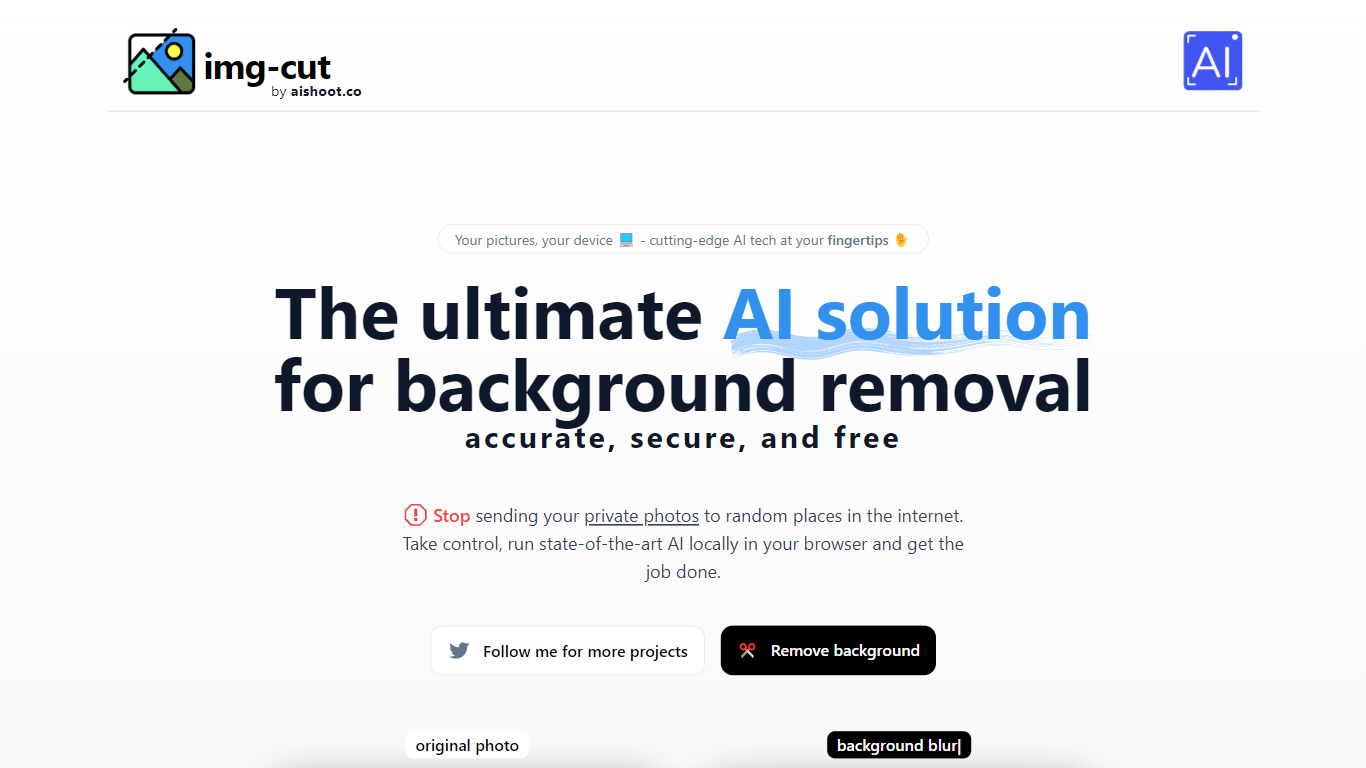

What is Img-Cut?
Img-Cut removes backgrounds from images using AI technology that processes photos locally on your device. This ensures your images remain private since no data is uploaded to external servers.
What sets Img-Cut apart is its commitment to privacy and ease of use. Unlike many background removal tools that require uploading images online, Img-Cut performs all processing directly in the browser without any software installation.
The tool offers a simple interface accessible to users of all skill levels, making quick and accurate background removal straightforward. It supports multiple devices and provides free access to advanced background removal features.
Img-Cut is ideal for photographers, designers, and casual users who need fast, private editing without complex software. Its local processing approach balances convenience with data security, making it a reliable choice for sensitive image editing tasks.
InPixio

What is InPixio?
InPixio lets you remove backgrounds, erase objects, swap skies, and polish photos through a free online editor, a Windows desktop app, and a mobile app. Upload an image, click remove background, and the AI separates hair and fine edges without manual masking.
Where heavyweight editors assume you already know layers and masks, InPixio sells speed for ecommerce sellers and casual creators. The free web tools handle quick crops and background cuts, while paid plans unlock HD downloads and premium features across the same interface on desktop and phone.
The site cites more than 10 million users and targets small business owners, social sellers, and beginners who need product photos, transparent PNGs, and social-ready edits. You can edit in the browser instantly or download the Windows app for offline work.
Img-Cut Upvotes
InPixio Upvotes
Img-Cut Top Features
🖼️ AI-powered precise background removal for clean images
🔒 Local image processing to ensure user privacy
⚡ Fast editing directly in the web browser with no uploads
🎨 Simple interface suitable for all skill levels
💻 No installation required, works on multiple devices
InPixio Top Features
One-click AI background remover handles hair and complex edges on JPG, PNG, and RAW files
Online editor runs in the browser with no install, while Windows software works offline
Magic eraser removes unwanted objects and reconstructs the background automatically
AI background generator swaps skies and dull backdrops for new scenes in seconds
Supports more than 50 image formats including JPEG, PNG, and RAW uploads
Mobile app mirrors quick edits for social posts and product photos on the go
Img-Cut Category
- Photo Editing
InPixio Category
- Photo Editing
Img-Cut Pricing Type
- Freemium
InPixio Pricing Type
- Freemium