Img-Cut vs Palette.fm
When comparing Img-Cut vs Palette.fm, which AI Photo Editing tool shines brighter? We look at pricing, alternatives, upvotes, features, reviews, and more.
In a comparison between Img-Cut and Palette.fm, which one comes out on top?
When we put Img-Cut and Palette.fm side by side, both being AI-powered photo editing tools, With more upvotes, Palette.fm is the preferred choice. Palette.fm has garnered 33 upvotes, and Img-Cut has garnered 6 upvotes.
Not your cup of tea? Upvote your preferred tool and stir things up!
Img-Cut

What is Img-Cut?
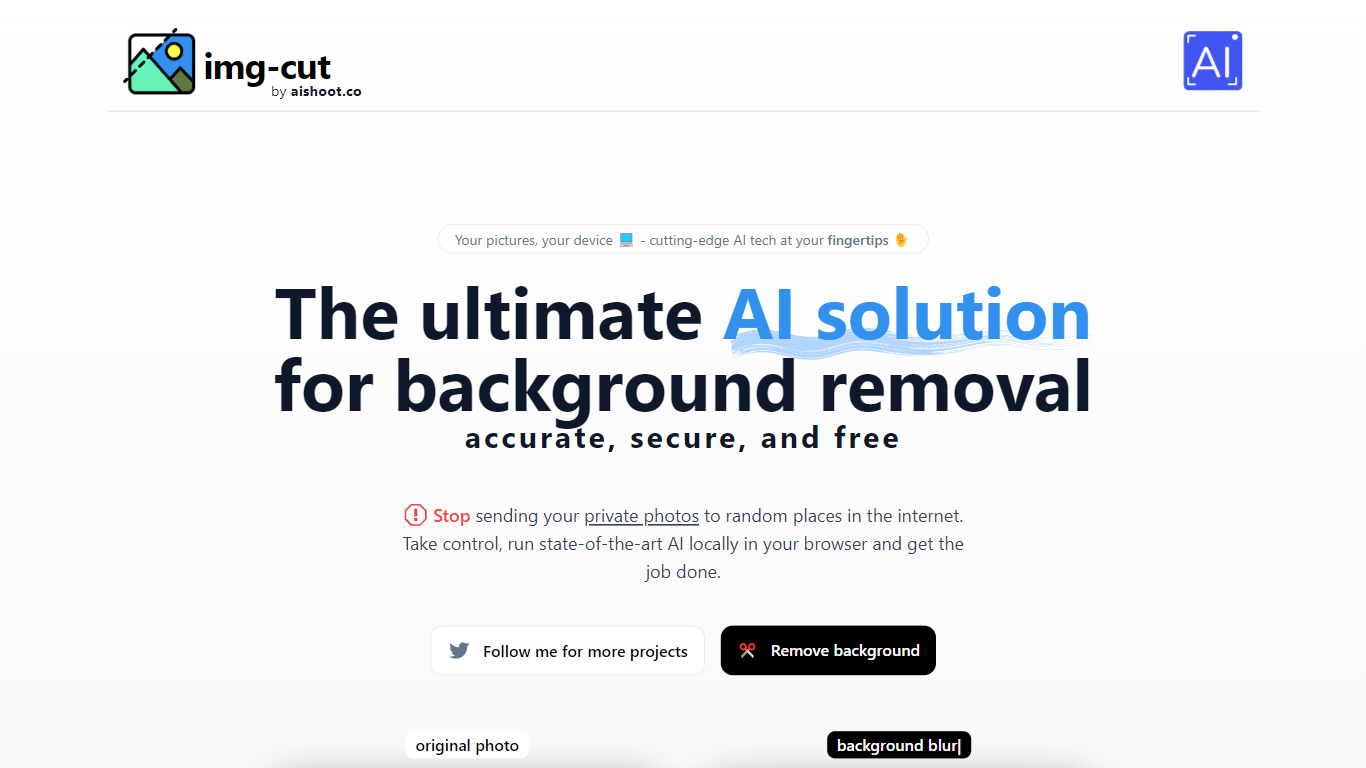
Img-Cut removes backgrounds from images using AI technology that processes photos locally on your device. This ensures your images remain private since no data is uploaded to external servers.
What sets Img-Cut apart is its commitment to privacy and ease of use. Unlike many background removal tools that require uploading images online, Img-Cut performs all processing directly in the browser without any software installation.
The tool offers a simple interface accessible to users of all skill levels, making quick and accurate background removal straightforward. It supports multiple devices and provides free access to advanced background removal features.
Img-Cut is ideal for photographers, designers, and casual users who need fast, private editing without complex software. Its local processing approach balances convenience with data security, making it a reliable choice for sensitive image editing tasks.
Palette.fm

What is Palette.fm?
Palette.fm colorizes black-and-white photos through a browser upload flow with 21+ filter presets and keyword-based color tweaks. Upload an image, pick a filter, adjust descriptive keywords if needed, then download a full-resolution result or keep iterating on previews. The photo editing workflow targets family historians, photographers, and creators restoring old prints without opening Photoshop.
Most colorizers lean on heavy sepia and purple casts with little room to steer skin tones or fabric colors. Palette.fm lets you click a filter then fine-tune hues through plain-language keywords, and it sells one-time credit packs alongside subscriptions. Free previews cap at 500x500 pixels with a watermark, while paid credits remove the logo and support files up to 5000x5000 pixels.
Genealogy researchers, photo archivists, and YouTube educators use Palette.fm to batch-test color looks before committing credits. The site reports 54 million photos colorized and 6.6 million registered users, with an API option for teams that want programmatic access.
Img-Cut Upvotes
Palette.fm Upvotes
Img-Cut Top Features
🖼️ AI-powered precise background removal for clean images
🔒 Local image processing to ensure user privacy
⚡ Fast editing directly in the web browser with no uploads
🎨 Simple interface suitable for all skill levels
💻 No installation required, works on multiple devices
Palette.fm Top Features
21+ color filters with before-and-after previews on sample photos
Free plan includes unlimited 500x500 previews with Palette watermark
Paid credits export up to 5000x5000 pixels without the logo
Keyword adjustment panel fine-tunes colors after picking a filter
Annual subscription is $72 per year for 480 credits ($0.15 each)
One-time pack is $49 for 75 credits valid for 2 years
API and video integration options listed in the site footer
Img-Cut Category
- Photo Editing
Palette.fm Category
- Photo Editing
Img-Cut Pricing Type
- Freemium
Palette.fm Pricing Type
- Freemium