PNG Maker vs Img-Cut
In the contest of PNG Maker vs Img-Cut, which AI Photo Editing tool is the champion? We evaluate pricing, alternatives, upvotes, features, reviews, and more.
If you had to choose between PNG Maker and Img-Cut, which one would you go for?
When we examine PNG Maker and Img-Cut, both of which are AI-enabled photo editing tools, what unique characteristics do we discover? Neither tool takes the lead, as they both have the same upvote count. Your vote matters! Help us decide the winner among aitools.fyi users by casting your vote.
Don't agree with the result? Cast your vote and be a part of the decision-making process!
PNG Maker
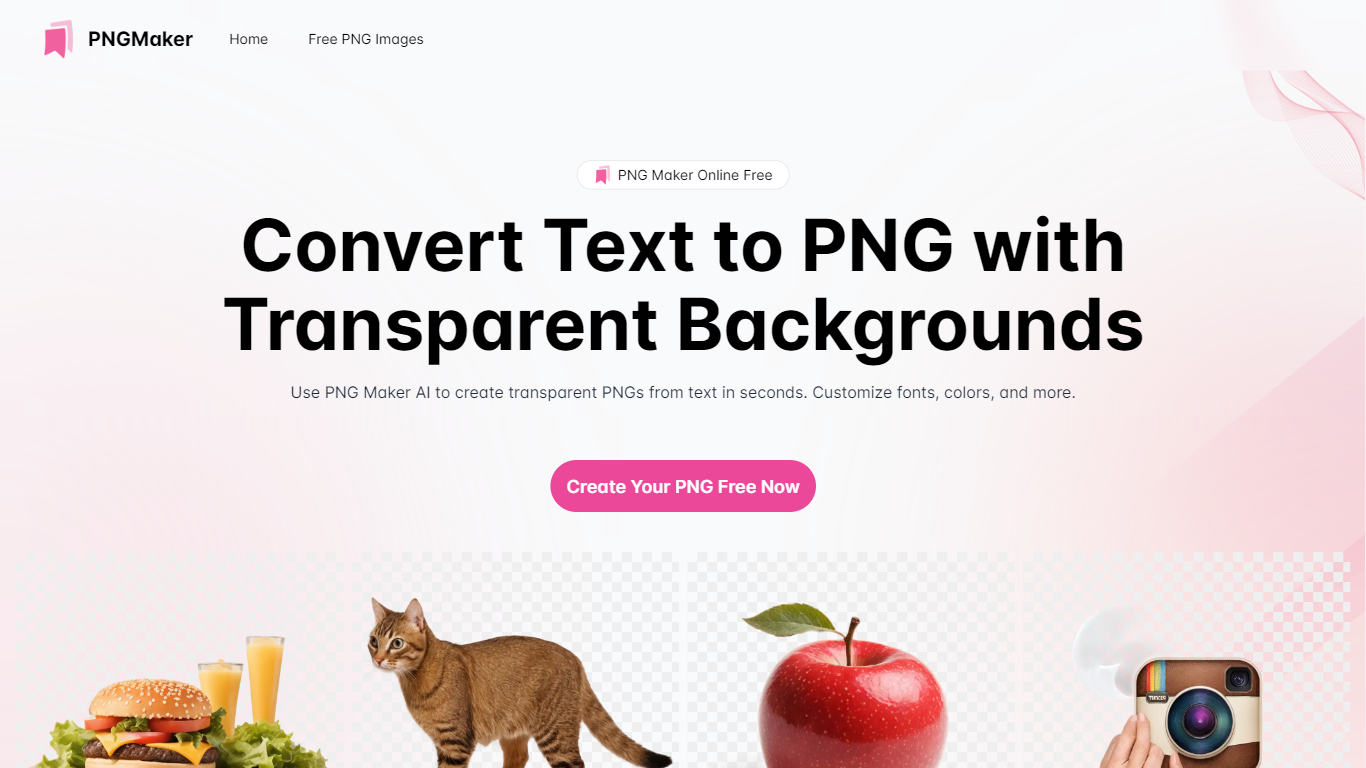

What is PNG Maker?
PNG Maker is an online tool that turns text prompts into PNG images with transparent backgrounds. It targets designers, marketers, and content creators who need clip-art style assets, logos, or graphics without opening desktop editing software.
You type a description of what you want, pick an aspect ratio, and the app generates one or more PNG files you can download. The web app also supports image-to-image generation, so you can upload a reference and refine the output from there. Free users get 9 credits per day; paid plans unlock higher monthly credit limits, batch generation, and private outputs.
The site also organizes outputs by tags and runs a blog with tips for writing better prompts. If you need quick transparent PNGs for slides, social posts, or web layouts, it keeps the workflow in the browser with no install required.
Img-Cut
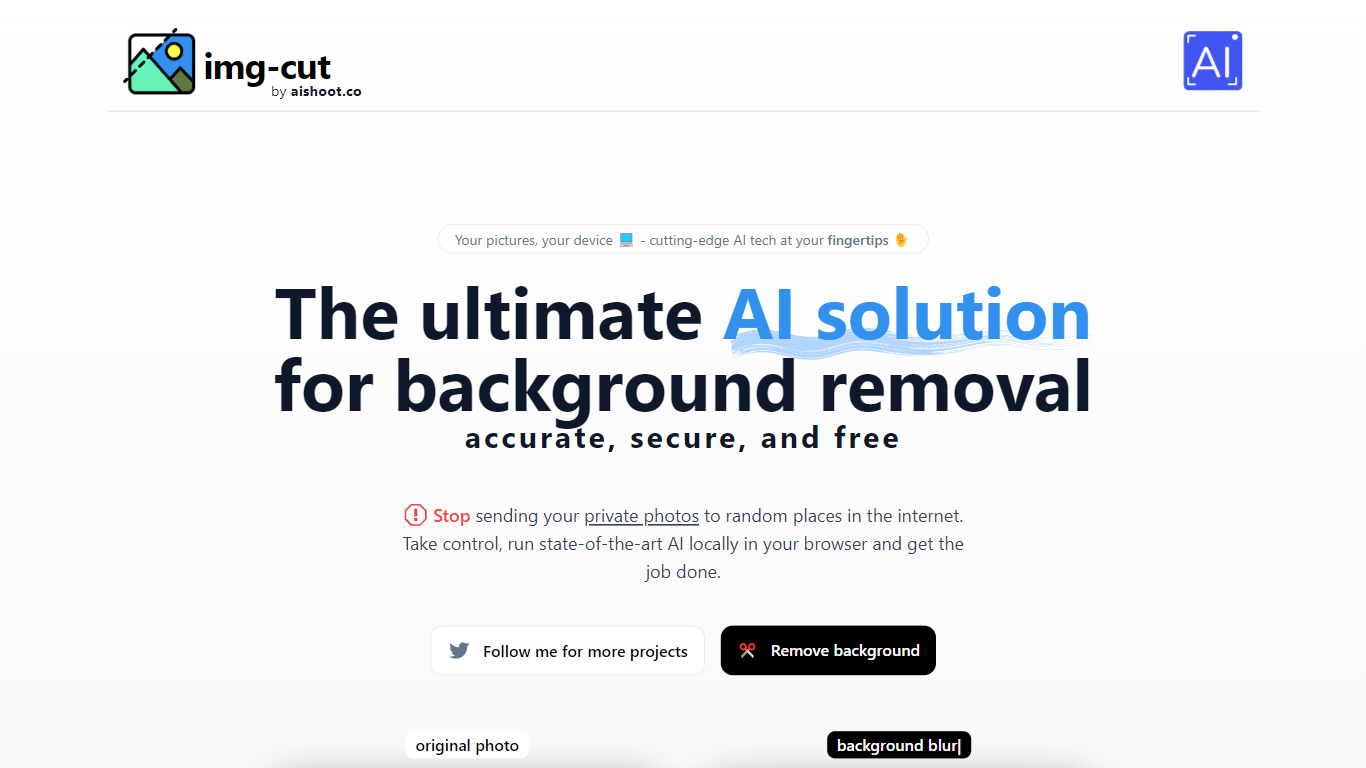
What is Img-Cut?
Img-Cut removes backgrounds from images using AI technology that processes photos locally on your device. This ensures your images remain private since no data is uploaded to external servers.
What sets Img-Cut apart is its commitment to privacy and ease of use. Unlike many background removal tools that require uploading images online, Img-Cut performs all processing directly in the browser without any software installation.
The tool offers a simple interface accessible to users of all skill levels, making quick and accurate background removal straightforward. It supports multiple devices and provides free access to advanced background removal features.
Img-Cut is ideal for photographers, designers, and casual users who need fast, private editing without complex software. Its local processing approach balances convenience with data security, making it a reliable choice for sensitive image editing tasks.
PNG Maker Upvotes
Img-Cut Upvotes
PNG Maker Top Features
Turn text prompts into transparent PNG images without desktop software
Switch between text-to-image and image-to-image modes in one web app
Pick aspect ratios like 1:1, 3:2, and 2:3 before generating
Generate up to four images at once on paid plans
Browse community creations organized by tags for prompt inspiration
Img-Cut Top Features
🖼️ AI-powered precise background removal for clean images
🔒 Local image processing to ensure user privacy
⚡ Fast editing directly in the web browser with no uploads
🎨 Simple interface suitable for all skill levels
💻 No installation required, works on multiple devices
PNG Maker Category
- Photo Editing
Img-Cut Category
- Photo Editing
PNG Maker Pricing Type
- Freemium
Img-Cut Pricing Type
- Freemium