Img-Cut vs Profile Picture Maker By Picsart
In the clash of Img-Cut vs Profile Picture Maker By Picsart, which AI Photo Editing tool emerges victorious? We assess reviews, pricing, alternatives, features, upvotes, and more.
When we put Img-Cut and Profile Picture Maker By Picsart head to head, which one emerges as the victor?
Let's take a closer look at Img-Cut and Profile Picture Maker By Picsart, both of which are AI-driven photo editing tools, and see what sets them apart. Profile Picture Maker By Picsart stands out as the clear frontrunner in terms of upvotes. The number of upvotes for Profile Picture Maker By Picsart stands at 9, and for Img-Cut it's 6.
Feeling rebellious? Cast your vote and shake things up!
Img-Cut

What is Img-Cut?
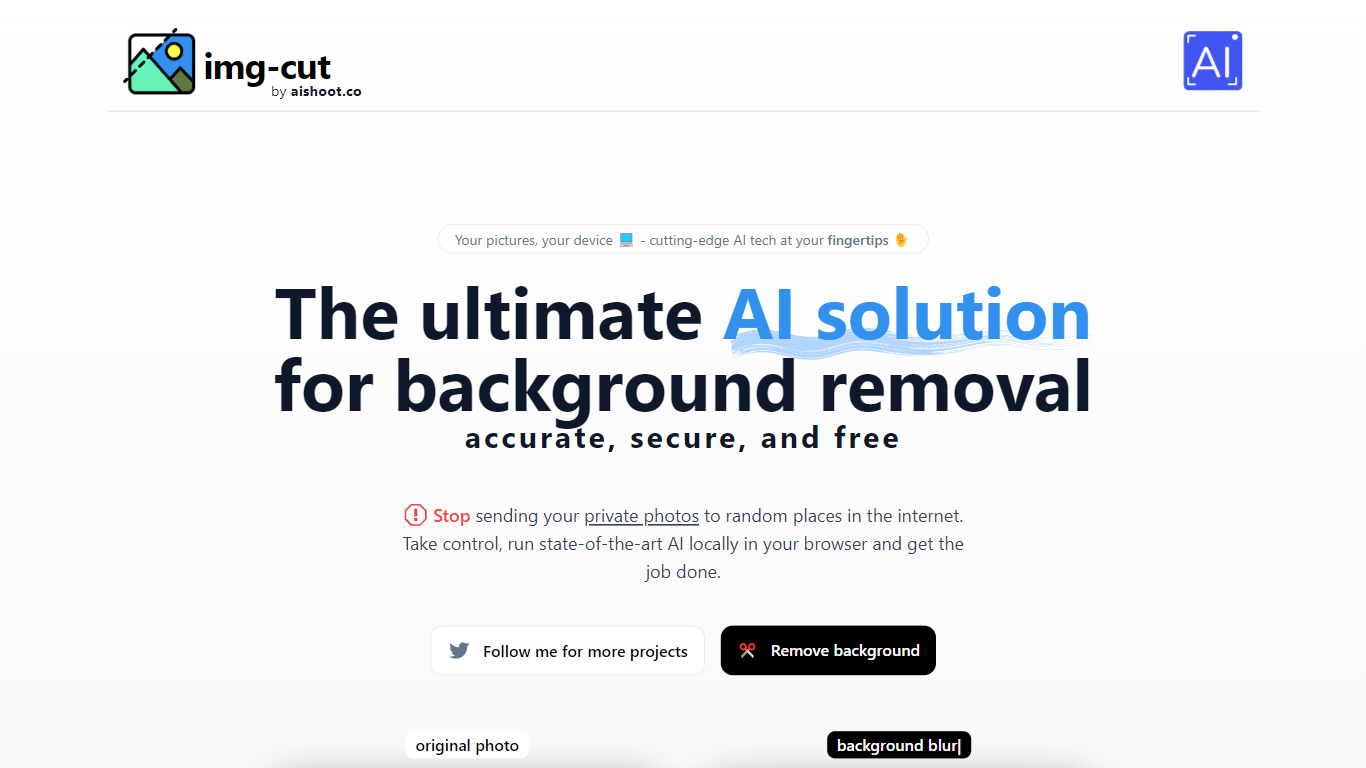
Img-Cut removes backgrounds from images using AI technology that processes photos locally on your device. This ensures your images remain private since no data is uploaded to external servers.
What sets Img-Cut apart is its commitment to privacy and ease of use. Unlike many background removal tools that require uploading images online, Img-Cut performs all processing directly in the browser without any software installation.
The tool offers a simple interface accessible to users of all skill levels, making quick and accurate background removal straightforward. It supports multiple devices and provides free access to advanced background removal features.
Img-Cut is ideal for photographers, designers, and casual users who need fast, private editing without complex software. Its local processing approach balances convenience with data security, making it a reliable choice for sensitive image editing tasks.
Profile Picture Maker By Picsart

What is Profile Picture Maker By Picsart?
Profile Picture Maker By Picsart crops, reframes, and styles square avatars for social platforms inside the free Quicktools browser editor. You upload a photo, optionally swap the background, add borders or colors, then export preset sizes for Instagram, LinkedIn, Discord, and other networks.
Most avatar editors auto-remove backgrounds whether you want that or not. Picsart's version lets you keep or replace the backdrop, then rotate, scale, and position the subject before picking platform-specific dimensions like 400x400 for LinkedIn or 128x128 for Discord.
Creators refreshing Instagram, Zoom, or Slack avatars use it because it needs no account, stores no images, and advertises 1 to 2 minute results. The page rates 4.8 out of 5 from 51 reviews and sits inside Picsart's broader Quicktools suite launched in 2021.
Img-Cut Upvotes
Profile Picture Maker By Picsart Upvotes
Img-Cut Top Features
🖼️ AI-powered precise background removal for clean images
🔒 Local image processing to ensure user privacy
⚡ Fast editing directly in the web browser with no uploads
🎨 Simple interface suitable for all skill levels
💻 No installation required, works on multiple devices
Profile Picture Maker By Picsart Top Features
100% free profile picture editor with no sign-up required
Optional background removal or custom colored and patterned backdrops
Border and fine-tune controls for rotate, scale, and positioning
Preset export sizes for Instagram (320x320), LinkedIn (400x400), Discord (128x128), and more
Drag-and-drop upload with advertised 1 to 2 minute processing
No image storage policy stated on the tool page
4.8 star Quicktools rating from 51 reviews
Img-Cut Category
- Photo Editing
Profile Picture Maker By Picsart Category
- Photo Editing
Img-Cut Pricing Type
- Freemium
Profile Picture Maker By Picsart Pricing Type
- Free