Img Sharpen By Media.io vs InPixio
Dive into the comparison of Img Sharpen By Media.io vs InPixio and discover which AI Photo Editing tool stands out. We examine alternatives, upvotes, features, reviews, pricing, and beyond.
When comparing Img Sharpen By Media.io and InPixio, which one rises above the other?
When we compare Img Sharpen By Media.io and InPixio, two exceptional photo editing tools powered by artificial intelligence, and place them side by side, several key similarities and differences come to light. The upvote count is neck and neck for both Img Sharpen By Media.io and InPixio. Every vote counts! Cast yours and contribute to the decision of the winner.
Want to flip the script? Upvote your favorite tool and change the game!
Img Sharpen By Media.io

What is Img Sharpen By Media.io?
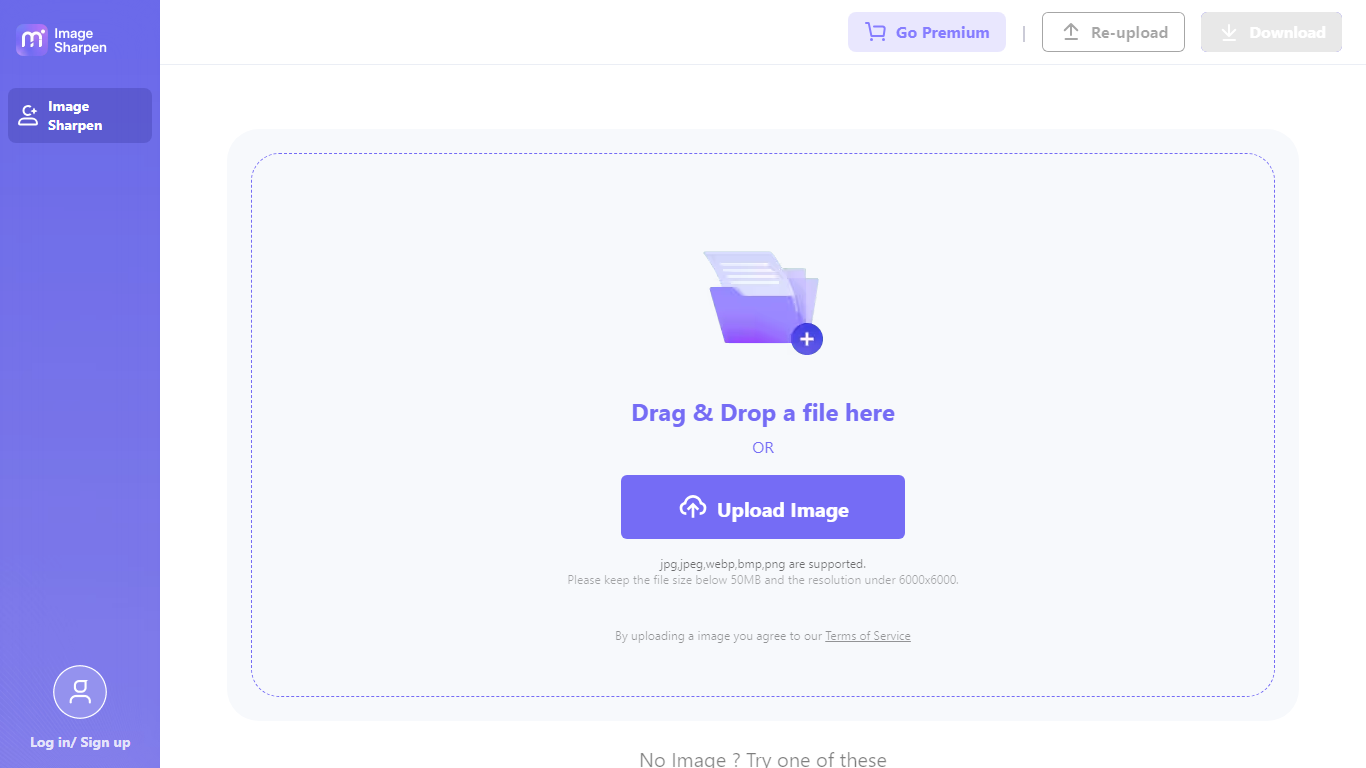
Img Sharpen By Media.io is a browser-based photo enhancer from Media.io that sharpens blurry images, upscales low-resolution files, and restores older pictures without opening desktop editing software. You upload a JPG, PNG, JPEG, WebP, or BMP file, pick an enhancement type, and download a clearer result in a few clicks.
Where many photo editors bury sharpening inside manual sliders, this tool runs enhancement through preset modes like Smart enhancer, Portrait Enhancer, and Image Upscaler with Lite or Pro quality tiers. Media.io also advertises watermark-free outputs on the free tier, which is uncommon among online upscalers that stamp branding on first exports.
It fits content creators fixing soft phone shots, online sellers cleaning product photos, and families improving scanned old pictures. The workflow stays entirely in the browser, with free credits granted on signup or login for first-time tests.
InPixio

What is InPixio?
InPixio lets you remove backgrounds, erase objects, swap skies, and polish photos through a free online editor, a Windows desktop app, and a mobile app. Upload an image, click remove background, and the AI separates hair and fine edges without manual masking.
Where heavyweight editors assume you already know layers and masks, InPixio sells speed for ecommerce sellers and casual creators. The free web tools handle quick crops and background cuts, while paid plans unlock HD downloads and premium features across the same interface on desktop and phone.
The site cites more than 10 million users and targets small business owners, social sellers, and beginners who need product photos, transparent PNGs, and social-ready edits. You can edit in the browser instantly or download the Windows app for offline work.
Img Sharpen By Media.io Upvotes
InPixio Upvotes
Img Sharpen By Media.io Top Features
Accepts JPG, PNG, JPEG, WebP, and BMP uploads directly in the browser
Five enhancement types: Smart enhancer, Portrait Enhancer, Restore Old Photos, Color Correction, and Image Upscaler
Lite and Pro processing modes let you trade speed against output quality
Free credits on signup or login, with watermark-free downloads advertised for free outputs
Rated 4.7 out of 5 from 162,357 user votes on the Media.io platform page
InPixio Top Features
One-click AI background remover handles hair and complex edges on JPG, PNG, and RAW files
Online editor runs in the browser with no install, while Windows software works offline
Magic eraser removes unwanted objects and reconstructs the background automatically
AI background generator swaps skies and dull backdrops for new scenes in seconds
Supports more than 50 image formats including JPEG, PNG, and RAW uploads
Mobile app mirrors quick edits for social posts and product photos on the go
Img Sharpen By Media.io Category
- Photo Editing
InPixio Category
- Photo Editing
Img Sharpen By Media.io Pricing Type
- Freemium
InPixio Pricing Type
- Freemium