
Last updated 08-12-2026
Category:
Reviews:
Join thousands of AI enthusiasts in the World of AI!
Img Sharpen By Media.io
Img Sharpen By Media.io is a browser-based photo enhancer from Media.io that sharpens blurry images, upscales low-resolution files, and restores older pictures without opening desktop editing software. You upload a JPG, PNG, JPEG, WebP, or BMP file, pick an enhancement type, and download a clearer result in a few clicks.
Where many photo editors bury sharpening inside manual sliders, this tool runs enhancement through preset modes like Smart enhancer, Portrait Enhancer, and Image Upscaler with Lite or Pro quality tiers. Media.io also advertises watermark-free outputs on the free tier, which is uncommon among online upscalers that stamp branding on first exports.
It fits content creators fixing soft phone shots, online sellers cleaning product photos, and families improving scanned old pictures. The workflow stays entirely in the browser, with free credits granted on signup or login for first-time tests.
Accepts JPG, PNG, JPEG, WebP, and BMP uploads directly in the browser
Five enhancement types: Smart enhancer, Portrait Enhancer, Restore Old Photos, Color Correction, and Image Upscaler
Lite and Pro processing modes let you trade speed against output quality
Free credits on signup or login, with watermark-free downloads advertised for free outputs
Rated 4.7 out of 5 from 162,357 user votes on the Media.io platform page
Five distinct enhancement presets cover sharpening, portraits, old photos, color, and upscaling in one page
Supports five common image formats without converting files first
Advertises watermark-free downloads even on the free credit tier
Lite and Pro modes give a clear speed-versus-quality choice before processing
No desktop software install required; runs entirely in the browser
Processes only one image at a time with no batch upload yet
Subscription pricing is credit-based and not listed with fixed dollar amounts on the app page
Pro mode and extended usage require a paid Media.io subscription
Heavy reliance on Media.io account credits can limit casual one-off edits
Is Img Sharpen By Media.io free to use?
Img Sharpen By Media.io offers free credits when you sign up or log in, so you can test AI sharpening and upscaling in the browser without paying first. Paid subscription plans unlock additional credits and Pro-mode processing.
What image formats does Img Sharpen By Media.io support?
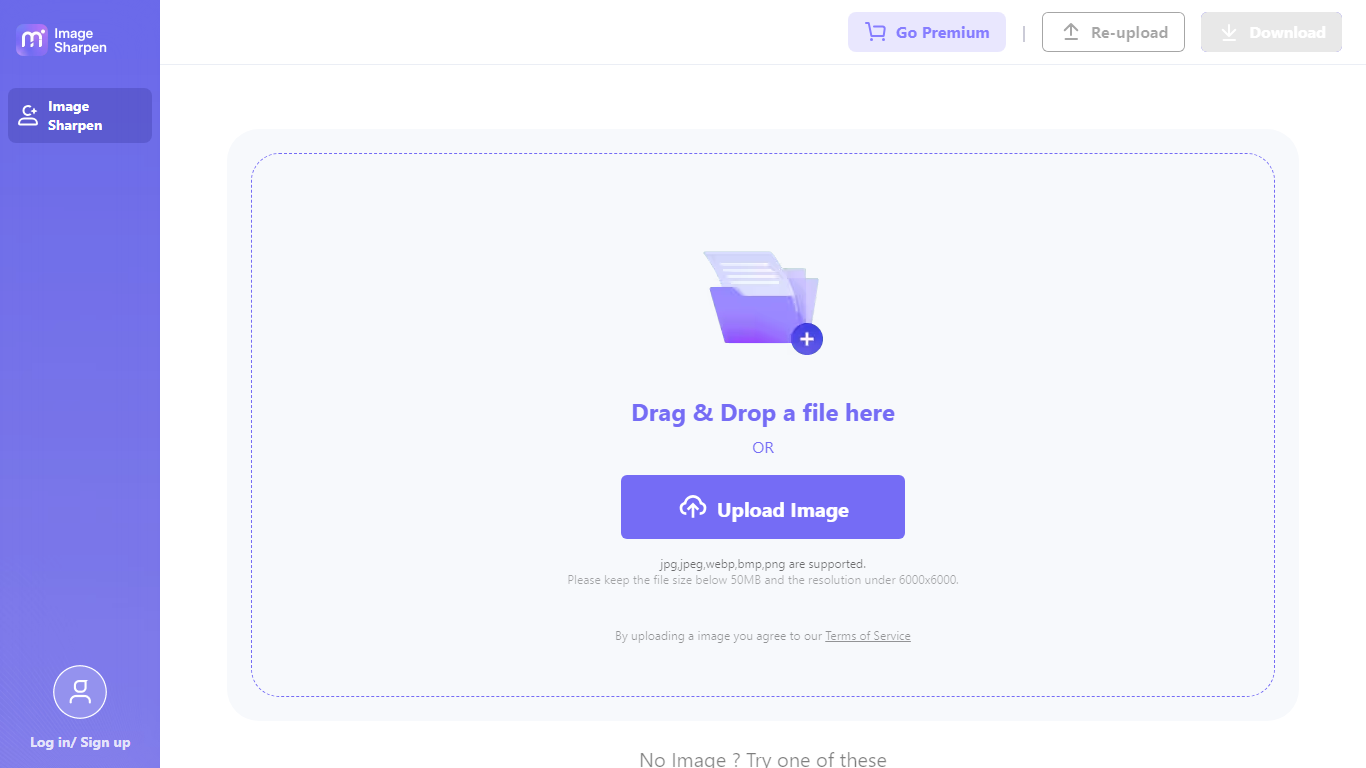
Img Sharpen By Media.io accepts JPG, PNG, JPEG, WebP, and BMP uploads. The upload panel on the app page lists all five formats as supported input types.
Can Img Sharpen By Media.io upscale low-resolution photos?
Yes. Img Sharpen By Media.io includes an Image Upscaler enhancement type that enlarges low-resolution images while preserving sharper edges than standard resize tools. You select the upscaler mode before clicking Generate.
Does Img Sharpen By Media.io add watermarks to results?
Media.io states that Img Sharpen By Media.io outputs are watermark-free on the free tier, unlike some competing online enhancers that brand first exports. Commercial usage rights still depend on your subscription plan.
Can Img Sharpen By Media.io process multiple photos at once?
No. Img Sharpen By Media.io processes one image per session today. Media.io notes on its FAQ that batch processing is planned but not yet available on the photo enhancer.
What enhancement modes does Img Sharpen By Media.io offer?
Img Sharpen By Media.io lets you choose Smart enhancer, Portrait Enhancer, Restore Old Photos, Color Correction, or Image Upscaler before generating. Each mode targets a different photo problem such as blur, faces, fading, color cast, or low resolution.