Img Sharpen By Media.io vs Profile Picture Maker By Picsart
When comparing Img Sharpen By Media.io vs Profile Picture Maker By Picsart, which AI Photo Editing tool shines brighter? We look at pricing, alternatives, upvotes, features, reviews, and more.
In a comparison between Img Sharpen By Media.io and Profile Picture Maker By Picsart, which one comes out on top?
When we put Img Sharpen By Media.io and Profile Picture Maker By Picsart side by side, both being AI-powered photo editing tools, With more upvotes, Profile Picture Maker By Picsart is the preferred choice. The number of upvotes for Profile Picture Maker By Picsart stands at 9, and for Img Sharpen By Media.io it's 6.
Don't agree with the result? Cast your vote and be a part of the decision-making process!
Img Sharpen By Media.io

What is Img Sharpen By Media.io?
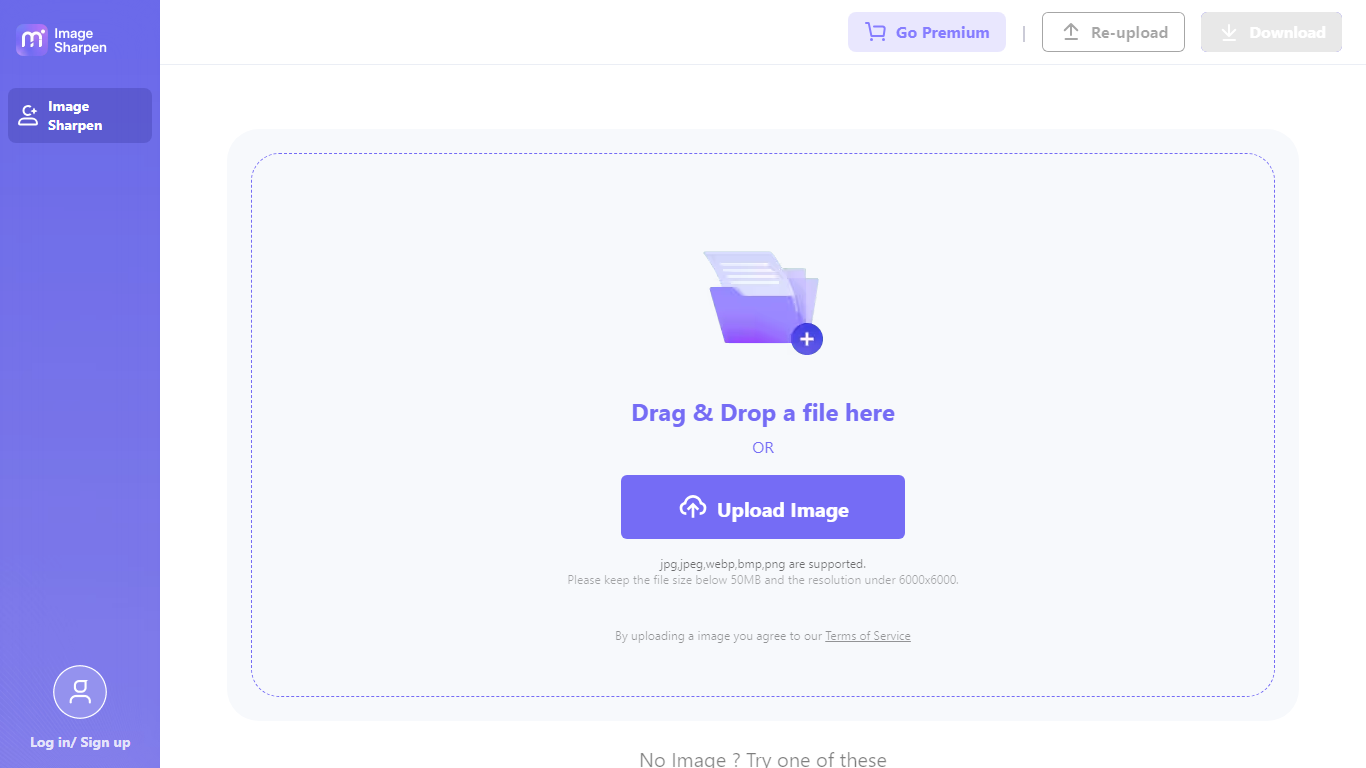
Img Sharpen By Media.io is a browser-based photo enhancer from Media.io that sharpens blurry images, upscales low-resolution files, and restores older pictures without opening desktop editing software. You upload a JPG, PNG, JPEG, WebP, or BMP file, pick an enhancement type, and download a clearer result in a few clicks.
Where many photo editors bury sharpening inside manual sliders, this tool runs enhancement through preset modes like Smart enhancer, Portrait Enhancer, and Image Upscaler with Lite or Pro quality tiers. Media.io also advertises watermark-free outputs on the free tier, which is uncommon among online upscalers that stamp branding on first exports.
It fits content creators fixing soft phone shots, online sellers cleaning product photos, and families improving scanned old pictures. The workflow stays entirely in the browser, with free credits granted on signup or login for first-time tests.
Profile Picture Maker By Picsart

What is Profile Picture Maker By Picsart?
Profile Picture Maker By Picsart crops, reframes, and styles square avatars for social platforms inside the free Quicktools browser editor. You upload a photo, optionally swap the background, add borders or colors, then export preset sizes for Instagram, LinkedIn, Discord, and other networks.
Most avatar editors auto-remove backgrounds whether you want that or not. Picsart's version lets you keep or replace the backdrop, then rotate, scale, and position the subject before picking platform-specific dimensions like 400x400 for LinkedIn or 128x128 for Discord.
Creators refreshing Instagram, Zoom, or Slack avatars use it because it needs no account, stores no images, and advertises 1 to 2 minute results. The page rates 4.8 out of 5 from 51 reviews and sits inside Picsart's broader Quicktools suite launched in 2021.
Img Sharpen By Media.io Upvotes
Profile Picture Maker By Picsart Upvotes
Img Sharpen By Media.io Top Features
Accepts JPG, PNG, JPEG, WebP, and BMP uploads directly in the browser
Five enhancement types: Smart enhancer, Portrait Enhancer, Restore Old Photos, Color Correction, and Image Upscaler
Lite and Pro processing modes let you trade speed against output quality
Free credits on signup or login, with watermark-free downloads advertised for free outputs
Rated 4.7 out of 5 from 162,357 user votes on the Media.io platform page
Profile Picture Maker By Picsart Top Features
100% free profile picture editor with no sign-up required
Optional background removal or custom colored and patterned backdrops
Border and fine-tune controls for rotate, scale, and positioning
Preset export sizes for Instagram (320x320), LinkedIn (400x400), Discord (128x128), and more
Drag-and-drop upload with advertised 1 to 2 minute processing
No image storage policy stated on the tool page
4.8 star Quicktools rating from 51 reviews
Img Sharpen By Media.io Category
- Photo Editing
Profile Picture Maker By Picsart Category
- Photo Editing
Img Sharpen By Media.io Pricing Type
- Freemium
Profile Picture Maker By Picsart Pricing Type
- Free