Img Sharpen By Media.io vs RemoveBG
In the battle of Img Sharpen By Media.io vs RemoveBG, which AI Photo Editing tool comes out on top? We compare reviews, pricing, alternatives, upvotes, features, and more.
Between Img Sharpen By Media.io and RemoveBG, which one is superior?
Upon comparing Img Sharpen By Media.io with RemoveBG, which are both AI-powered photo editing tools, In the race for upvotes, RemoveBG takes the trophy. The number of upvotes for RemoveBG stands at 11, and for Img Sharpen By Media.io it's 6.
Think we got it wrong? Cast your vote and show us who's boss!
Img Sharpen By Media.io
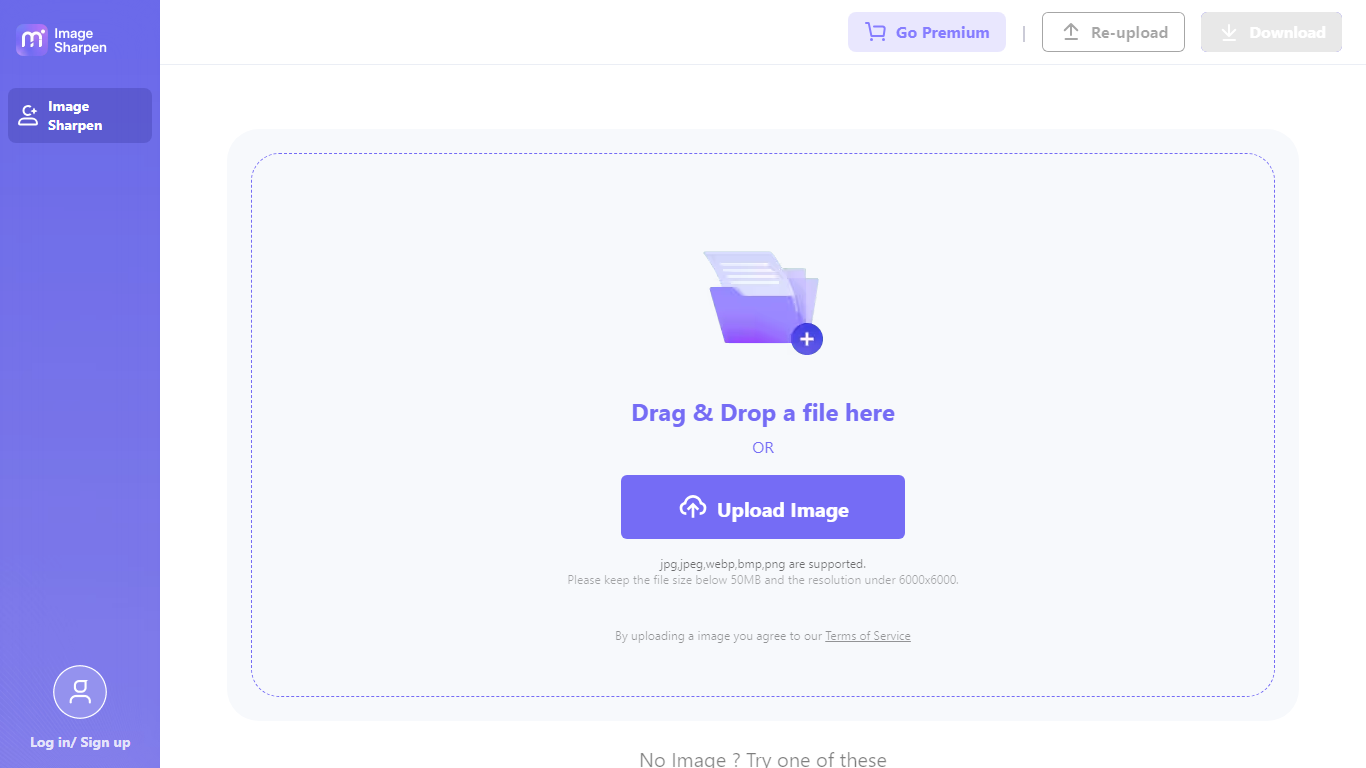

What is Img Sharpen By Media.io?
Img Sharpen By Media.io is a browser-based photo enhancer from Media.io that sharpens blurry images, upscales low-resolution files, and restores older pictures without opening desktop editing software. You upload a JPG, PNG, JPEG, WebP, or BMP file, pick an enhancement type, and download a clearer result in a few clicks.
Where many photo editors bury sharpening inside manual sliders, this tool runs enhancement through preset modes like Smart enhancer, Portrait Enhancer, and Image Upscaler with Lite or Pro quality tiers. Media.io also advertises watermark-free outputs on the free tier, which is uncommon among online upscalers that stamp branding on first exports.
It fits content creators fixing soft phone shots, online sellers cleaning product photos, and families improving scanned old pictures. The workflow stays entirely in the browser, with free credits granted on signup or login for first-time tests.
RemoveBG

What is RemoveBG?
RemoveBG is a powerful and user-friendly online tool that allows you to remove image backgrounds in seconds, and the best part is, it's completely free! With advanced AI technology, RemoveBG makes background removal a breeze, saving you time and effort. Whether you need to edit images for creative projects, marketing materials, or personal use, RemoveBG has got you covered.
With RemoveBG, the process of removing image backgrounds is as easy as 1-2-3. First, choose the image you want to edit and upload it into the tool. Second, let the advanced AI technology analyze your image and automatically remove the background. Finally, download the new image and use it for any purpose you desire. Say goodbye to background woes and hello to hassle-free image editing with RemoveBG.
Img Sharpen By Media.io Upvotes
RemoveBG Upvotes
Img Sharpen By Media.io Top Features
Accepts JPG, PNG, JPEG, WebP, and BMP uploads directly in the browser
Five enhancement types: Smart enhancer, Portrait Enhancer, Restore Old Photos, Color Correction, and Image Upscaler
Lite and Pro processing modes let you trade speed against output quality
Free credits on signup or login, with watermark-free downloads advertised for free outputs
Rated 4.7 out of 5 from 162,357 user votes on the Media.io platform page
RemoveBG Top Features
Quick and Easy Background Removal: RemoveBG makes it incredibly simple to remove image backgrounds with just a few clicks. No need for complex editing software or extensive manual work.
Free of Cost: RemoveBG offers its background removal services completely free of charge. Say goodbye to expensive editing tools and hello to cost-effective image editing.
Advanced AI Technology: Powered by advanced AI technology RemoveBG analyzes your images and accurately detects and removes the background ensuring clean and professional results.
Versatile Usage: The images edited with RemoveBG can be used for a wide range of purposes including creative projects marketing materials or personal use. The possibilities are endless.
User-Friendly Interface: RemoveBG's user-friendly interface makes it easy for anyone to use regardless of their level of expertise in image editing. No technical skills required.
Img Sharpen By Media.io Category
- Photo Editing
RemoveBG Category
- Photo Editing
Img Sharpen By Media.io Pricing Type
- Freemium
RemoveBG Pricing Type
- Free