Img2Video vs Lumiere
In the clash of Img2Video vs Lumiere, which AI Video Generation tool emerges victorious? We assess reviews, pricing, alternatives, features, upvotes, and more.
If you had to choose between Img2Video and Lumiere, which one would you go for?
Let's take a closer look at Img2Video and Lumiere, both of which are AI-driven video generation tools, and see what sets them apart. The upvote count reveals a draw, with both tools earning the same number of upvotes. Be a part of the decision-making process. Your vote could determine the winner.
Don't agree with the result? Cast your vote and be a part of the decision-making process!
Img2Video
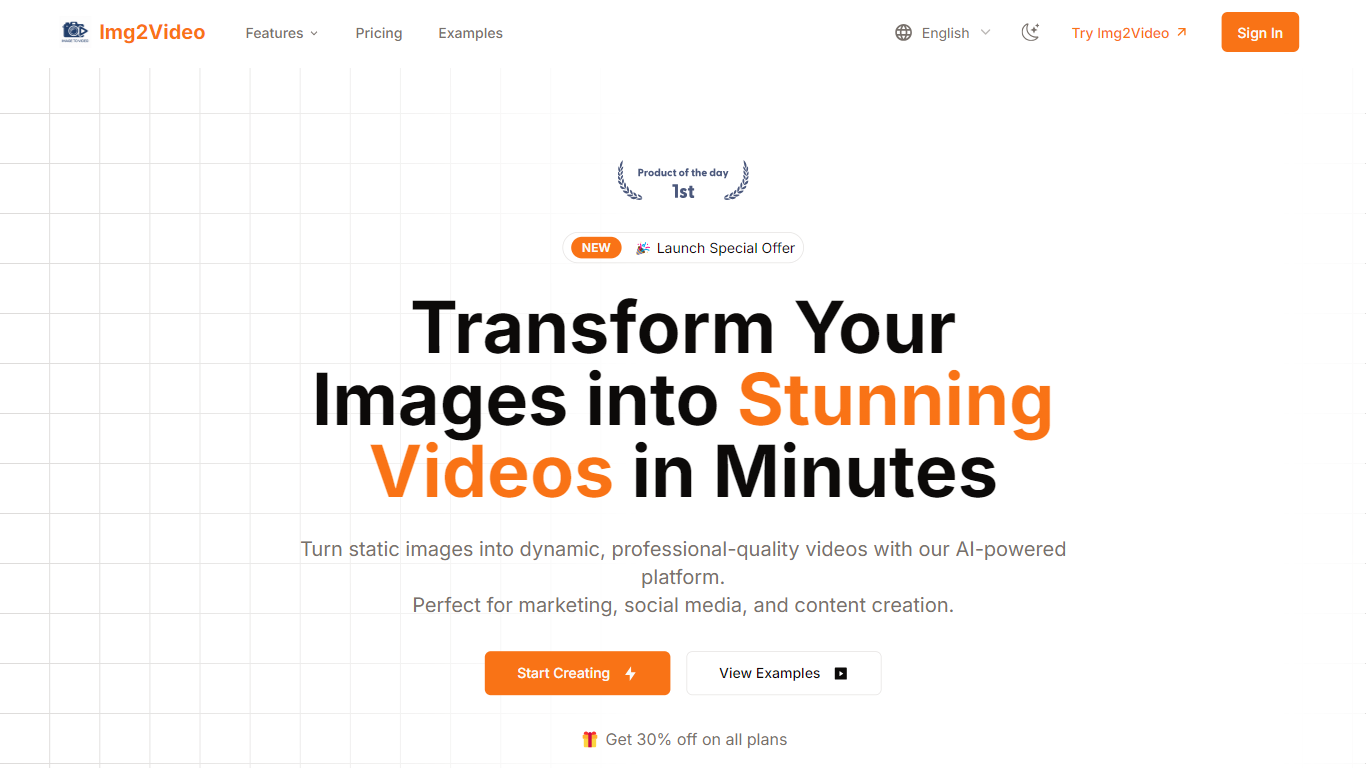

What is Img2Video?
Img2Video turns uploaded still images into short animated videos through a browser workflow at img2video.org/create. You pick a template, upload 2-3 JPG or PNG files up to 10MB each, set a 5, 10, or 15 second length, and optionally add a prompt before generating the clip.
Many image-to-video apps target cinematic motion from a single photo. Img2Video focuses on multi-image slideshow-style output with templates, a royalty-free music library, and export presets sized for Instagram, TikTok, YouTube, and Facebook. Free exports carry a watermark, while Lite and Pro plans remove it and unlock Professional Mode.
The pricing section lists Free, Lite at $9.9 per month during the launch offer, and Pro at $19.9 per month with monthly quotas of 2, 30, and 80 standard videos. Content creators, social media managers, and e-commerce sellers are the audiences named across the homepage and create page.
Lumiere
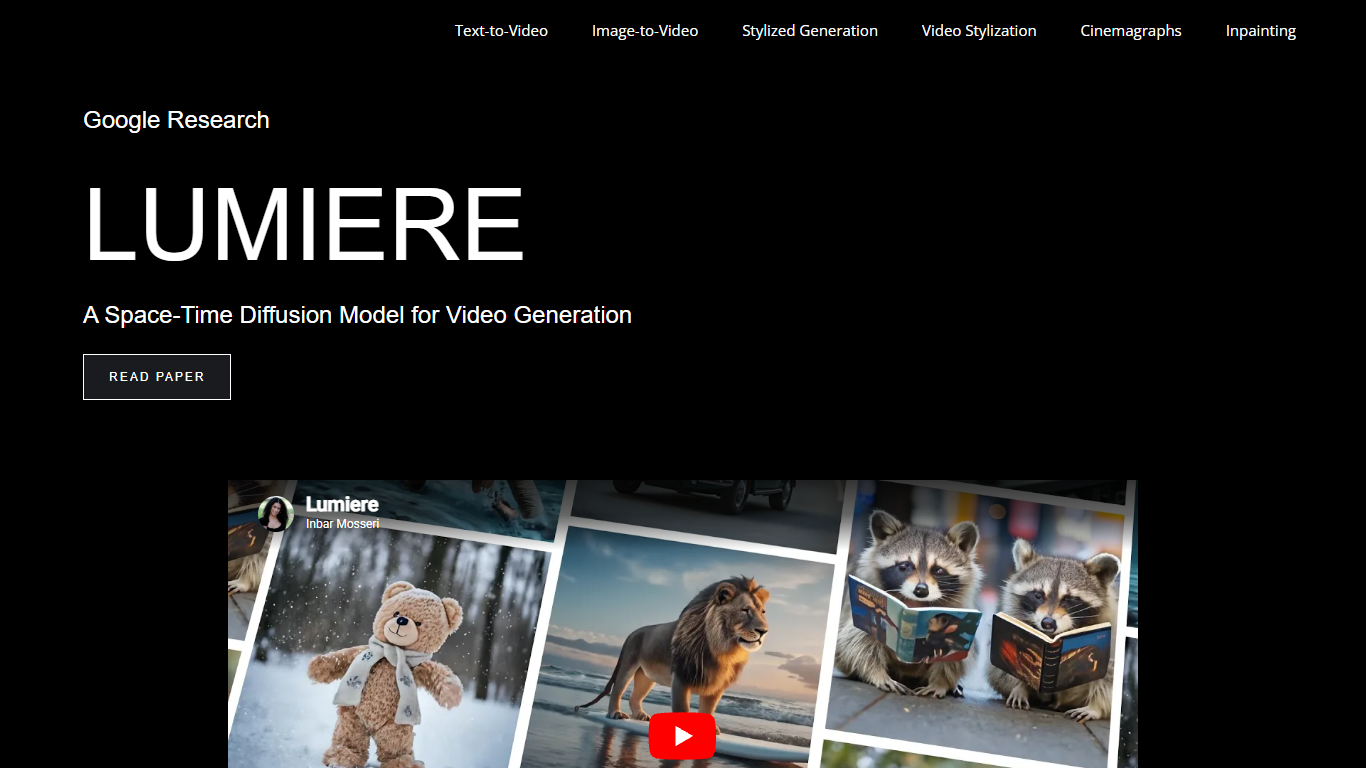
What is Lumiere?
Lumiere is a text-to-video diffusion model from Google Research built to synthesize videos with realistic, diverse, and coherent motion. The project page showcases sample outputs for text-to-video, image-to-video, stylized generation, video stylization, cinemagraphs, and video inpainting.
Its Space-Time U-Net architecture generates an entire video clip in one model pass, rather than creating distant keyframes and filling gaps with temporal super-resolution. The model uses spatial and temporal down- and up-sampling and builds on a pre-trained text-to-image diffusion backbone to produce full-frame-rate video across multiple space-time scales.
The site is a research demo and paper companion, not a consumer app. It is aimed at researchers, engineers, and creators who want to study state-of-the-art video diffusion and see what the model can do across generation and editing tasks.
Img2Video Upvotes
Lumiere Upvotes
Img2Video Top Features
Upload 2-3 JPG or PNG images up to 10MB each on the create page
Pick 5, 10, or 15 second video lengths before generation
Free plan includes 2 standard videos; Lite allows 30 and Pro allows 80 per month
Lite and Pro remove watermarks and unlock Professional Mode generation
Export MP4 or WebM with aspect ratios for Instagram, YouTube, TikTok, and Facebook
Optional text prompt field accepts up to 2000 characters per project
Lumiere Top Features
Turns text prompts into full motion clips with dozens of sample outputs on the demo page
Animates a still image into video when you pair it with a short text description
Stylized generation copies a reference image style using fine-tuned text-to-image weights
Video stylization applies text-based image editing methods frame by frame for consistent looks
Cinemagraph mode animates only a masked region while the rest of the image stays still
Video inpainting fills masked areas or edits clothing and accessories from text prompts
Img2Video Category
- Video Generation
Lumiere Category
- Video Generation
Img2Video Pricing Type
- Freemium
Lumiere Pricing Type
- Free