
Last updated 07-30-2026
Category:
Reviews:
Join thousands of AI enthusiasts in the World of AI!
Img2Video
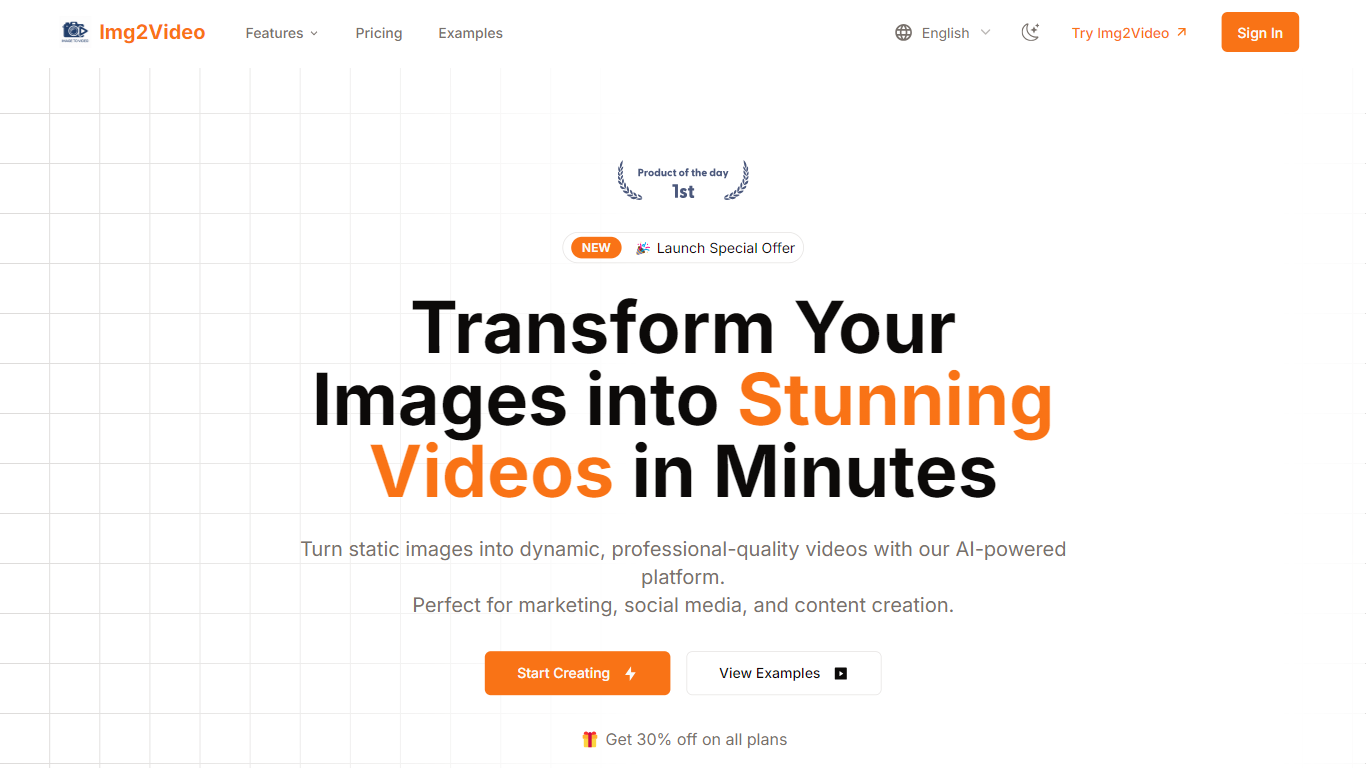
Img2Video turns uploaded still images into short animated videos through a browser workflow at img2video.org/create. You pick a template, upload 2-3 JPG or PNG files up to 10MB each, set a 5, 10, or 15 second length, and optionally add a prompt before generating the clip.
Many image-to-video apps target cinematic motion from a single photo. Img2Video focuses on multi-image slideshow-style output with templates, a royalty-free music library, and export presets sized for Instagram, TikTok, YouTube, and Facebook. Free exports carry a watermark, while Lite and Pro plans remove it and unlock Professional Mode.
The pricing section lists Free, Lite at $9.9 per month during the launch offer, and Pro at $19.9 per month with monthly quotas of 2, 30, and 80 standard videos. Content creators, social media managers, and e-commerce sellers are the audiences named across the homepage and create page.
Upload 2-3 JPG or PNG images up to 10MB each on the create page
Pick 5, 10, or 15 second video lengths before generation
Free plan includes 2 standard videos; Lite allows 30 and Pro allows 80 per month
Lite and Pro remove watermarks and unlock Professional Mode generation
Export MP4 or WebM with aspect ratios for Instagram, YouTube, TikTok, and Facebook
Optional text prompt field accepts up to 2000 characters per project
Create page accepts 2-3 images with clear 5, 10, and 15 second length options.
Free tier exists with 2 videos so you can test before paying.
Exports target common social aspect ratios and MP4 or WebM formats.
Free plan watermarks outputs and caps you at 2 standard videos.
Homepage Start Creating buttons redirect to pollo.ai with referral parameters.
Enterprise API details are mentioned in FAQs but not documented on a dedicated page.
Is Img2Video free to use?
Img2Video offers a Free plan at $0 per month with 2 standard videos, Standard Mode, and watermarked outputs. Paid Lite and Pro plans add more monthly videos and remove the watermark.
How many images does Img2Video require?
Img2Video asks for 2-3 images per project on img2video.org/create. Each file must be JPG or PNG format and can be up to 10MB in size.
What video lengths does Img2Video support?
Img2Video lets you choose 5, 10, or 15 second outputs on the create page before you generate a clip from your uploaded images.
What formats does Img2Video export?
Img2Video supports MP4 and WebM exports according to its homepage FAQ. Pro plans add resolutions up to 4K, and you can pick aspect ratios such as 16:9, 9:16, 1:1, and 4:5.
Can Img2Video videos be used commercially?
Yes. Img2Video states that generated videos can be used commercially as long as you hold rights to the source images and any music added. Pro plan marketing also lists commercial usage rights.
How do Img2Video Lite and Pro differ?
Img2Video Lite costs $9.9 per month during the launch offer and includes 30 standard videos. Pro costs $19.9 per month and includes 80 standard videos. Both add Professional Mode, faster generation, no watermarks, and priority support.