Img2Video vs Quinvio AI
In the battle of Img2Video vs Quinvio AI, which AI Video Generation tool comes out on top? We compare reviews, pricing, alternatives, upvotes, features, and more.
Which one is better? Img2Video or Quinvio AI?
Upon comparing Img2Video with Quinvio AI, which are both AI-powered video generation tools, Quinvio AI is the clear winner in terms of upvotes. The upvote count for Quinvio AI is 10, and for Img2Video it's 6.
Think we got it wrong? Cast your vote and show us who's boss!
Img2Video
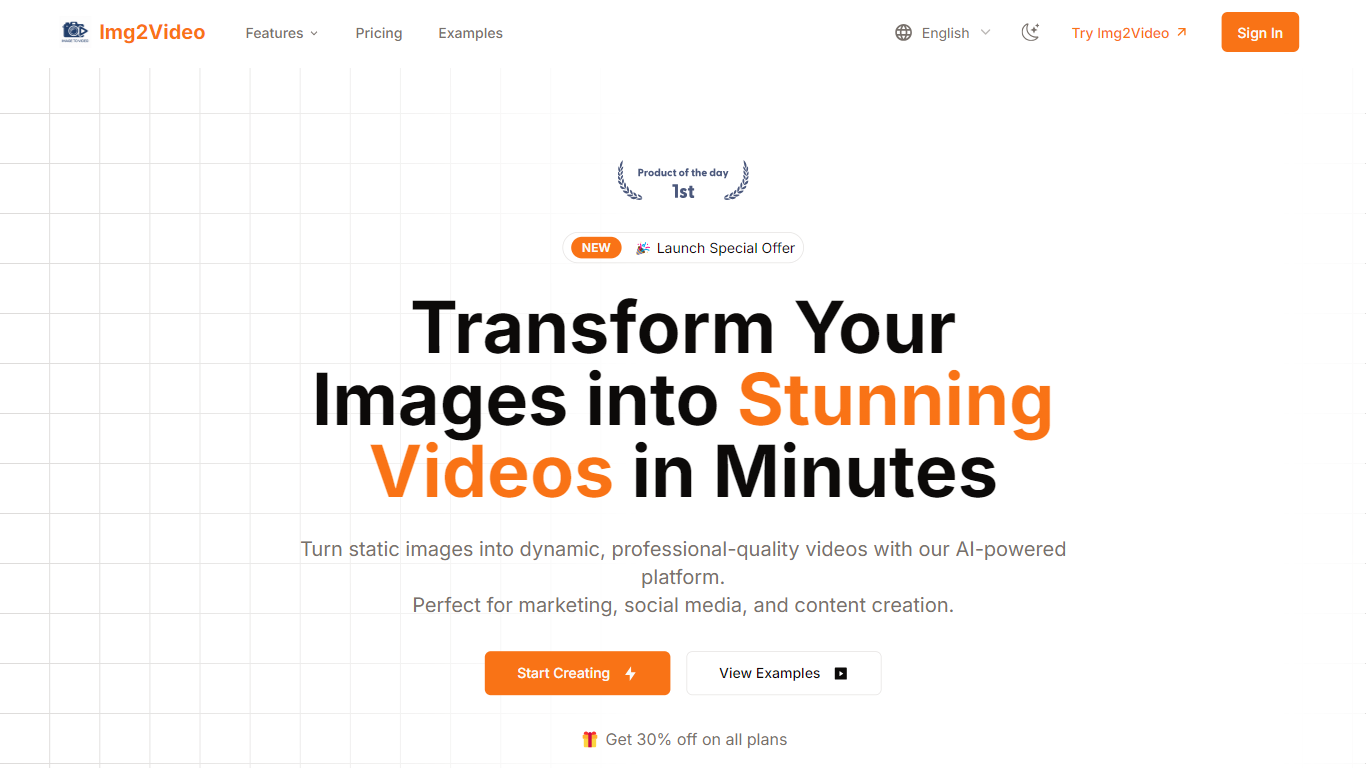

What is Img2Video?
Img2Video turns uploaded still images into short animated videos through a browser workflow at img2video.org/create. You pick a template, upload 2-3 JPG or PNG files up to 10MB each, set a 5, 10, or 15 second length, and optionally add a prompt before generating the clip.
Many image-to-video apps target cinematic motion from a single photo. Img2Video focuses on multi-image slideshow-style output with templates, a royalty-free music library, and export presets sized for Instagram, TikTok, YouTube, and Facebook. Free exports carry a watermark, while Lite and Pro plans remove it and unlock Professional Mode.
The pricing section lists Free, Lite at $9.9 per month during the launch offer, and Pro at $19.9 per month with monthly quotas of 2, 30, and 80 standard videos. Content creators, social media managers, and e-commerce sellers are the audiences named across the homepage and create page.
Quinvio AI
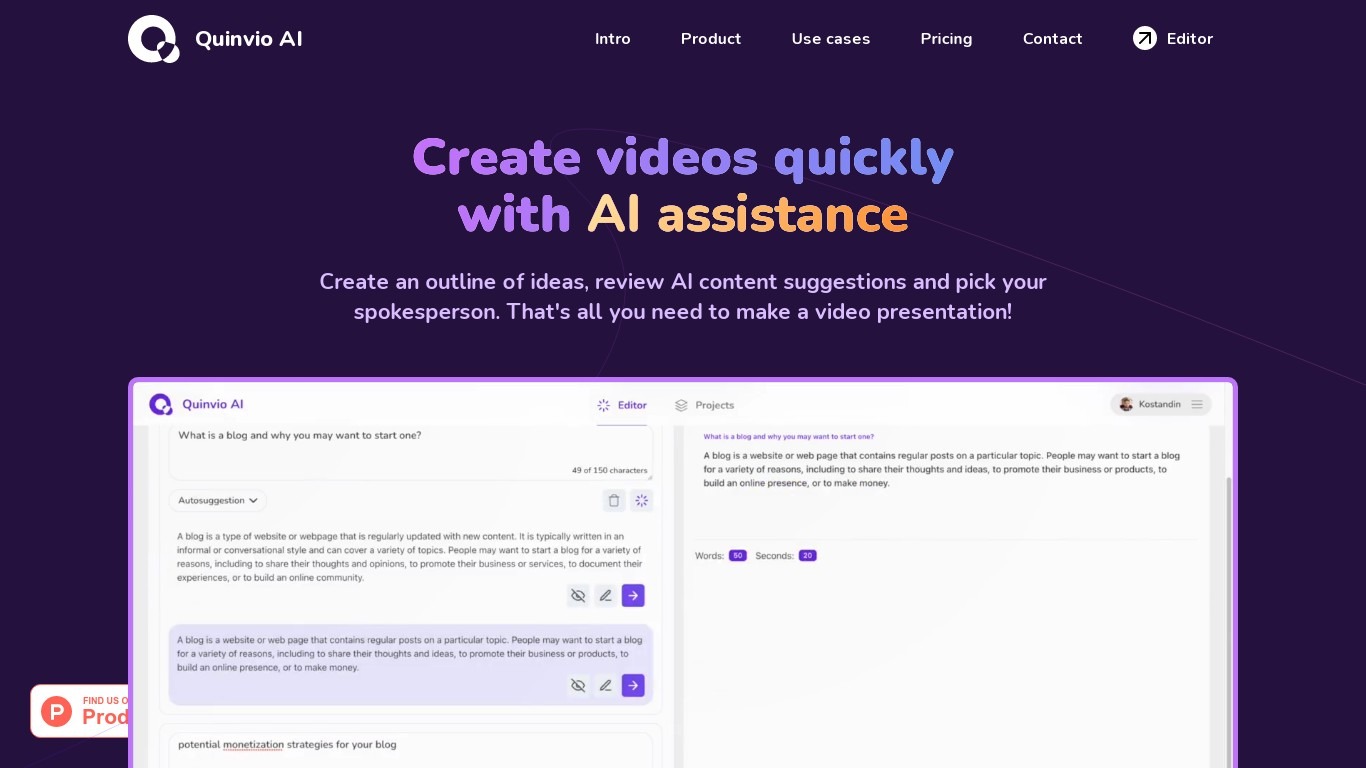
What is Quinvio AI?
Try out your content ideas with AI and turn your plan into videos with realistic AI avatars speaking different languages and styles. Create videos quickly with pre-made templates, get AI content suggestions and make videos faster.
Img2Video Upvotes
Quinvio AI Upvotes
Img2Video Top Features
Upload 2-3 JPG or PNG images up to 10MB each on the create page
Pick 5, 10, or 15 second video lengths before generation
Free plan includes 2 standard videos; Lite allows 30 and Pro allows 80 per month
Lite and Pro remove watermarks and unlock Professional Mode generation
Export MP4 or WebM with aspect ratios for Instagram, YouTube, TikTok, and Facebook
Optional text prompt field accepts up to 2000 characters per project
Quinvio AI Top Features
No top features listedImg2Video Category
- Video Generation
Quinvio AI Category
- Video Generation
Img2Video Pricing Type
- Freemium
Quinvio AI Pricing Type
- Freemium