Img2Video vs SoraWebui
Compare Img2Video vs SoraWebui and see which AI Video Generation tool is better when we compare features, reviews, pricing, alternatives, upvotes, etc.
Which one is better? Img2Video or SoraWebui?
When we compare Img2Video with SoraWebui, which are both AI-powered video generation tools, Both tools have received the same number of upvotes from aitools.fyi users. Join the aitools.fyi users in deciding the winner by casting your vote.
You don't agree with the result? Cast your vote to help us decide!
Img2Video


What is Img2Video?
Img2Video turns uploaded still images into short animated videos through a browser workflow at img2video.org/create. You pick a template, upload 2-3 JPG or PNG files up to 10MB each, set a 5, 10, or 15 second length, and optionally add a prompt before generating the clip.
Many image-to-video apps target cinematic motion from a single photo. Img2Video focuses on multi-image slideshow-style output with templates, a royalty-free music library, and export presets sized for Instagram, TikTok, YouTube, and Facebook. Free exports carry a watermark, while Lite and Pro plans remove it and unlock Professional Mode.
The pricing section lists Free, Lite at $9.9 per month during the launch offer, and Pro at $19.9 per month with monthly quotas of 2, 30, and 80 standard videos. Content creators, social media managers, and e-commerce sellers are the audiences named across the homepage and create page.
SoraWebui
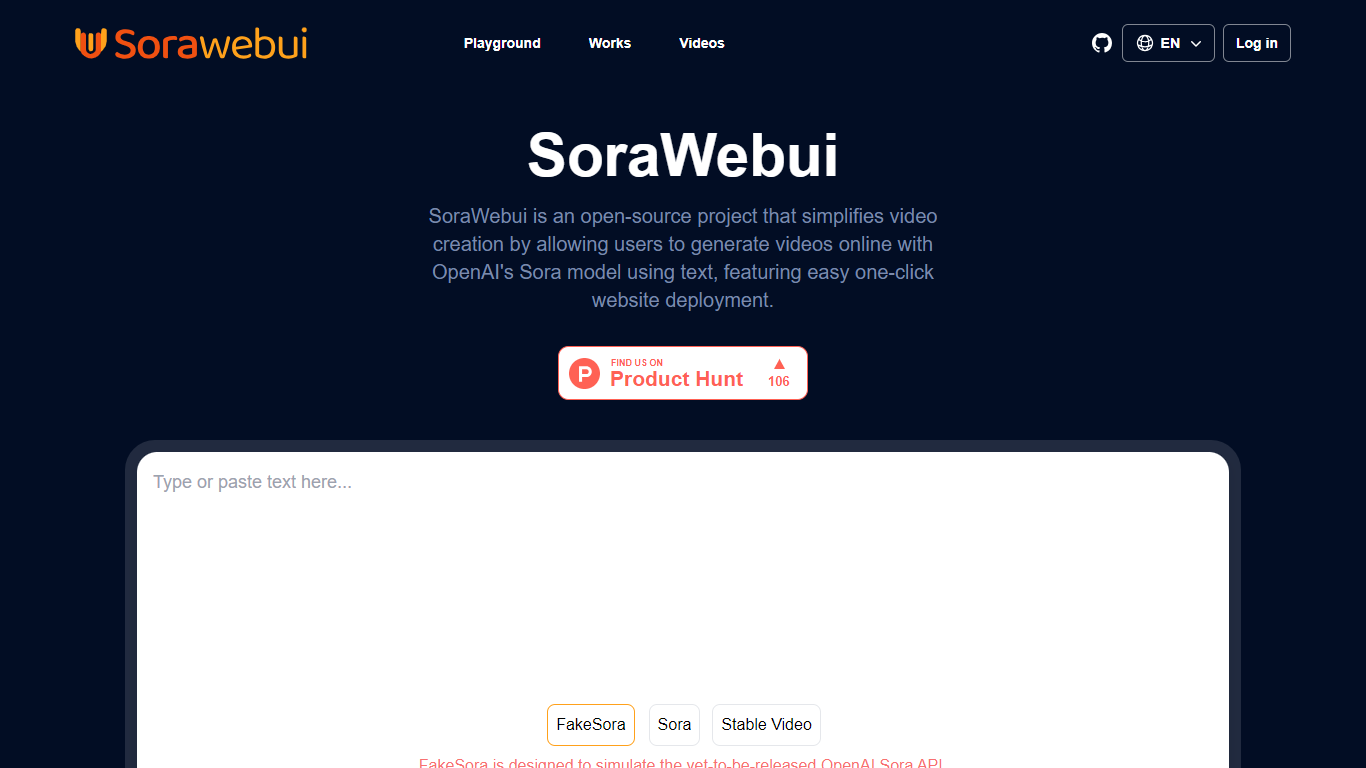
What is SoraWebui?
SoraWebui is an open-source web client for turning text prompts into videos with OpenAI's Sora model. It gives anyone a browser-based playground to type a scene description, generate a clip, and browse example outputs without building a custom interface from scratch.
The hosted site runs on FakeSoraAPI, a mock layer that mimics the unreleased Sora API so developers can test request formats and responses today. When OpenAI ships the real Sora API, the project roadmap points to swapping in the live endpoint.
Developers can also fork the repo and deploy their own instance with one-click Vercel setup. That makes SoraWebui useful for teams that want a branded text-to-video front end, hobbyists exploring generative video, and builders prototyping Sora integrations before launch.
Img2Video Upvotes
SoraWebui Upvotes
Img2Video Top Features
Upload 2-3 JPG or PNG images up to 10MB each on the create page
Pick 5, 10, or 15 second video lengths before generation
Free plan includes 2 standard videos; Lite allows 30 and Pro allows 80 per month
Lite and Pro remove watermarks and unlock Professional Mode generation
Export MP4 or WebM with aspect ratios for Instagram, YouTube, TikTok, and Facebook
Optional text prompt field accepts up to 2000 characters per project
SoraWebui Top Features
Type a text prompt in the playground and generate a video in the browser
FakeSoraAPI simulates the unreleased OpenAI Sora API for development and testing
One-click Vercel deployment for self-hosting the full web client on your domain
Videos gallery shows sample Sora clips alongside the prompts that created them
Stable Video Diffusion playground offers an alternate generation path on the site
Img2Video Category
- Video Generation
SoraWebui Category
- Video Generation
Img2Video Pricing Type
- Freemium
SoraWebui Pricing Type
- Free