Img2Video vs Synthesia
When comparing Img2Video vs Synthesia, which AI Video Generation tool shines brighter? We look at pricing, alternatives, upvotes, features, reviews, and more.
In a comparison between Img2Video and Synthesia, which one comes out on top?
When we put Img2Video and Synthesia side by side, both being AI-powered video generation tools, The community has spoken, Synthesia leads with more upvotes. Synthesia has attracted 9 upvotes from aitools.fyi users, and Img2Video has attracted 6 upvotes.
You don't agree with the result? Cast your vote to help us decide!
Img2Video
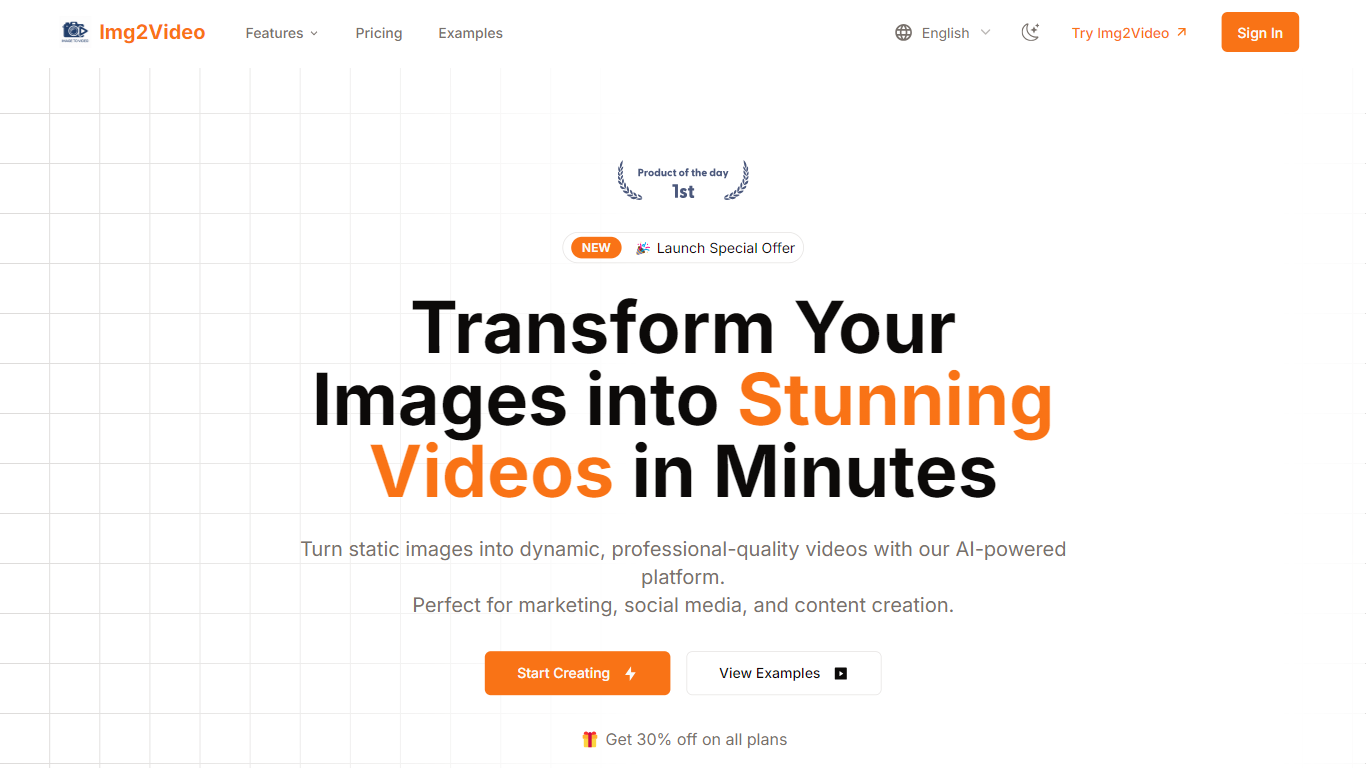

What is Img2Video?
Img2Video turns uploaded still images into short animated videos through a browser workflow at img2video.org/create. You pick a template, upload 2-3 JPG or PNG files up to 10MB each, set a 5, 10, or 15 second length, and optionally add a prompt before generating the clip.
Many image-to-video apps target cinematic motion from a single photo. Img2Video focuses on multi-image slideshow-style output with templates, a royalty-free music library, and export presets sized for Instagram, TikTok, YouTube, and Facebook. Free exports carry a watermark, while Lite and Pro plans remove it and unlock Professional Mode.
The pricing section lists Free, Lite at $9.9 per month during the launch offer, and Pro at $19.9 per month with monthly quotas of 2, 30, and 80 standard videos. Content creators, social media managers, and e-commerce sellers are the audiences named across the homepage and create page.
Synthesia
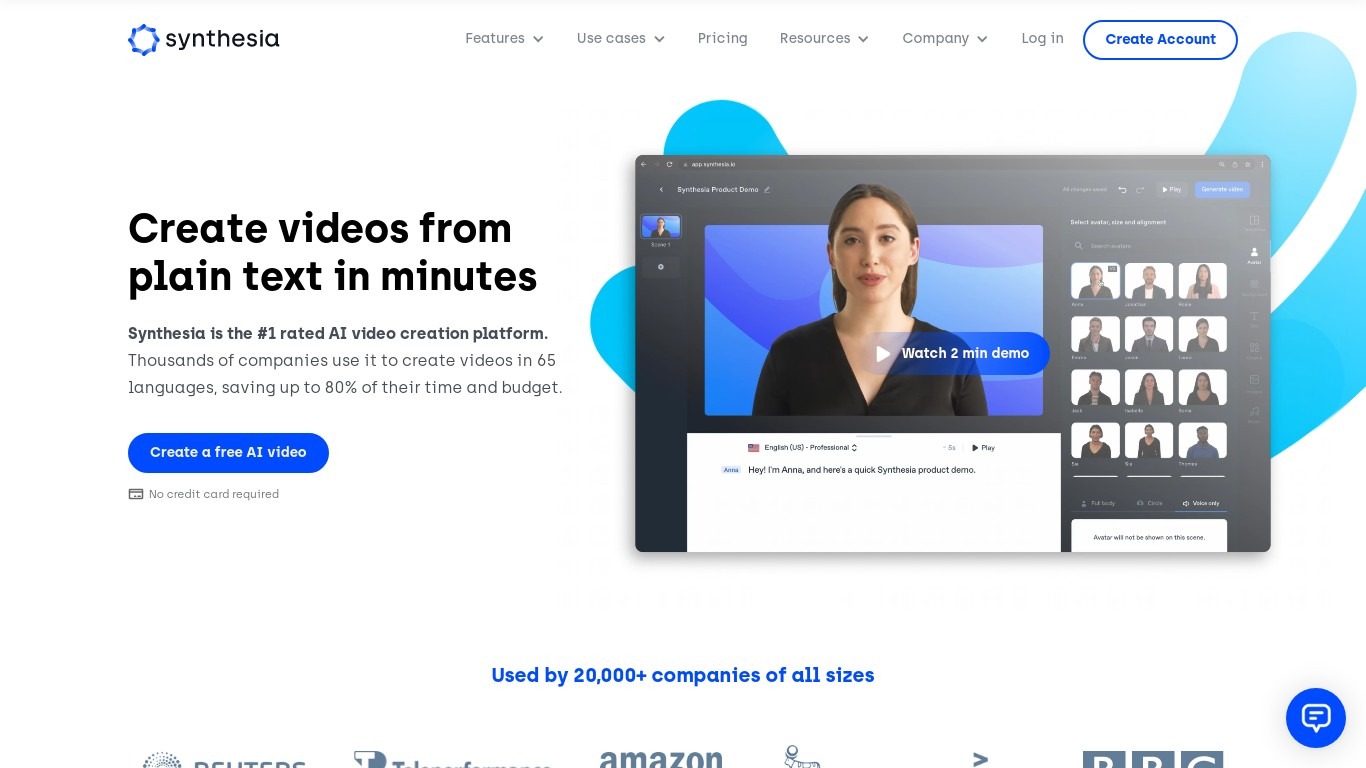
What is Synthesia?
Synthesia turns scripts into presenter-led videos using 240+ stock avatars, cloned voices, and lip-synced dubbing across 160+ languages. You write text, pick an avatar, and export MP4 or SCORM without cameras, studios, or voice actors. The Basic plan includes 10 minutes of generated video per month with 9 stock avatars.
Where most avatar video tools stop at export, Synthesia runs create, localize, collaborate, and publish in one workspace. Embedded videos auto-update when you edit the source, SCORM packages ship with translated versions, and Enterprise teams get Brand Kits plus SAML/SSO. Roleplay Sessions add a newer angle: practice sales or support conversations with interactive avatars that score your responses.
L&D teams use it for compliance and onboarding at scale. Sales enablement groups ship pitch refreshes in minutes instead of booking shoots. Marketing and internal comms teams localize one master video into dozens of languages with one-click translation. Over 50,000 companies use it, including a large share of the Fortune 100.
Img2Video Upvotes
Synthesia Upvotes
Img2Video Top Features
Upload 2-3 JPG or PNG images up to 10MB each on the create page
Pick 5, 10, or 15 second video lengths before generation
Free plan includes 2 standard videos; Lite allows 30 and Pro allows 80 per month
Lite and Pro remove watermarks and unlock Professional Mode generation
Export MP4 or WebM with aspect ratios for Instagram, YouTube, TikTok, and Facebook
Optional text prompt field accepts up to 2000 characters per project
Synthesia Top Features
🎥 AI Avatars: Choose from 240+ avatars or create your own personal avatar to deliver your message naturally.
🌍 Multilingual Support: Translate videos into 80+ languages with one click and use AI dubbing for perfect lip-sync.
🤝 Live Collaboration: Work with your team in real time to edit videos and gather feedback efficiently.
🗣️ Voice Cloning: Clone your voice to create personalized videos with your digital twin speaking in 30+ languages.
🧑💼 Roleplay Sessions: Practice real conversations with interactive AI avatars, get live coaching, and track skill progress.
Img2Video Category
- Video Generation
Synthesia Category
- Video Generation
Img2Video Pricing Type
- Freemium
Synthesia Pricing Type
- Freemium